A QR Link to the SDS Does Not Replace the Chemical Label
Published
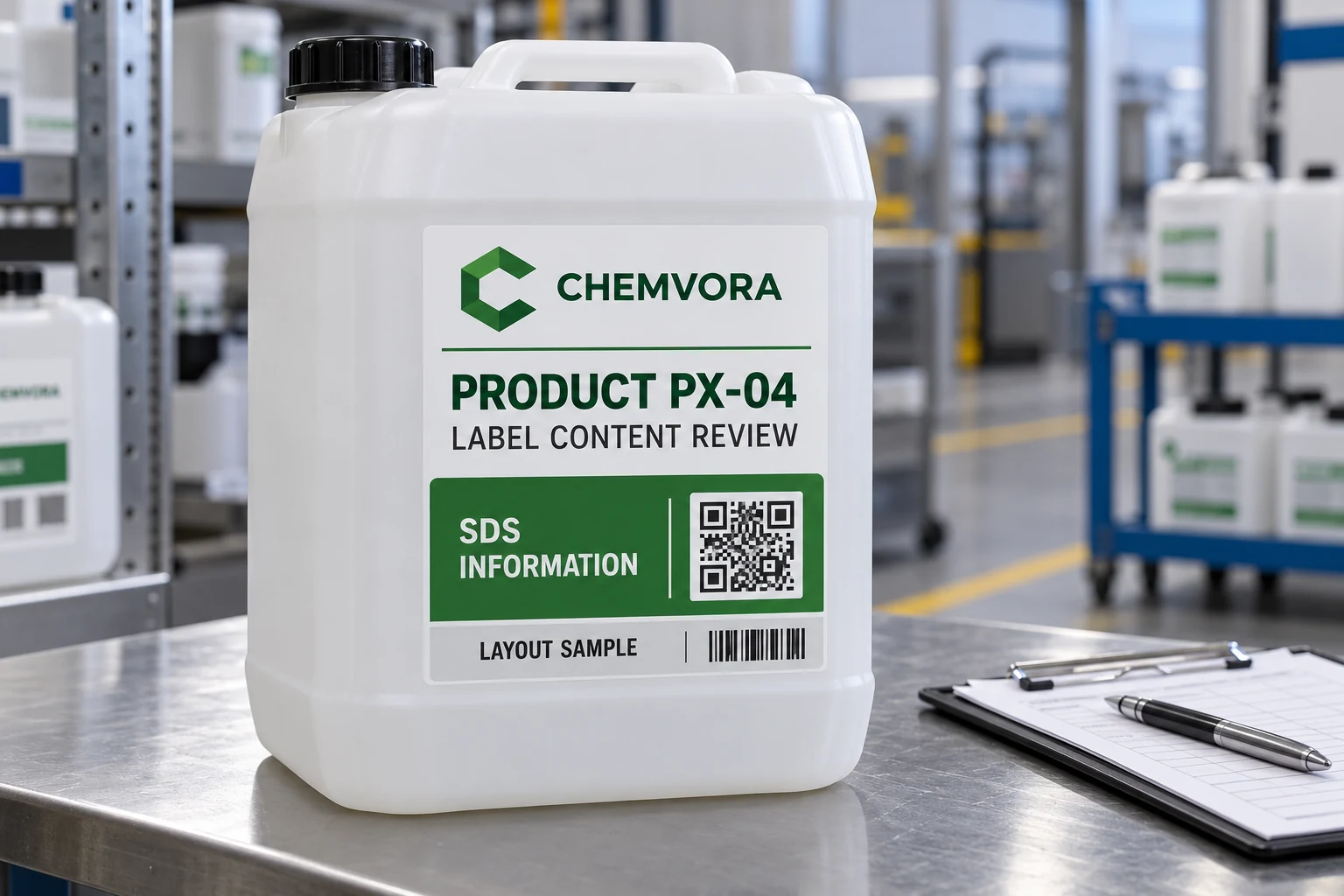
The chemical label is crowded. Removing the visible information and adding a large QR code would make the layout cleaner, but it would also change how a worker receives the information. A link that opens an SDS is useful only within a properly approved labeling and access arrangement.
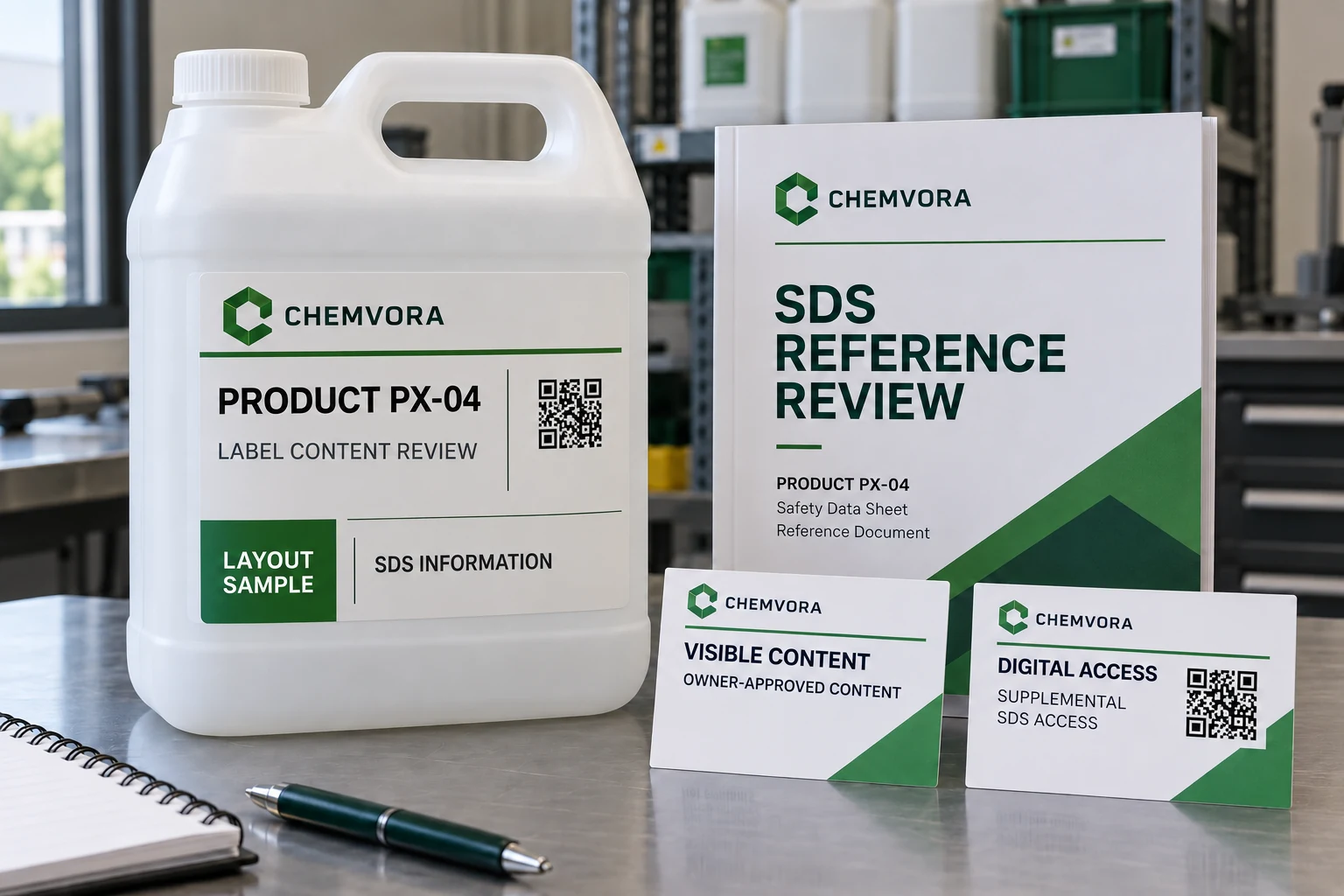
Keep required container information under the chemical-label owner's control and treat the QR destination as a separately maintained supplement. Confirm the applicable label format and SDS-access process before reducing visible content. A successful phone scan is not a complete hazard-communication approval.
Start with the container and the applicable task
Identify whether the project concerns a shipped container, workplace container or another specific application. Do not carry a layout decision from one context into another without the responsible review. The chemical information guide covers the content handoff, while this guide addresses the proposed substitution of a link for visible information.
OSHA 1910.1200 has separate provisions for shipped-container labels, workplace labeling and SDS access. Electronic SDS access is permitted only where it does not create barriers to immediate employee access. The responsible chemical and workplace owners should determine the applicable requirements and approved arrangement.
This article does not classify a chemical or approve a site's compliance. It gives purchasing a way to keep the printed information and digital-access decisions from being collapsed into one attractive graphic.
Give the printed label and the link different owners
The chemical-label owner should provide the exact approved content and product scope. The digital owner should identify the destination, document version handling and maintenance responsibility. Those roles can belong to the same organization while still requiring different evidence.
Connect both to the correct product identifier. A QR code that opens an SDS for a similarly named chemical is not repaired by being easy to scan. The source product, label version and destination record need a controlled relationship.
Avoid temporary personal file links or destinations that depend on an employee's account without an approved continuity plan. The buyer should know who can maintain the route when staff, document hosting or product information changes.
Review visible content before borrowing its space
Ask the responsible owner to mark which information belongs on the proposed label and what layout alternatives are acceptable. Do not remove text because a designer considers it repetitive with the SDS. The label and SDS have related purposes, but they are not interchangeable print assets.
If space is limited, return the complete requirement for an appropriate layout discussion. A larger label, different approved presentation or another permitted arrangement may be considered by the owner. Do not assume that a small container automatically permits QR-only information.
| Review area | Evidence to obtain | Question to resolve |
|---|---|---|
| Container context | Responsible scope determination | Which approved labeling arrangement applies? |
| Visible label | Exact content and final-size proof | What must remain available on the container? |
| Product relationship | Product identifier and source reference | Does the destination belong to this product? |
| Digital route | Approved locator and maintenance owner | Who keeps it current and accessible? |
| Access conditions | Intended devices and workplace process | Can workers obtain the information as required? |
| Change control | Label and SDS update responsibilities | What triggers a coordinated review? |
This is a proposed purchasing checklist, not a complete regulatory checklist. Keep the responsible qualified review with the project record.
Test access without confusing it with label approval
Use the intended devices and actual approved access route. Observe whether the correct document opens, whether authentication or network conditions create a barrier, and how the workplace handles unavailable access. The owner should define the required test and response.
Check the printed code after application to the representative container. Curvature, placement and handling can affect capture. A desktop print lying flat beside a phone does not represent every container or workplace condition.
Record destination correctness separately from symbol readability. If the code decodes but the document is wrong, correct the mapping. If the route is correct but access fails, investigate the digital process. Neither observation automatically justifies deleting visible label information.
Keep a suitable existing label when adding digital access
Where the current printed label remains approved, adding a supplemental digital route may need only a controlled layout change. Preserve the existing content and review the complete revised output so the new code does not crowd or obscure it.
If the current label is already too small for its approved content, a QR code should not disguise the unresolved layout problem. Return the available space and full requirement to the chemical-label owner before ordering. A cleaner-looking design is useful only when the approved information remains appropriately communicated.
Conversely, if the digital link adds no useful task or cannot be maintained, retaining the approved printed label without it may be the better option. More access features create more responsibilities as well as more squares on the artwork.
Preserve the source relationship on reorders
Keep the approved label, product reference, destination pattern and update responsibility together. When an SDS or product record changes, the responsible owner should decide whether the label, link, both or neither need revision. Do not assume a redirected URL resolves every content-change obligation.
For chemical drum and container labels, prepare a printed-and-digital brief with the approved content, container context, destination reference, access requirements, actual container photos, label dimensions and quantities. Organize the requirements on the contact page and send supporting files through email or WhatsApp. Approve what the worker can read on the container and what the link adds as two connected decisions.