Variable Label Text With Accents: Check the Characters, Then the Font
Published
The source file contains the right product name. The label proof shows a question mark, an empty box or a different character. Sending a larger logo will not help, and asking the printer to remove the accent can turn an output fault into an unauthorized wording change.
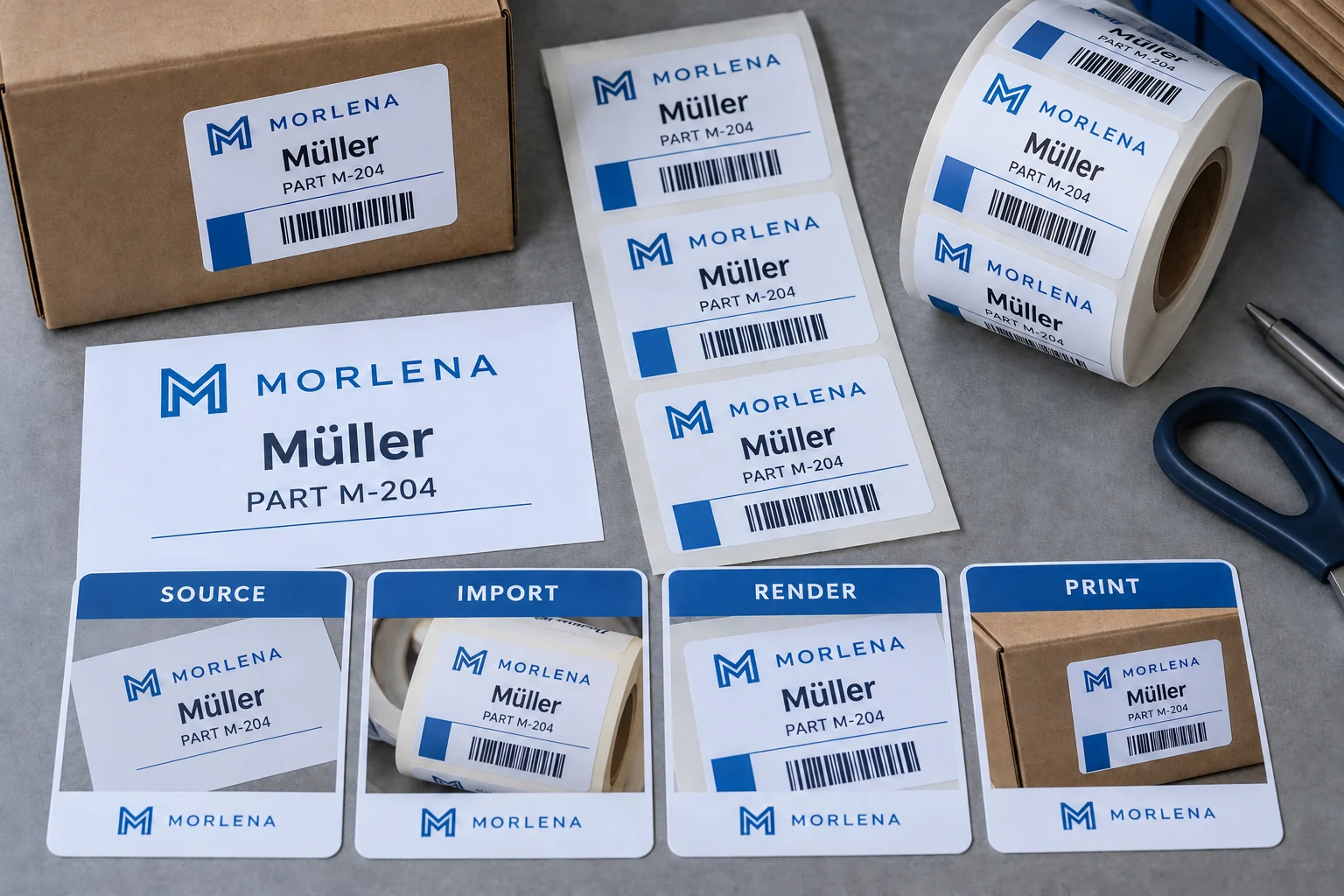
Check the text through four stages: source, import, rendering and finished print. First establish whether the intended characters survived the data transfer. Then establish whether the selected font and print path can display them. Those are separate questions with different remedies.
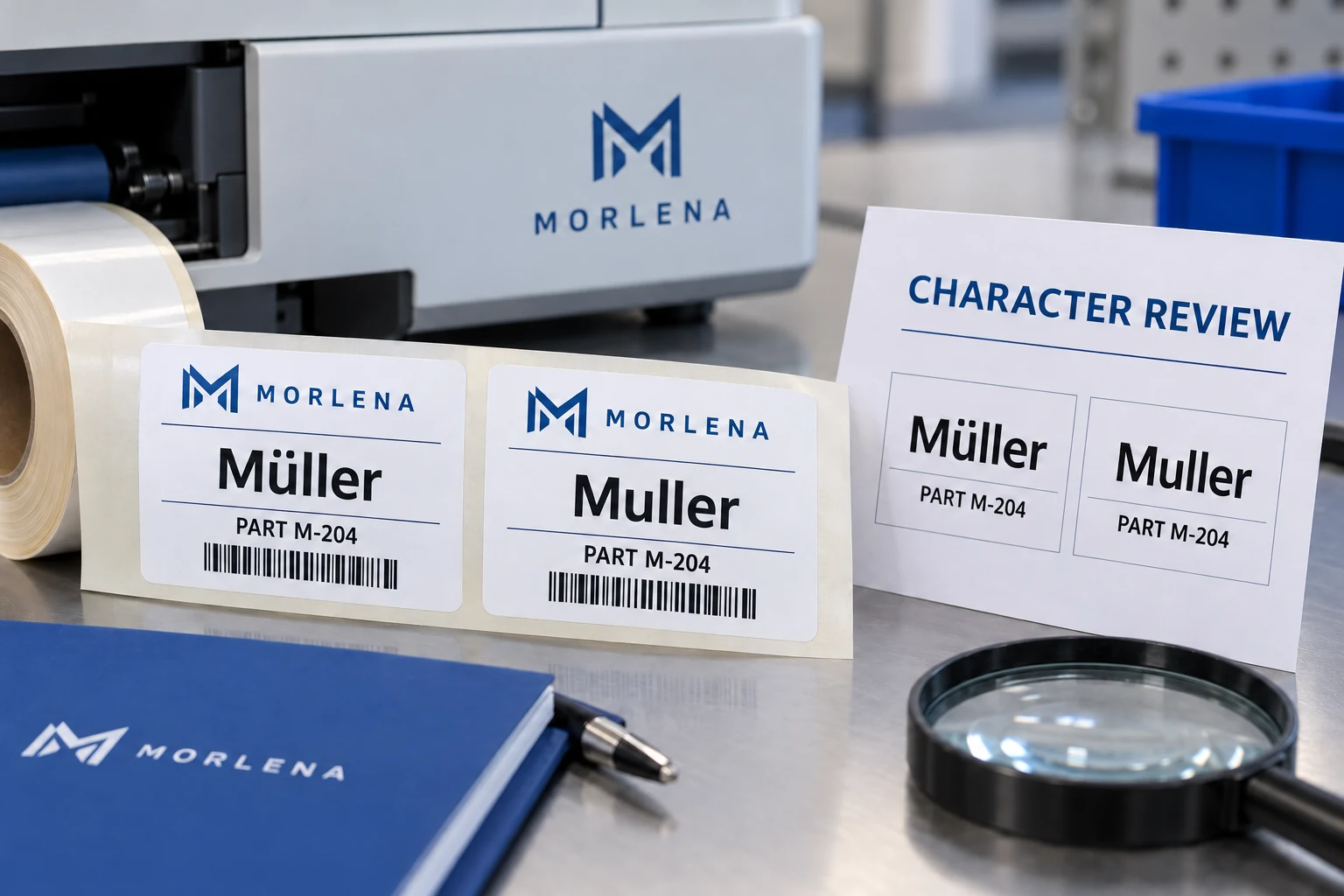
Preserve the actual string before troubleshooting
Keep a controlled copy of the buyer-approved data. Record the source file, the affected field and the exact intended value. Where practical, include the character in a readable reference and an unambiguous technical representation supplied by the data owner.
Do not use a screenshot as the only data source. It can show the intended appearance, but it does not reliably tell the receiving software which characters or encoding to import. Conversely, a technically valid file can still contain the wrong wording. Content approval remains the buyer's responsibility.
For an illustrative name containing an accented character, retain that complete value throughout the comparison. Removing the character to make the error disappear proves only that a simpler string follows a different path. It does not qualify the intended label.
Find the first stage where the value changes
Inspect the field immediately after import into the authorized labeling workflow. If the value is already wrong there, investigate the export and import interpretation before changing fonts. A font cannot recover information that has been replaced during transfer.
If the imported value remains correct but the preview shows an empty box, review the selected font's supported characters and the rendering path. If the preview is correct but printed output differs, include device fonts, driver behavior and downloaded resources in the technical owner's review.
These observations narrow the investigation; they are not a universal diagnosis. Software and printer versions differ. Use the documentation for the actual workflow and retain the configuration reference with the sample rather than copying settings from an unrelated device.
Choose witness text that exposes the real requirement
A sample containing only plain English letters cannot qualify a multilingual or accented data set. Select representative actual records, including the characters, punctuation and longest relevant field that the order requires. Do not fill the proof with invented translations.
Include a nearby ordinary record as a control. It can help show whether the problem affects all text, a particular character family or one field. Keep each witness tied to its source row so the reviewer can compare exact values instead of judging resemblance.
| Witness checkpoint | What to retain | What it can establish |
|---|---|---|
| Approved source | Exact text and source revision | Intended content |
| Imported field | Captured value in the labeling workflow | Transfer preserved the string |
| Rendered proof | Font and template reference | Intended visible characters appear |
| Finished output | Actual print sample and setup | The production path reproduces the proof |
| Content approval | Qualified owner where needed | Wording and language are appropriate |
This is a proposed buyer record, not a certification or software test suite. Expand it only where the actual data set requires more coverage.
Do not confuse character support with translation approval
A font displaying every glyph does not make the text linguistically correct. The multilingual label guide covers the separate need for approved source wording, translations and responsible reviewers.
Keep that distinction visible when a designer proposes a substitution. Replacing one punctuation mark may be acceptable under a buyer-approved rule. Replacing a letter in a product name may change the name. The data owner must decide what is equivalent; the printer should not infer equivalence from visual similarity.
For safety or regulated information, obtain the responsible qualified review rather than treating this character check as content approval. This article addresses reproduction of approved text, not the adequacy of the message itself.
A different font may be cheaper than new artwork
If the approved data reaches the template intact and the problem is limited to character support, an appropriate font change may solve it. Review the whole affected field afterward: different character widths can change wrapping, spacing and available room beside codes.
If the existing font and print path already support the required text, correcting the import may allow the original artwork to remain. That is preferable to rebuilding every label merely because the first import was misinterpreted.
Converting fixed text to artwork can be appropriate in a controlled production process, but it does not automatically solve variable-data requirements. A name that changes on every label still needs a reliable method for rendering each approved value. Ask the supplier to explain the intended path and return representative finished output.
Release the file rules with the print sample
Record the accepted data format, import interpretation, template, fonts or resources, device setup and witness records. Keep the approved text file with the output evidence. A later export from a different application should not silently inherit the previous approval.
Define what happens when a new character appears outside the reviewed set. The practical answer can be a flagged record and owner review rather than an automatic substitution. That allows ordinary records to proceed under the approved process while the exceptional field is resolved.
For variable data labels, prepare a character-proof brief with the actual data file, affected examples, intended text, template reference, output photos, label dimensions and quantity. Organize the requirements on the contact page, then send files through email or WhatsApp. The aim is to reproduce the approved words accurately, not simply to remove the visible error.