Equipment Label Units: Approve the Value, Prefix and Symbol Together
Published
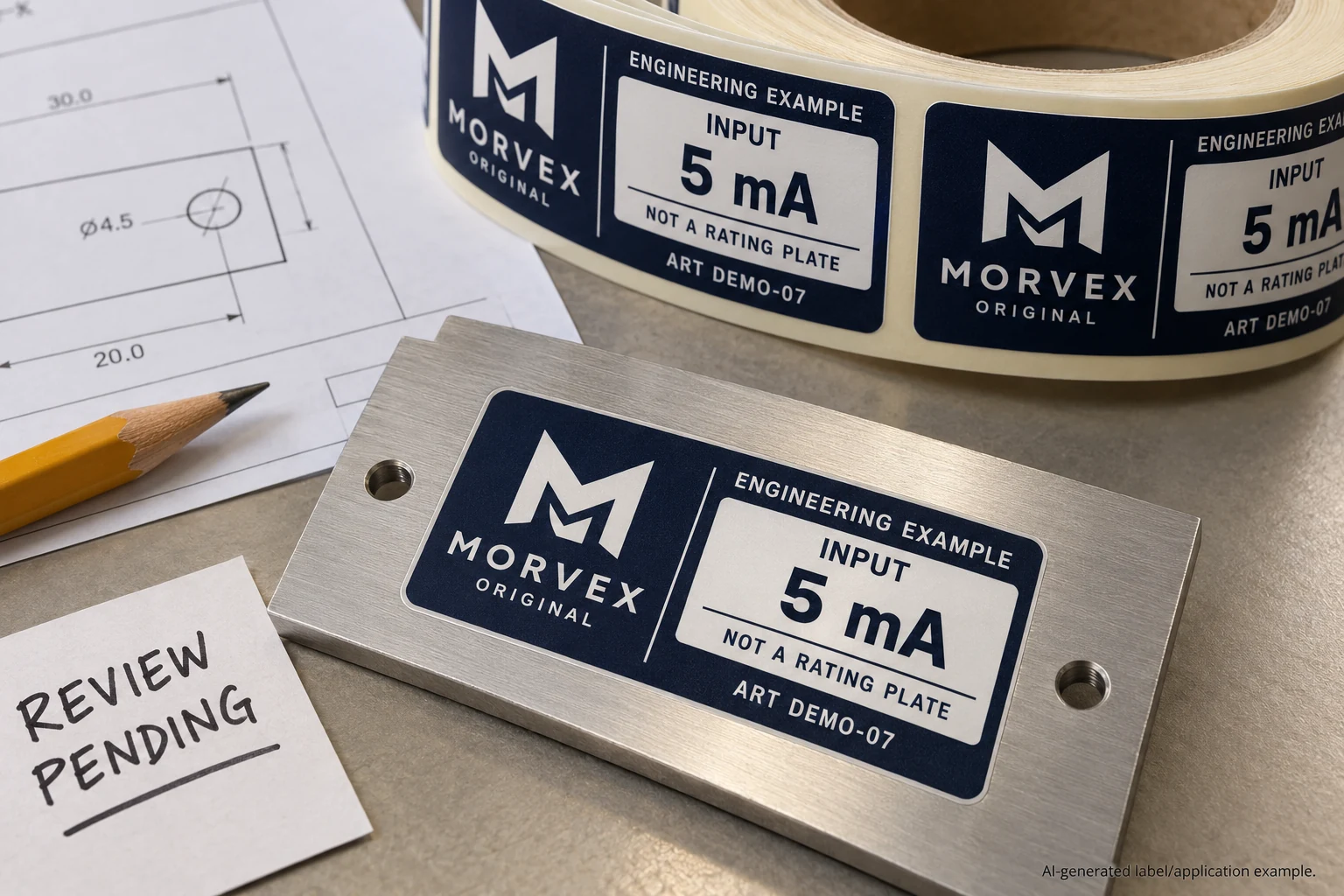
The digits match the engineering sheet. The label's small prefix does not. A designer checking only the number can approve a tidy layout that communicates a different quantity.
For equipment label data, approve the value, prefix and unit together. Link that complete expression to the quantity it describes and to the exact place it will appear. Any conversion or change of meaning belongs with the responsible engineering owner, not an unrecorded formatting decision.
The procurement task is to preserve approved technical information as it moves into artwork. This guide does not recommend a current, voltage, pressure or other equipment rating. The examples below are hypothetical checks of meaning, not values to put on a real machine.
A prefix is part of the information being purchased
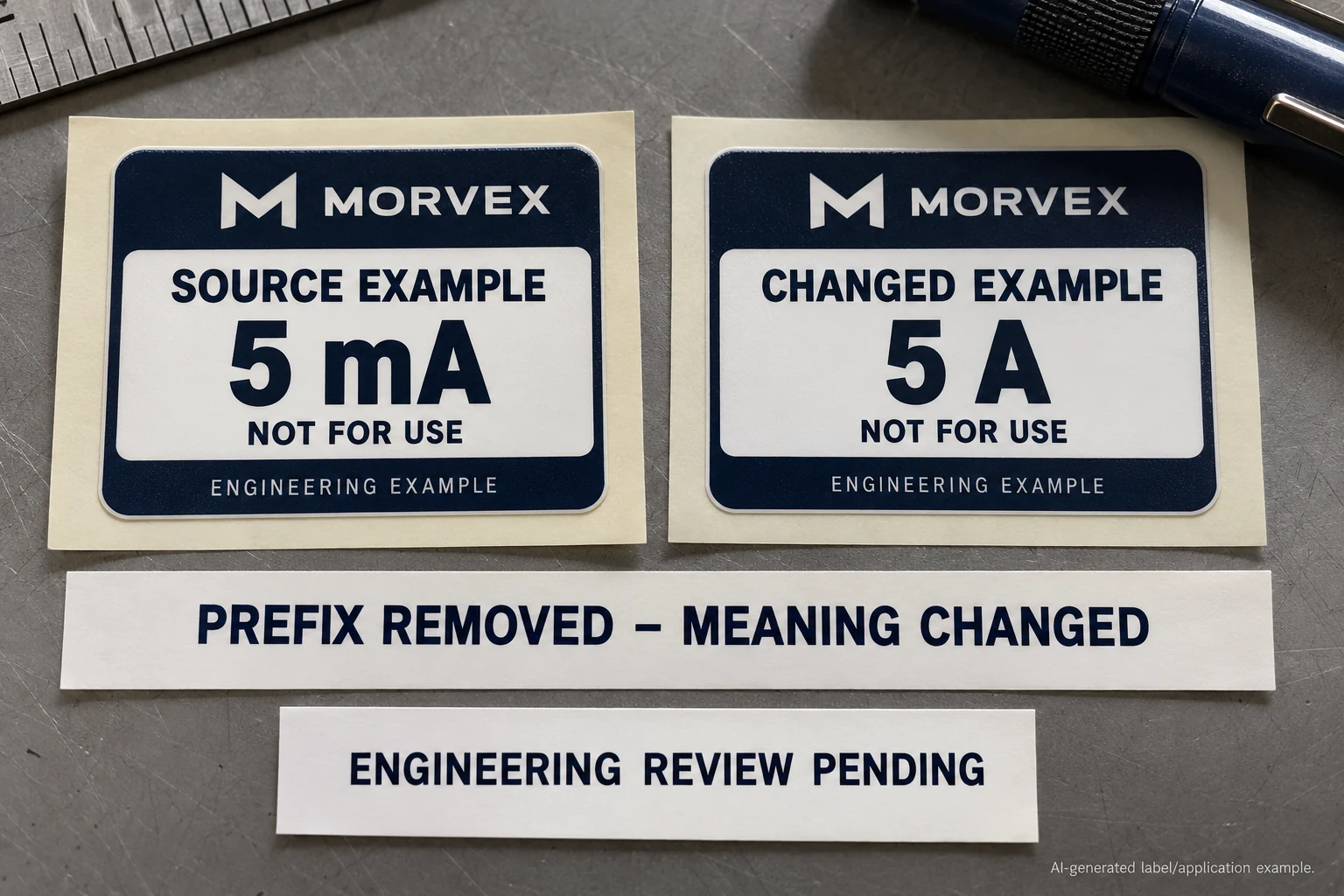
Consider an illustrative source value of 5 mA and a changed proof showing 5 A. Removing the lowercase m does more than simplify the typography: the two quantities differ by a factor of one thousand. The numbers look identical while the meaning changes.
The BIPM SI Brochure, ninth edition, version 4.01 revised June 2026, defines the relevant notation. Section 3 assigns milli the symbol m and a factor of 10⁻³; prefix symbols attach directly to unit symbols. Section 5.4.3 separates the numerical value from the unit by a space, with specific plane-angle exceptions. The official brochure PDF provides the full context.
Those notation rules do not determine the correct rating for any product. They explain why a blanket style instruction such as making every technical field uppercase can be inappropriate. Have the technical owner approve the intended expression before a graphic convention is applied to it.
Name the quantity, not just its unit
A value can be reproduced exactly and still appear beside the wrong field name. Ask what the quantity represents and which approved source governs it. A shared template should not make a current value appear where a different technical field belongs.
Separate source data from display instructions. If a database stores the number and unit in different columns, record how they are combined. If an approved display string already exists, preserve its meaning rather than silently rebuilding it from a convenient neighboring field.
The electrical rating label guide discusses fixed and variable information and legibility. This review adds a semantic check: does the printed expression still mean what the approved engineering source says, in the right location?
Give the artwork owner an exact display contract
Do not send a table of unexplained digits and expect the designer to infer the units. Provide a controlled record connecting the source quantity to the finished label. For example:
| Record element | What the owner approves |
|---|---|
| Quantity | Field meaning and authoritative source reference |
| Value and unit | Approved numerical value, prefix and unit together |
| Display | Exact intended text, including case and relevant notation |
| Destination | Artwork field and product/model variants covered |
| Authority | Engineering approver and how changes are returned for review |
The record can sit beside the SKU or model matrix. It should make it possible to compare one source row with one proof field without relying on the designer's memory. Record blanks and exceptions explicitly; do not interpret a missing unit as permission to use the unit from the preceding row.
This is a project handoff method, not a new technical standard. The responsible engineering owner still decides which information is required and which source is authoritative for the actual product.
Review the rows that exercise the mapping
Ask the technical owner which representative records expose the template's relevant cases. These might include a prefix, a decimal value, a different approved unit or an intentional blank. Select cases from the actual product data; do not invent values merely to fill a proof sheet.
Compare the approved source, generated display string and returned artwork together. Review case, decimal representation, unit location and field meaning. If a proposed conversion changes the displayed number, return it for technical approval with the conversion stated. A neat result is not evidence that the transformation was authorized.
Check the final-size proof as well. Correct semantics and readable reproduction are separate questions, and both can matter. Confirm that a small prefix remains distinguishable in the agreed physical evidence. A screen view alone does not prove service readability or the performance of the selected label construction.
Choose a controlled string when automation adds unnecessary decisions
A supplier-ready column containing owner-approved display strings can be the simpler option for a modest, stable set of labels. It reduces the number of transformations the artwork workflow needs to perform. Keep the source reference and approver attached so the column does not become an unexplained copy.
Structured generation can also work when the data volume or workflow justifies it. Its rules need named ownership, reviewed mappings and representative outputs. The alternative is not manual typing versus reliable software in the abstract; it is which agreed process makes the actual transformation visible and reviewable.
Avoid changing notation solely to make a narrow field fit. The owner may approve a layout adjustment or another representation, but the designer should not remove a prefix or change a unit to save space. Resolve the space problem without silently changing the technical statement.
Release the approved meaning with the artwork
When a correction is made, identify the affected records and artwork versions. A revised template does not prove that every product row has been checked. The release record should state what was reviewed, by whom and which earlier references it supersedes.
For electronics and electrical labels, I would retain the quantity-to-display record with the production brief. It gives procurement a concrete answer to “which technical wording did the engineering owner approve?”
Preparing technical label data? Prepare an equipment-label requirements brief with the owner-approved quantity/value/unit record, representative data rows, exact display strings, marked artwork fields, product variants, surface photos, dimensions and quantities. Organize the requirements on the contact page, then send supporting files through the existing email or WhatsApp path for a project-specific discussion.