GS1-128 Label Proofs: Approve the Text and Encoded Structure Separately
Published
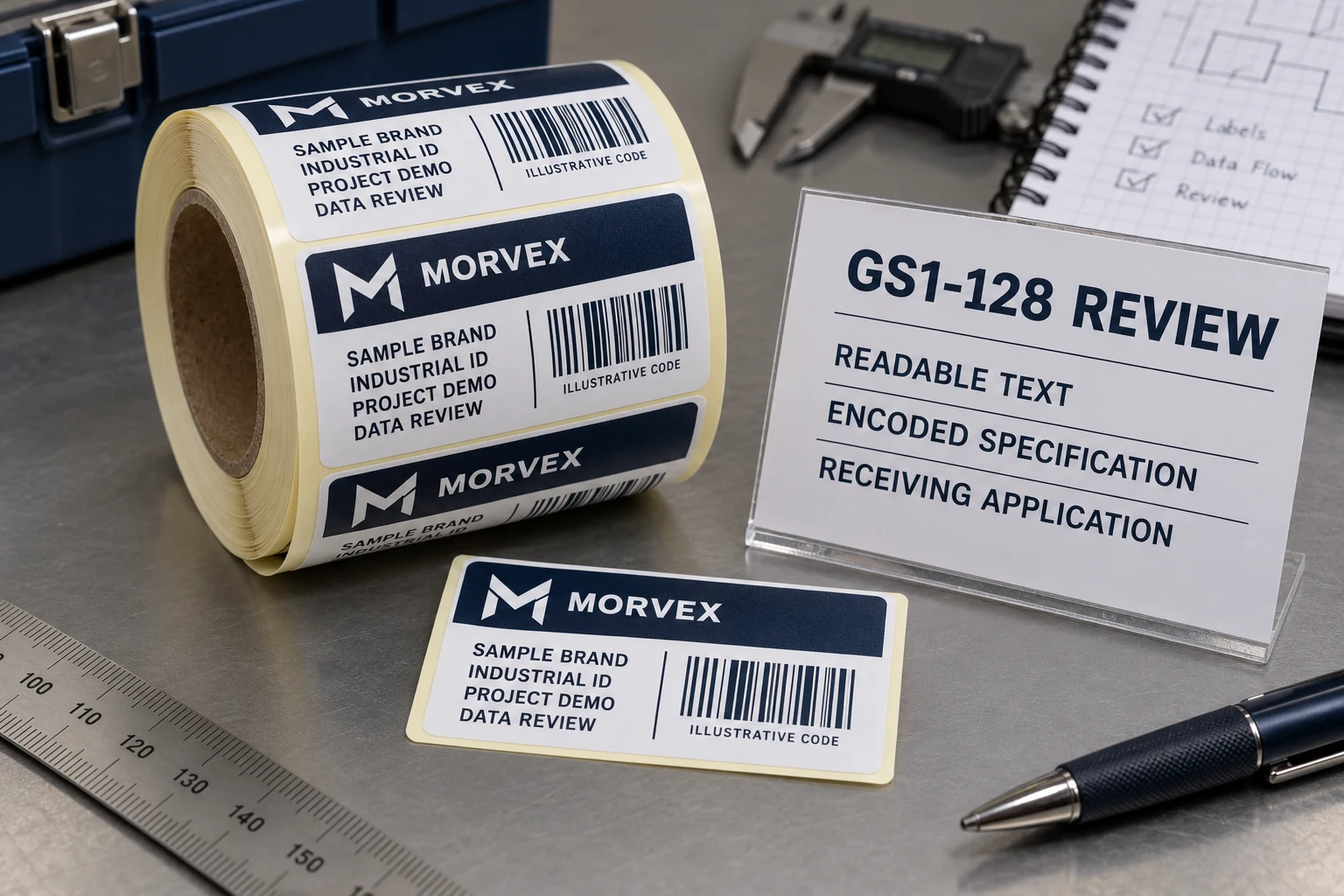
The readable line on the proof contains the expected fields. The buyer recognizes the batch and serial values. Someone asks the printer to encode that whole line as Code 128 and proceed.
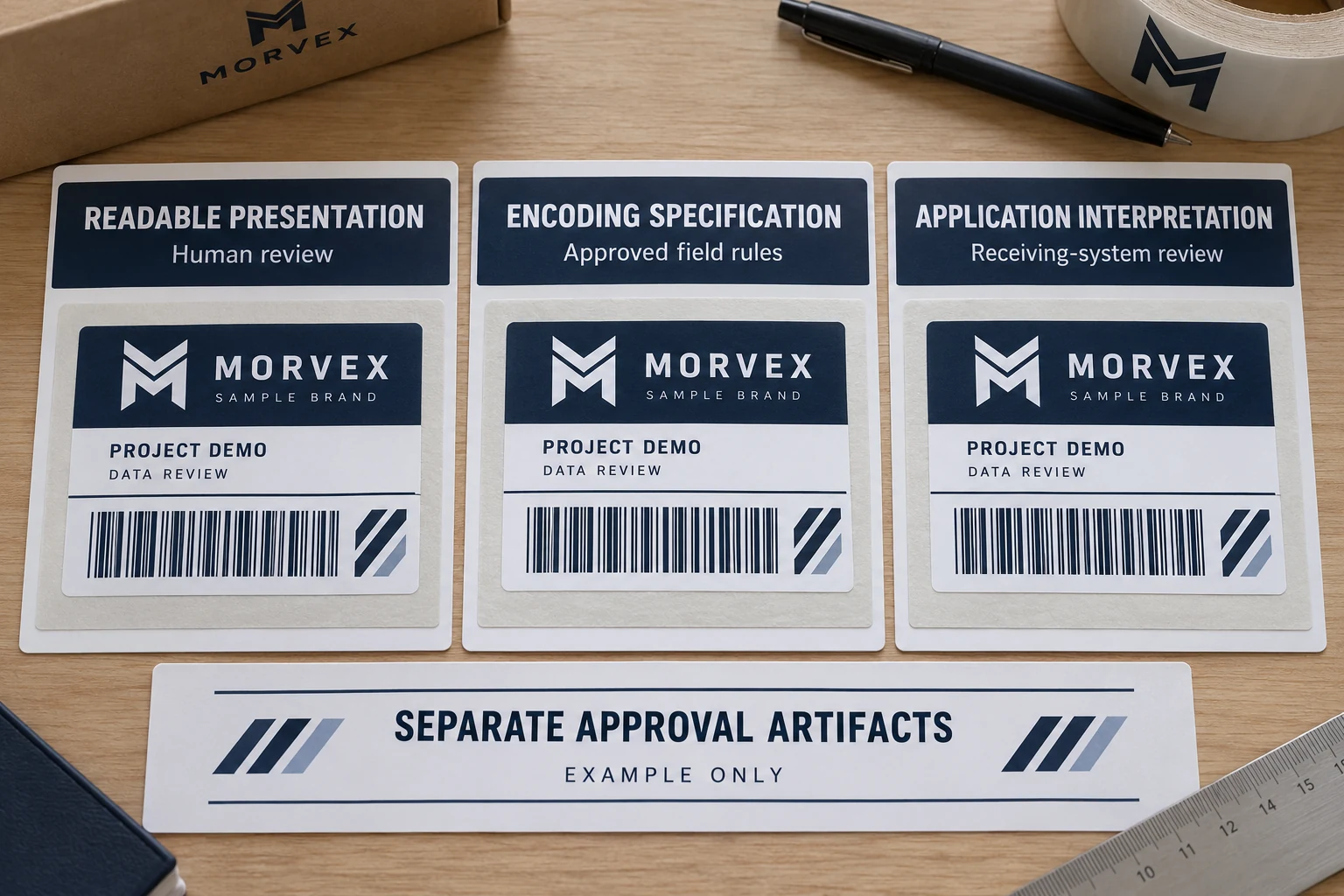
If the receiving specification calls for GS1-128, that shortcut leaves an important question unanswered. The text a person reads and the structure a GS1-aware system interprets are related representations, rather than interchangeable artwork. Approve both against a controlled field specification, then check a real symbol through the intended receiving workflow.
This is a hypothetical industrial purchasing problem. It does not supply a production encoding recipe or establish that any sample in this article conforms to GS1. The data-standard owner must approve the actual fields and required syntax for the project.
Name the required symbol before approving its appearance
Write GS1-128 explicitly when that is the trading partner's requirement. Do not shorten the requirement to barcode or assume that a similar-looking Code 128 graphic establishes the same structure.
GS1 GO's format explanation identifies a Function 1 character after the start character as part of GS1-128. That control structure is one reason a generic text-to-bars operation is not enough to define the deliverable. The source explains the symbol format; it does not guarantee what every scanner will display in a text box.
Ask who owns the receiving requirement and which approved specification the supplier should follow. Procurement should not have to reverse-engineer it from a competitor's label, a font name or a screenshot of bars. If the customer has supplied a formal implementation requirement, retain its revision with the job.
Keep the readable parentheses out of an encoding shortcut
Application Identifiers describe the roles of data elements within the relevant GS1 format. GS1 GO explains that the parentheses around AIs appear in human-readable text and are not encoded in the symbol. A formatted display line is therefore not a complete instruction to encode every character visible on the proof.
This does not mean that a supplier should strip every punctuation mark from every supplied value. Distinguish presentation punctuation around the AI from the buyer-approved content of each field. Any permitted content, length and required control or separator treatment must follow the applicable specification, not a global find-and-replace rule.
Likewise, writing the letters FNC1 in a spreadsheet is not, by itself, an agreed production instruction. Different software interfaces can accept data and control instructions differently. Have the responsible supplier explain the input convention it will use and return a real sample for review. This article does not choose an escape sequence, font or scanner configuration.
Give each field an owner and an expected meaning
Build the field list before discussing the graphic. Identify the required Application Identifiers, the approved source of each value and the human-readable presentation. Include representative values under the actual project's rules. The serial-format guide covers the broader distinction between fixed, variable, visible and encoded information.
Keep the product or logistics context with the field specification. A batch reference and serial reference copied from another label may not form a complete valid data set for this application. Any examples supplied for artwork discussion should be marked as such until the data-standard owner approves them.
If the value changes by label, also state the record count and approved copies-per-record rule. These production quantities do not determine the encoding syntax, but they tell the supplier which approved records must be represented. Do not regenerate identifiers to solve a format misunderstanding.
Follow the sample into the receiving application
The useful review reaches the system that consumes the scan. Ask the receiving-system owner to confirm how a representative finished symbol is read and how the intended application interprets its fields. A scanner making a sound is not the same observation as the application placing the correct approved values in the intended fields.
Retain the source-field specification, sample reference, device and application context, and the observed result. Where diagnostic capture is available under the system owner's procedure, keep it with the review. Do not infer missing control characters or parser behavior from an ordinary text display alone.
If the result differs from the requirement, preserve the original evidence. The next question might concern the supplied data, symbol generation, reader output or application interpretation. Relabeling the problem as poor barcode printing can send the supplier toward a graphic change while leaving the actual handoff unresolved.
| Proof-to-system field | What the approval should name |
|---|---|
| Required format | GS1-128 requirement and applicable customer/specification revision |
| Source fields | Approved AIs, values, permitted rules and responsible data owner |
| Visible presentation | Human-readable fields, with presentation punctuation identified |
| Encoded implementation | Agreed input convention and supplier's representative real symbol reference |
| Receiving decision | Reader/application context, expected interpretation, observation and approver |
These fields organize a procurement review. They are not a substitute for the current GS1 specification, a full conformance test or a system-integration service.
Keep the quality checks separate
A correctly interpreted field set does not prove that print quality meets a required grade. A print-quality report also cannot establish that a batch value belongs to the intended product. Preserve the applicable requirements for both.
The barcode-verification guide explains operational reading, print-quality measurement and data validation as distinct checks. This GS1-128 review adds a specific representation question: does the approved readable text correspond to the required structured symbol and application interpretation?
Once that question is resolved, connect the approved sample and field specification to the print release. If the source fields or generating convention change, identify which approval needs to be repeated instead of assuming the unchanged graphic proves continuity.
Do not add GS1 structure without a reason
Some industrial projects only need a buyer-controlled internal identifier. If no trading-partner requirement calls for GS1 structure and the approved system accepts that internal design, a simpler ordinary-code brief may be appropriate. Confirm this with the system owner; do not describe an internal Code 128 label as GS1-128 merely to make the specification sound stronger.
For industrial barcode labels, I would put the format owner and required field specification ahead of the attractive barcode preview. It gives the supplier something the buyer can actually approve.
Preparing a GS1-128 label order? Prepare a structured-data brief with the applicable requirement, approved field examples, readable-text layout, receiving device/application context, label dimensions, surface, quantities and copies per record. Use the contact page to organize the requirements, then share the controlled specification through the existing email or WhatsApp path.