Industrial Barcode Artwork: Return to the Source Before Enlarging a Screenshot
Published
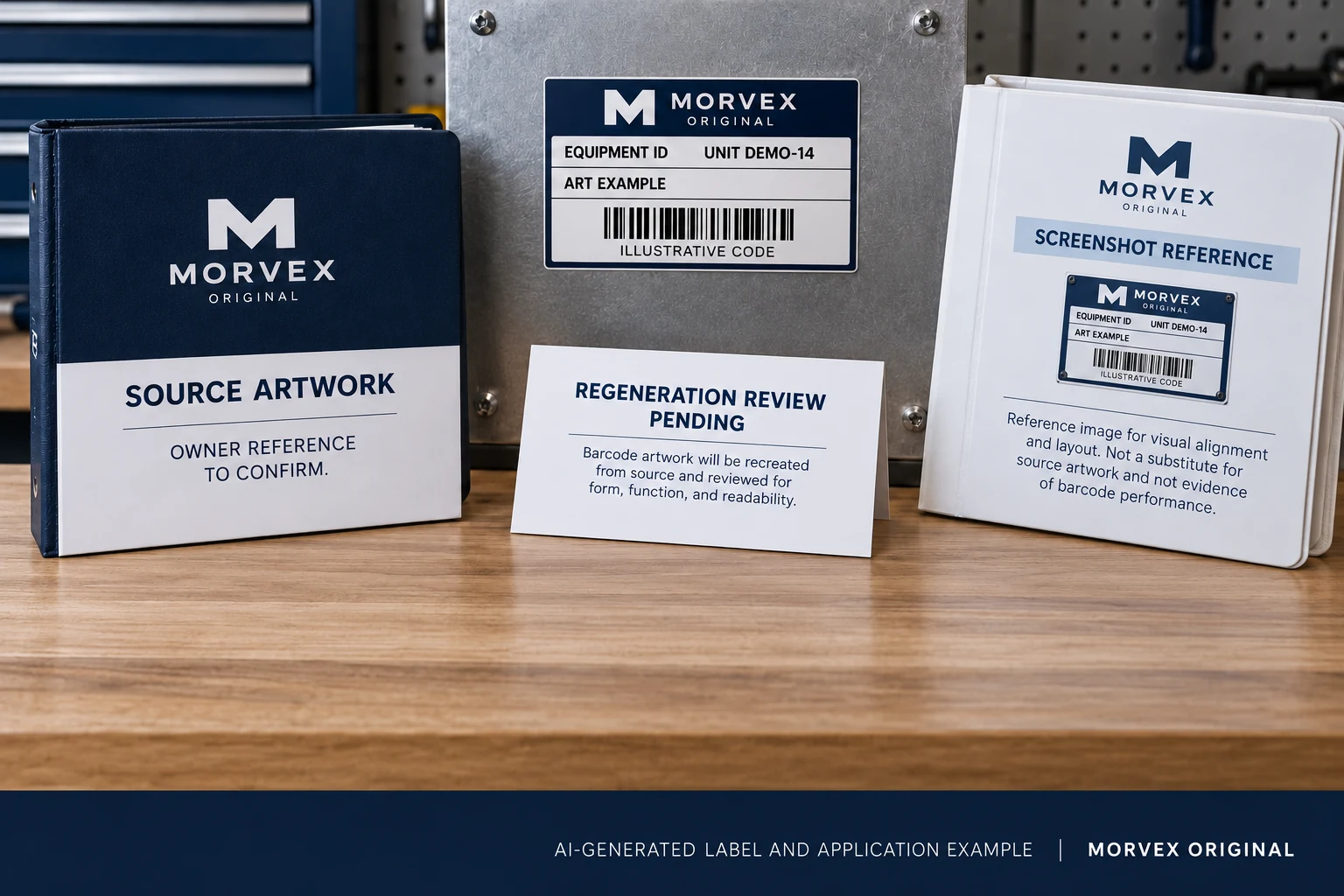
The supplied barcode is a picture pasted from a screenshot. It looks small in the label field, so someone stretches it and sharpens the result. The bars now appear clearer on screen, but nobody has connected that graphic to an approved payload and final-size symbol.
Return to the approved source before trying to improve the picture. Confirm the data, required symbology and physical size, then obtain appropriate regenerated artwork and review the final printed output. Visual tracing is a poor substitute for a controlled generation step.
This is a source-artwork handoff guide. It does not say every raster file is unsuitable or every vector file passes. File format, symbol generation and finished print quality are related decisions with different evidence.
Keep the screenshot as a reference, not an authority
The picture may help locate the intended code area or show the symptom. Preserve it with a note describing where it came from. Do not ask a designer to infer the full data rule or redraw bars by eye from that view.
Request the owner-approved payload and required carrier separately. If the original generated artwork exists, obtain its identifiable source and intended physical dimensions. The visible digits below a symbol can help a reviewer, but they are not permission to guess a symbology or rebuild unconfirmed content.
Object identity and source-data ownership belong in the buyer's specification. This narrower handoff concerns the artwork artifact that represents those approved inputs after someone has supplied a derived picture instead.
Do not treat casual scaling as regeneration
GS1 US's barcode placement and printing guidance addresses UPC artwork size. It advises creating artwork at the needed size and recreating it when the required size changes, rather than casually shrinking or enlarging the graphic. Its UPC-specific relationships are not universal dimensions for every industrial code.
For the actual required symbology, have the responsible designer or technical reviewer establish the appropriate generation and output parameters. Do not copy a numeric recommendation from an unrelated carrier. The buyer should provide the required use and constraints, then retain the approved result.
Sharpening, enlarging or tracing a screenshot does not re-establish the data-to-symbol relationship. It can make an image look more deliberate without explaining how it was produced. The practical alternative is to return to the approved inputs and use an appropriate generation workflow.
Create a source-to-output handoff
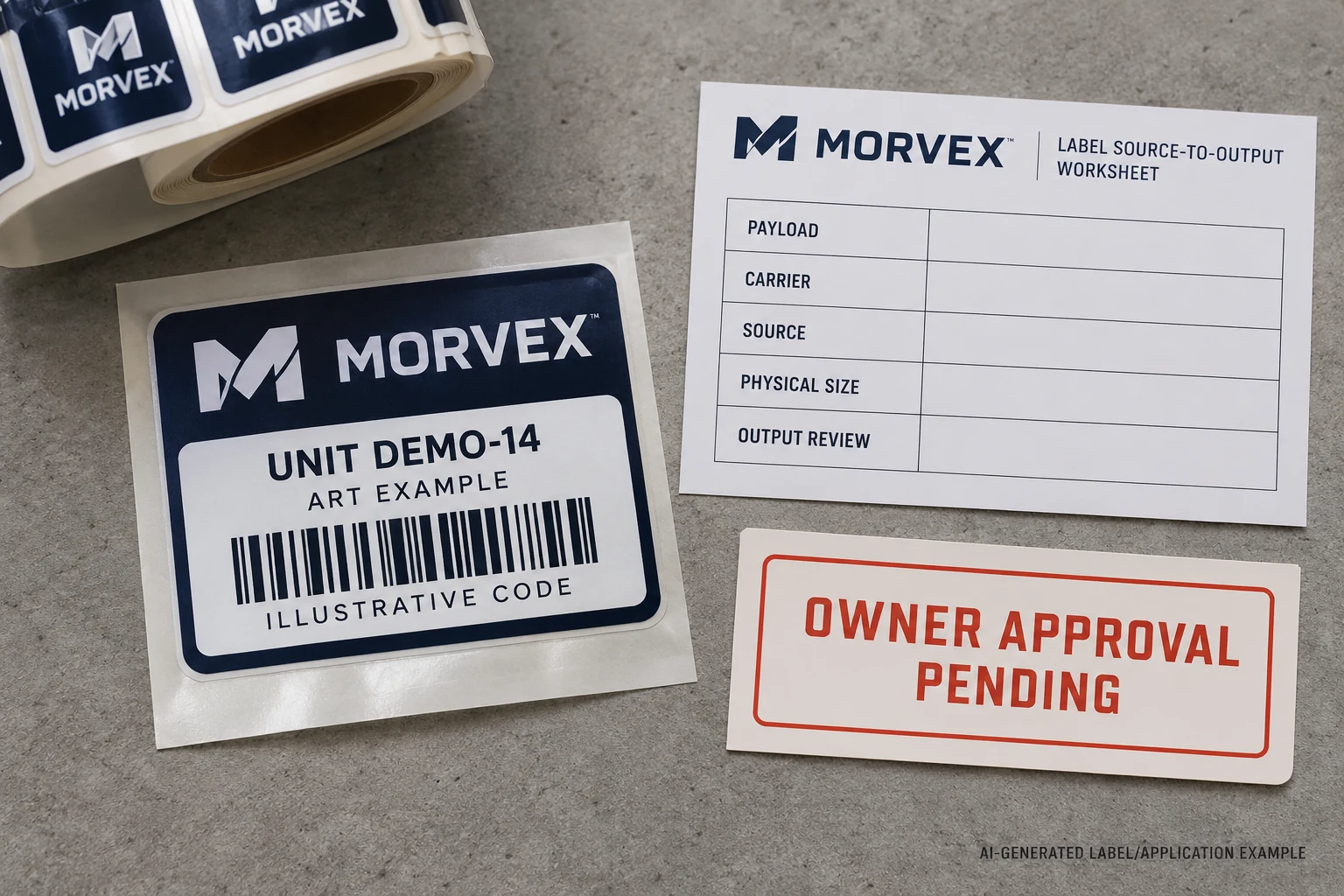
The reviewer needs to compare the intended information with the artifact that will actually be used. Retain these fields:
| Handoff field | What to identify |
|---|---|
| Payload | Owner-approved exact data and its revision |
| Carrier | Required symbology and applicable buyer requirements |
| Source | Original or regenerated artwork reference and responsible creator |
| Physical size | Intended printed dimensions and the approved layout position |
| Output | Returned proof or sample and the checks required before release |
If an input is missing, identify the gap and its owner. Do not fill the payload field with a convenient example merely to keep layout work moving. A clearly marked non-production placeholder may help a discussion, but it must remain distinguishable from released data.
Keep the rejected or superseded graphic identifiable too. Otherwise, a corrected symbol can be approved while an older screenshot remains easy to paste into the next artwork revision. Name the reference that production is authorized to use.
Preserve the rest of the label while replacing the symbol
A regenerated code needs room for its actual geometry. Do not force it into the old screenshot's bounding box without review. Ask whether the intended label size and information hierarchy can accommodate the required symbol and its surrounding space.
The quiet-zone guide covers that clear-area decision. Replacing a low-quality source should not quietly crop its margins, crowd adjacent text or move the code across a fold. Conversely, extra clear space does not repair wrong encoded data.
Review the readable fields as well. The approved symbol, human-readable information and product or asset record should remain connected. A better-looking barcode graphic does not justify changing the identifier to something shorter without owner approval.
Keep generation and verification distinct
Once the artwork is replaced, review a representative finished-size output using the agreed process. Compare the decoded payload with the approved data and check the symbol at the actual operational scan point. If a formal grade is required, specify that separate method and acceptance requirement.
The scan-versus-verification guide explains those distinctions. A controlled source is a better starting point; it does not guarantee every printed label will meet every use condition. The construction, printing and application still matter.
Record what the review actually covers. A screen proof is not a measured printed symbol, and a successful phone scan is not a universal acceptance result. Avoid replacing one shortcut with a more confident label for the same limited evidence.
Retain a suitable original when it answers the requirement
Not every source needs rebuilding. If the genuine owner-approved original is available at the intended size and accepted by the production workflow, retaining it can avoid unnecessary handling. Confirm that it is the right reference and review its actual output.
Regeneration is useful when the size or source requires it, but it must preserve the approved data and required carrier. It is not a reason to assign a new business identifier. Keep any requested data change as a separate owner decision.
For industrial barcode and QR labels, I would ask for the source relationship before approving an enlarged picture. It gives the print discussion something more dependable than apparent sharpness.
Replacing screenshot artwork? Prepare a barcode-source brief with the approved payload, required symbology, original artwork if available, screenshot reference, intended physical dimensions, marked label position, scanner workflow and quantity. Organize the requirements on the contact page, then send supporting files through the existing email or WhatsApp path for a project-specific discussion.