Your Label Proof Fits on Paper. Was It Printed at Actual Size?
Published
The reviewer places a paper proof on the equipment and finds the label too small. The designer enlarges the artwork. Later, the production file no longer matches the drawing because the first office print had been reduced to fit the page.
Confirm the proof's print scale before changing the label dimensions. Keep the approved physical drawing separate from the office print settings, and measure a known reference on the output. A sheet that looks proportionate is not evidence that it was printed at actual size.
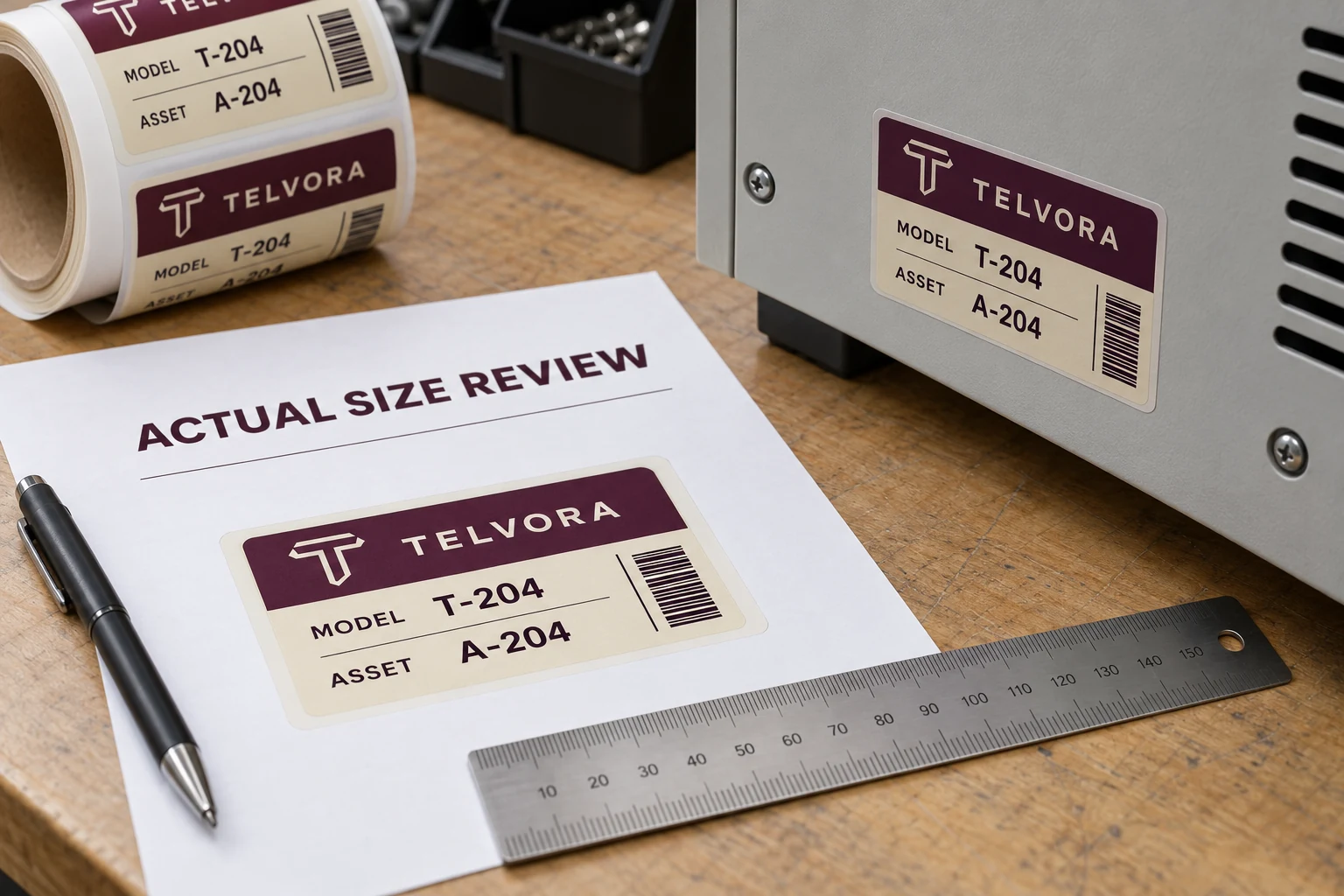
Identify what the PDF page contains
The page may contain one label, several labels, a drawing border or explanatory notes. Ask the designer to identify the finished label boundary and its intended dimensions. Do not assume the full PDF page is the finished label.
Retain any trim, cut or reference marks with their stated meaning. A reviewer should know which boundary to measure and which space belongs to the proof presentation. If that information is missing, obtain a clarified proof rather than interpreting a screenshot.
Keep the approved dimension in both the drawing and the review record. A file name containing a size is useful identification, but it does not prove the page or artwork inside has those dimensions.
Check the print dialog and the physical result
Adobe's page-size guidance distinguishes Fit from Actual size: fitting can change page scale, while actual-size output prints without that scaling and can crop material outside the printable area. That distinction explains why a convenient office print can mislead a fit review.
Select the appropriate output method for the proof, then verify the actual result. Other parts of the print path can still matter. Record the application, page-sizing choice, paper size and relevant printer setting rather than relying on memory.
Measure a defined horizontal and vertical reference on the printed sheet using a suitable method. Do not use an on-screen ruler viewed through an unknown zoom level as a substitute. If the output does not match the intended scale, resolve that before judging the artwork against the equipment.
Keep a scale witness outside the finished design
A designer can include a clearly identified dimensioned reference in the proof area, separate from the production label. The buyer can then check the office output without adding an unwanted ruler to the actual product artwork.
| Review item | Record | Hold condition |
|---|---|---|
| Proof identity | File and revision | Unclear or superseded reference |
| Finished boundary | Stated width and height | Reviewer cannot locate the correct boundary |
| Print method | Application and page-sizing selection | Unknown or automatic scaling |
| Scale witness | Measured horizontal and vertical reference | Output differs from the approved review requirement |
| Fit observation | Position on the intended equipment | Cropped or incomplete proof |
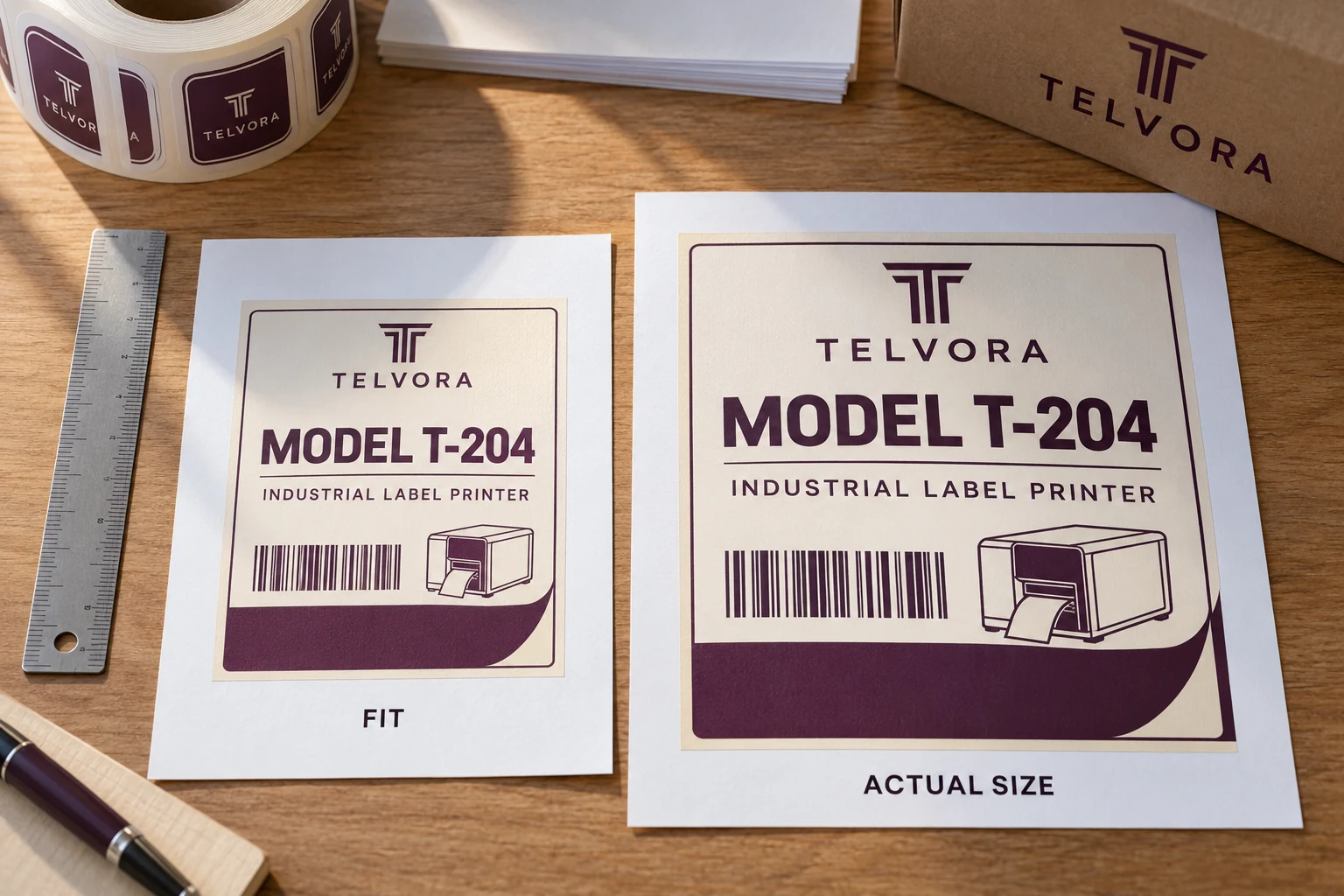
The drawing owner should define acceptable dimensional criteria. This article does not supply a universal tolerance for every overlay, equipment label or barcode. A rough office print can support an early discussion without becoming a dimensional acceptance sample.
Separate geometry from finished construction
An actual-size paper print can help review available space, reading hierarchy and approximate placement. It does not reproduce the final material's thickness, transparency, stiffness, adhesive or surface behavior.
If the label must fit around controls, windows or cutouts, use the approved drawing and appropriate physical sample process. Paper can reveal an obvious placement conflict, but it should not silently qualify the finished part. The sample approval guide covers the wider checks needed on the actual product.
Likewise, a paper barcode that scans does not establish the quality of the finished printed label. Preserve the distinction between an office geometry check and the required production-code review. Both can be useful when their limits are clear.
Do not fix an output setting inside the artwork
If the PDF is correctly dimensioned but the office print was reduced, keep the source dimensions and correct the print path. Enlarging the artwork to compensate creates a file that may be wrong when printed correctly elsewhere.
If the PDF itself contains the wrong dimensions, correct the source under revision control and issue a replacement proof. State what changed and ask the reviewer to discard the superseded geometry reference. A handwritten adjustment on one printout should not become the only record of the new size.
When a reviewer cannot produce reliable actual-size output, use a properly dimensioned drawing for comments and obtain an appropriate physical proof for the fit decision. That is better than pretending a reduced page supports a precise approval.
Make the approval scope visible
The reviewer should say whether they approved wording, layout, dimensions, placement or a physical sample. An email stating approved can otherwise be interpreted more broadly than the evidence supports. Keep the proof reference and scale-check record with that decision.
For a reorder with unchanged approved geometry, the existing drawing may remain suitable. Reprinting a paper proof is not automatically necessary if it adds no new decision. Use the check where physical interpretation or a changed layout makes it valuable.
For custom industrial labels, prepare a dimensional-proof brief with the PDF, intended finished size, equipment drawing or marked photo, measured office output, construction needs and quantity. Organize the requirements on the contact page and send supporting files through email or WhatsApp. Confirm the ruler before asking the designer to move the artwork.