Asset & Serial Number Labels
For asset ID, serial, QR, barcode and variable-data label projects.
View detailsResource Guide
NFC asset labels and QR code labels can both connect equipment to an asset record, manual, inspection form or maintenance workflow. The practical choice depends on how users scan, whether the label needs a visible fallback ID, where the asset is used, what data changes and how the project will be maintained after deployment.
Digital proof before production. Material and adhesive options are discussed according to your application requirements.
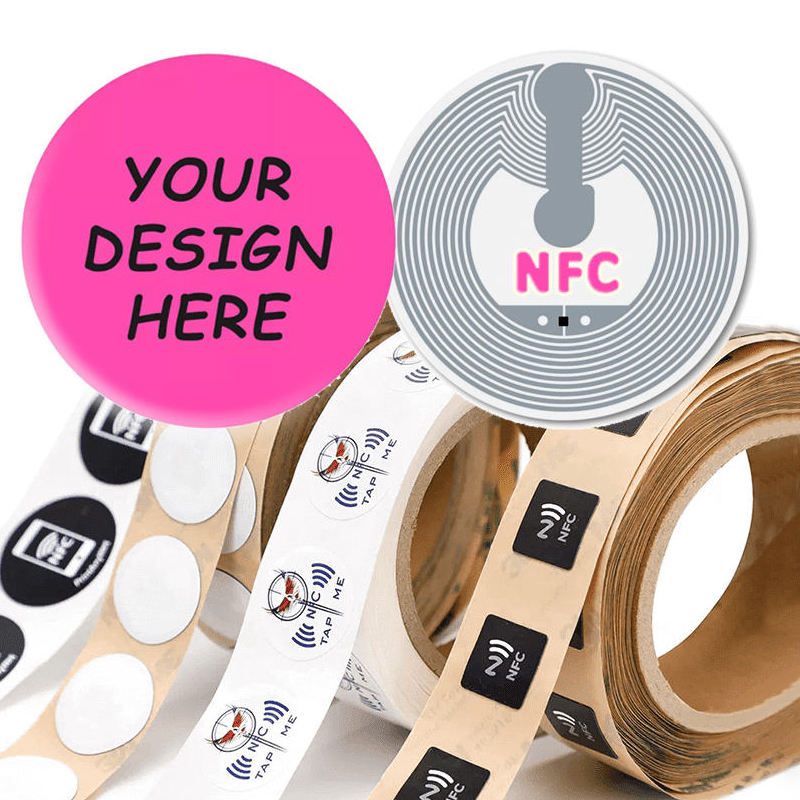
Choose the workflow before choosing the technology. QR labels are scanned visually with a camera or scanner; NFC labels are read with a compatible device brought close to the tag. For many equipment projects, a clear human-readable asset ID should remain on the label regardless of which digital method is selected.
A maintenance team using mobile phones may prefer a visible QR code at the point of service. A controlled process using compatible devices may prefer NFC interaction. Consider gloves, lighting, camera use, scan distance, equipment placement, user training and whether the asset is indoors, outdoors or in a restricted area. The best format is the one your field team can use consistently.
Digital access does not remove the need for visible identification. A field user may need to read a model number, asset ID, warning message or service contact without opening an app. Plan the printed hierarchy first, then reserve a sensible position for the QR code or NFC reference.
The printed label is only one part of an asset workflow. Confirm who creates the QR destinations or NFC records, who owns the data, who can update it and what happens when equipment is moved, retired or replaced. A label printer can produce supplied variable data, but the buyer should validate the linked information and device workflow.
Asset labels may be applied to painted metal, plastic housings, cabinets, tools, bins or rough equipment. Describe cleaning, moisture, oil, abrasion, outdoor exposure and application position. These factors inform a material and adhesive discussion; they should not be replaced by a generic “durable” request.
Use this checklist when comparing NFC asset labels and QR code labels.
FAQ
A combined layout can be discussed if the buyer defines the NFC requirement, QR destination, available label area and readable printed information.
Device compatibility depends on the phone, operating system, NFC settings and the buyer's workflow. Confirm compatible devices before selecting an NFC-based process.
Usually yes. A visible asset ID or serial number helps identify equipment when a device, network connection or digital record is not immediately available.