A Public Equipment QR Code Should Not Be a Password
Published
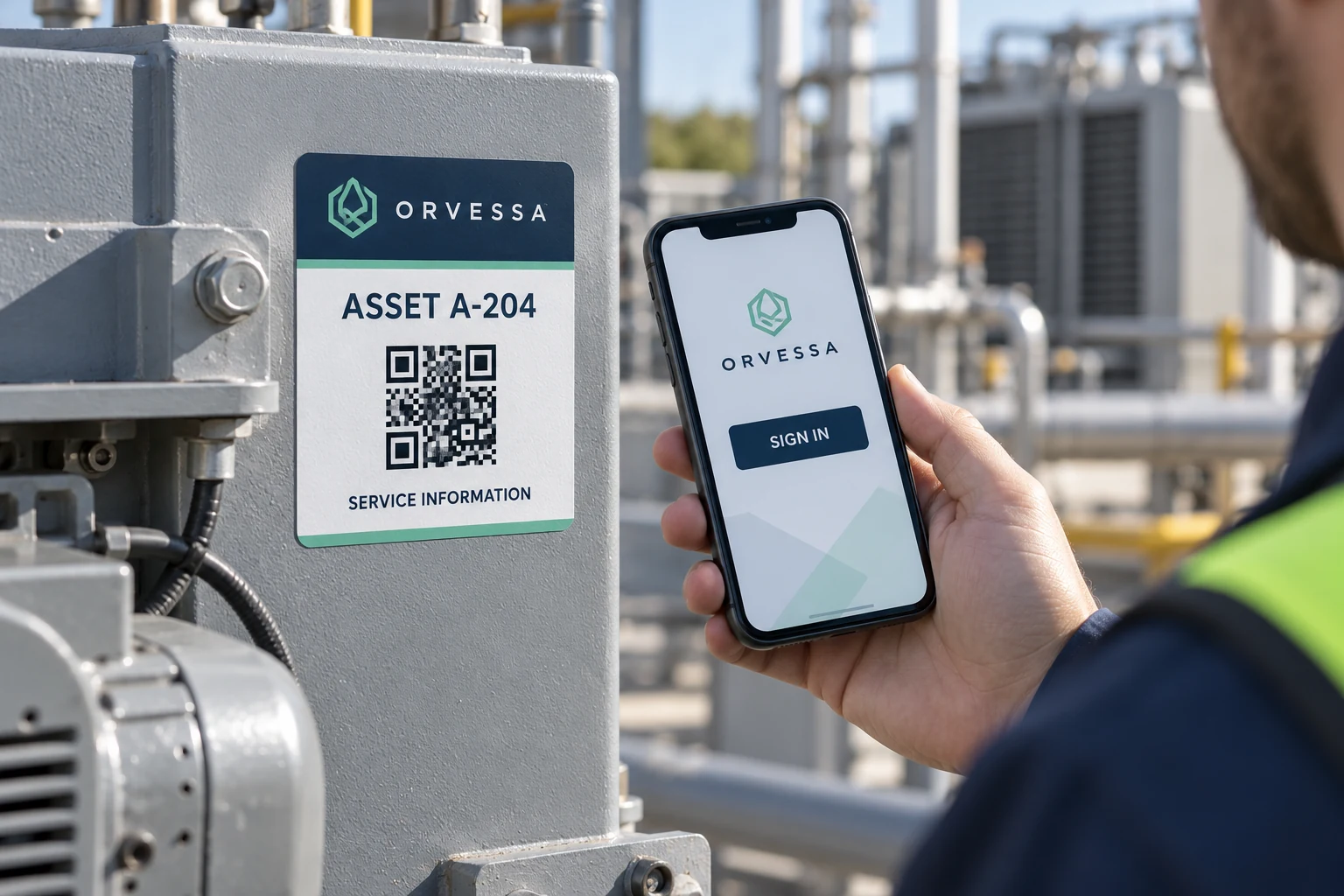
The service QR is printed on the outside of the machine. Anyone who can photograph it can retain the encoded value. If that value grants unrestricted access to private maintenance records, the label has become part of an access decision it was never designed to manage.
Use the printed code as an owner-approved locator or identifier, and keep authorization in the application. Decide what a public scan may reveal and which actions require appropriate access. A less obvious URL does not replace a controlled permission decision.
Identify what is exposed before approving the artwork
Have the system owner inspect the exact payload intended for print. It may contain an asset identifier, a URL or another structured value. Keep passwords, private credentials and unrestricted access tokens out of the artwork and ordinary print handoff.
The print supplier needs enough non-sensitive information to produce the approved symbol and readable fallback. It does not need unrestricted access to the maintenance system. Use a controlled example for layout discussion where the real payload contains information the buyer should not distribute.
The link-ownership guide covers continuity of the destination. This review addresses a different decision: what access follows from possession of the printed value, including a photograph of it after the label is no longer under the owner's control.
Separate public information from restricted work
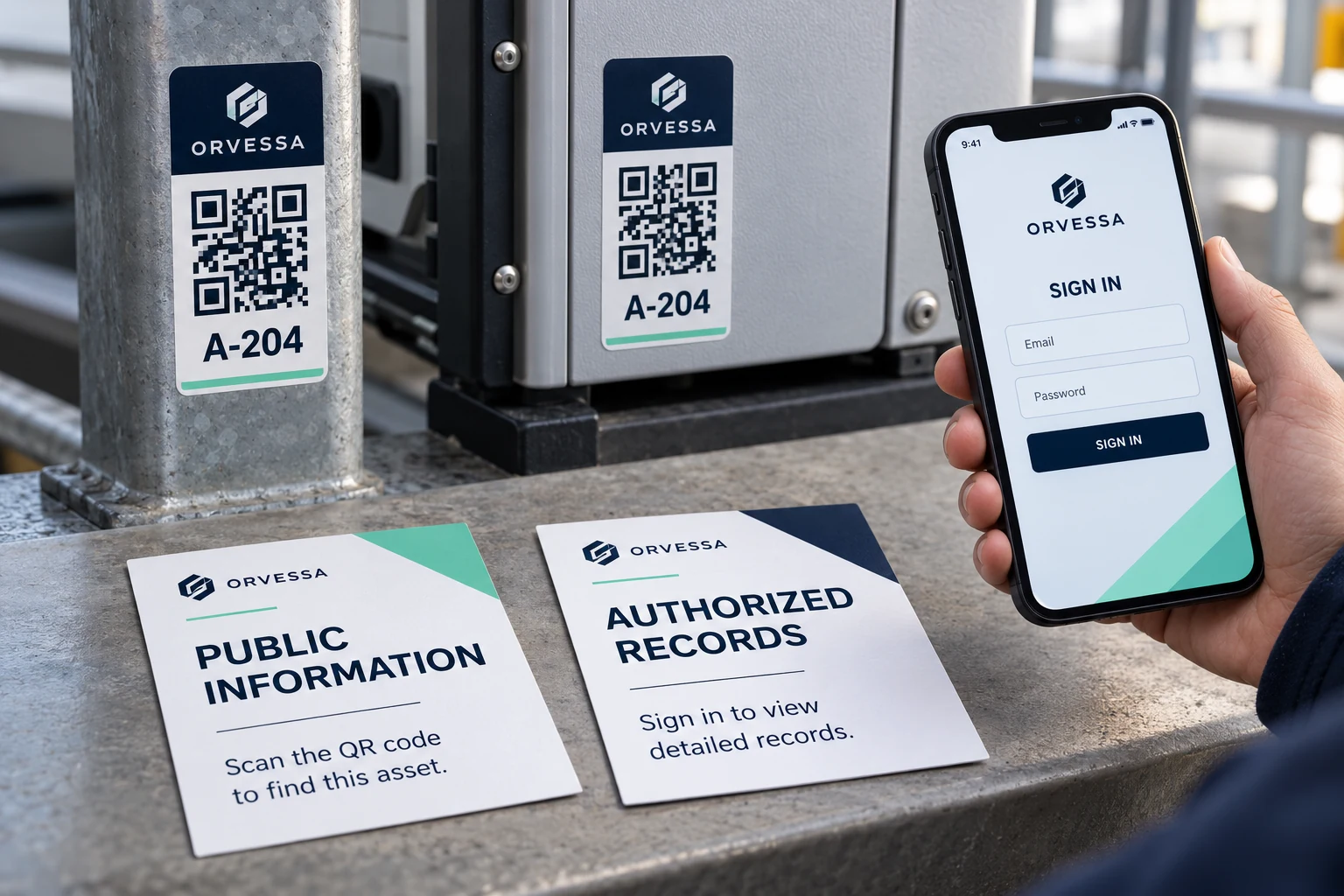
A public destination may intentionally show a model reference, approved manual or limited contact information. A private destination may contain service history, internal notes or actions that change a record. The information owner should classify those uses before the print design is released.
OWASP's authorization guidance recommends permission checks on each request and denying access by default where permission is not established. That is application guidance, not a security feature created by a QR label.
The purchasing implication is straightforward: ask the system owner to approve the destination behavior, not merely the appearance of the code. A phone opening the intended page is an incomplete acceptance result if it also exposes records the public should not see.
Review the scan journey with distinct users
Use authorized test accounts and a controlled test environment. Have the responsible technical owner compare what an unauthenticated visitor, an ordinary authorized user and a user with additional privileges can see or do. The actual roles depend on the business's system.
| Review question | Evidence to obtain | Print implication |
|---|---|---|
| What is encoded? | Approved non-secret payload definition | Correct symbol and readable context |
| What is public? | Owner-approved destination content | Avoid implying unrestricted service access |
| What is restricted? | Authorized permission behavior | Label cannot substitute for access control |
| What if the code is copied? | Controlled review using the copied locator | Possession alone should not grant unintended rights |
| What happens after transfer? | Destination and access disposition | Stable print route needs lifecycle ownership |
Do not perform unauthorized access testing against a live system. The buyer's system owner should define and conduct the relevant checks. The label order needs their approved result and scope, not a printer's improvised security assessment.
Keep the readable fallback useful without exposing secrets
A printed asset ID can help staff identify a machine when scanning is unavailable. It should follow the owner's information policy. Do not print confidential operational details merely to compensate for a restricted web page.
Use plain wording that describes the intended task. A label saying Service Information can lead to an approved public entry point that requires sign-in for private records. Avoid promising immediate access to every record if the system intentionally restricts it.
If a code must work through a dedicated application, state that requirement in the operational handoff. A generic phone camera and an authenticated maintenance application may follow different routes even when they encounter the same physical label.
A destination change can avoid a full reprint
If an organization-controlled locator is already printed and suitable, correcting its destination or permission behavior may preserve usable labels. The system owner must determine and validate the correction. A reprint with a different decorative code does not solve weak application authorization.
If existing labels expose a secret or unsuitable fixed destination, involve the security and system owners in the disposition. They should decide how to revoke or replace the affected access route. Removing visible labels alone does not erase photographs or copies already made.
The print supplier can then produce the approved replacement scope. Keep that scope specific to the affected labels rather than treating every QR code as a security defect. Public identifiers can be appropriate when the application handles access correctly.
Preserve the access assumption with the label specification
Record the payload pattern, destination owner, public/private content boundary and approved user journey. Review them when the platform changes. A code that was appropriate for a public manual should not silently become a direct route to private records after a system update.
For industrial barcode and QR labels, prepare a destination brief with an approved non-sensitive payload example, readable ID, intended scan task, equipment photos, label dimensions and quantity. Organize the requirements on the contact page and send supporting files through email or WhatsApp. The label should help a user find the right place; the application must decide what that user may do there.