Thermal Transfer Ribbon Orders: Confirm the Coated Side Before Reordering
Published
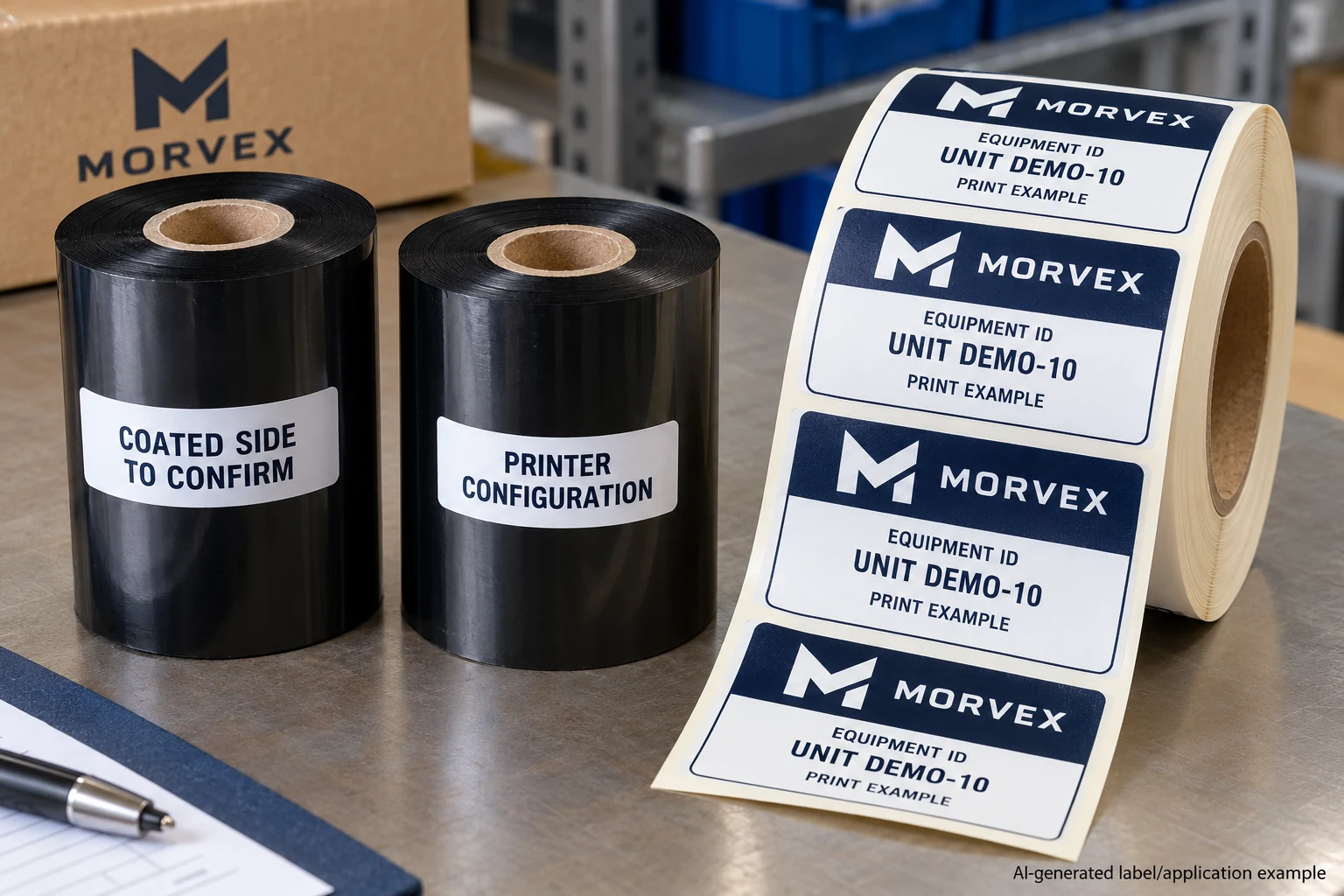
The proposed ribbon has the expected width and the same formulation category as the old supply. Its description does not say which side carries the coating. The buyer copies the label roll's face-out instruction into the order and considers winding resolved.
That leaves two consumables confused. Ribbon coated-side orientation and label-roll presentation describe different things. Confirm the ribbon against the actual printer model and installed configuration before releasing a replacement order.
This guide assumes that thermal-transfer printing is already the chosen workflow. It addresses one remaining compatibility question. It does not choose a ribbon formulation, provide a universal loading path or establish that a particular combination will meet the label's service conditions.
Keep the ribbon specification separate from the label roll
A label roll carries the printable labels on their liner. Its face direction, leading edge and feed orientation matter to the equipment handling that web. A thermal-transfer ribbon is another supply, with its own dimensions, coating and compatibility requirements.
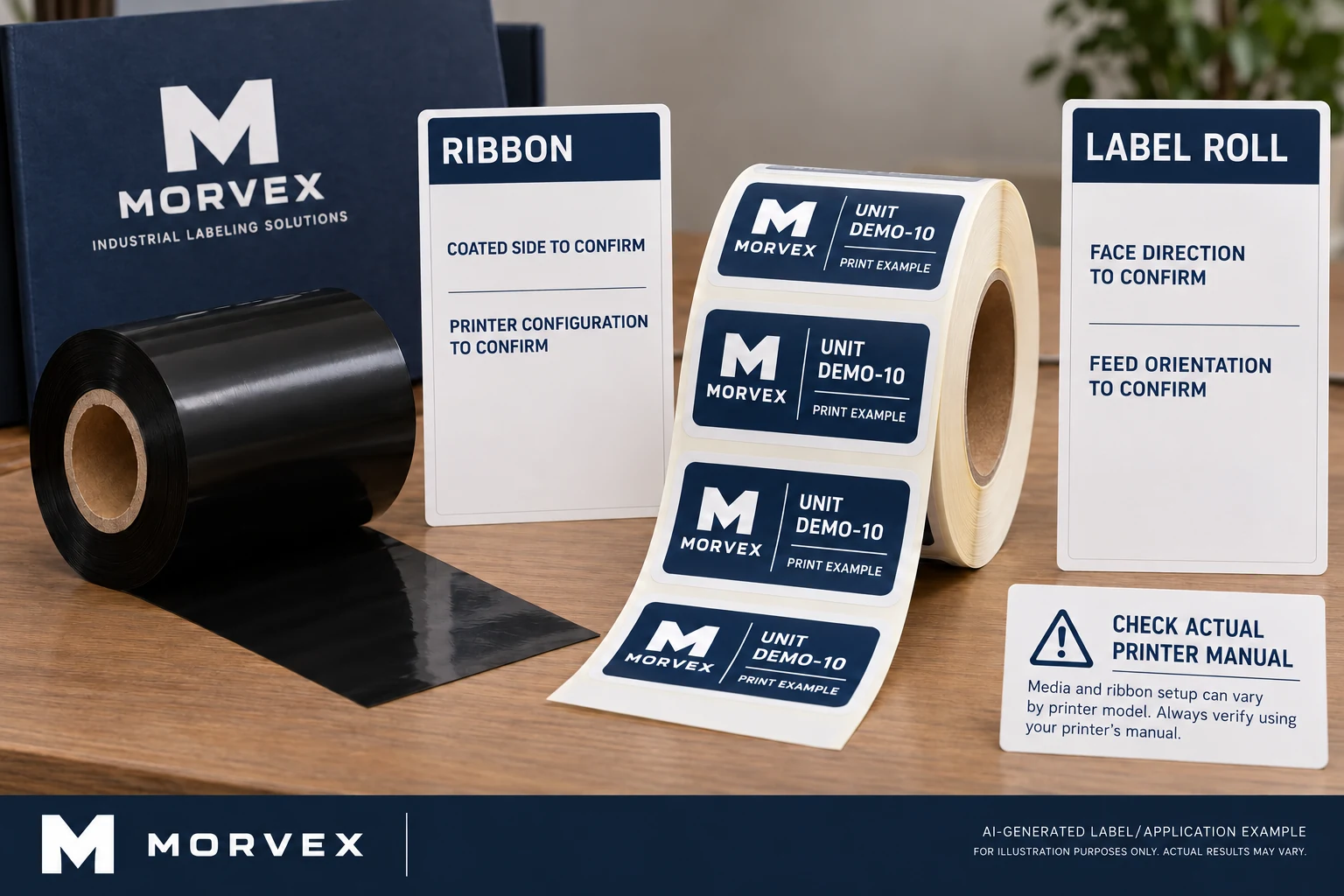
Two order lines may both use the word winding without referring to the same face. Replace that ambiguous shorthand with explicit fields. Ask the equipment owner to identify the coating orientation needed by the installed printer, and the supply owner to identify what the proposed ribbon actually provides.
The roll label specification guide remains useful for label stock. It does not establish which side of a separate ribbon is coated. Keep the records connected so the printer receives a compatible set, while allowing each consumable's parameters to be read independently.
Use a model instruction as a model instruction
Zebra's GK888t coated-side documentation explains that ribbon can have coating on the inside or outside. It specifies outside-coated ribbon for that printer. The useful lesson is the model-specific requirement, not a rule that every thermal-transfer printer uses the same orientation.
Obtain the instructions for the actual device and configuration in the buyer's facility. If a model has options or a modified supply arrangement, ask the equipment owner to resolve their relevance. A similar-looking printer in a product photograph is not a reliable configuration reference.
Do not attempt to solve an unknown coating requirement by changing the media path or improvising a loading arrangement. The buyer needs a confirmed compatibility record. Any physical identification or loading procedure should follow instructions applicable to the actual equipment and supplies.
Build a replacement record from the approved supply
Retain the existing ribbon's identifiable supply reference where available. Photograph its packaging and record the associated printer. An old loose core with no traceable description is an incomplete starting point; mark what is unknown rather than assigning specifications from appearance.
Then connect four records:
| Record | Information to retain |
|---|---|
| Equipment | Actual printer model, relevant configuration and applicable instructions |
| Ribbon | Proposed supply reference, dimensions, formulation and coated side |
| Label stock | Exact printable construction and its own roll configuration |
| Review | Who confirmed compatibility, what sample was checked and what remains open |
This does not mean every row is proven by a catalogue name. If the supplier cannot identify the coating orientation, request clarification before treating the replacement as equivalent. If the current supply description conflicts with the equipment owner's requirement, resolve that conflict explicitly.
A matching category still needs a complete pairing
The wax, wax-resin and resin guide explains why a formulation name is not a universal performance grade. Coated-side compatibility adds another requirement; it does not replace the formulation, media and service-condition review.
For an illustrative comparison, two ribbons might share a category and width while differing in a compatibility detail required by the printer. Conversely, two physically compatible ribbons may not provide the same printed result on the selected label stock. Do not let either comparison stand in for the other.
Have the responsible equipment and label owners review a representative output using the proposed pairing and applicable settings. Record the exact supplies and conditions. A dark-looking sample is useful evidence about appearance, but it does not establish every durability property or a formal barcode grade.
Decide whether local variable printing is still needed
If the information changes on the buyer's line, local thermal-transfer printing may remain an important part of the process. In that case, the ribbon specification deserves the same control as the printable stock and approved data.
If the required information is fixed and a confirmed fully preprinted supply suits the workflow, the buyer may avoid an on-site ribbon decision altogether. That is a different supply arrangement to discuss, not an automatic recommendation to change systems. Compare the actual data changes and handling needs before adding or removing a printing step.
Where an approved current supply remains available, it may be sensible to retain it while evaluating a replacement. A reorder deadline does not resolve missing compatibility information. Identify the remaining question and its owner rather than labelling an unreviewed alternative equivalent.
Preserve the answer for receiving
Once a replacement is approved for its defined use, retain the supply reference and specification with the purchase record. Receiving should be able to compare the delivered packaging with that record without reopening the entire formulation discussion.
For industrial barcode labels, the printed stock and the buyer's printing equipment need a clear handoff. I would keep ribbon coated side as its own field rather than letting a general winding note carry two meanings.
Planning printable stock? Prepare a printer-and-supplies brief with the actual printer configuration, current ribbon reference, required coated side, label construction, representative artwork and data, dimensions, exposure and quantity. Organize the requirements on the contact page, then send supporting specifications through the existing email or WhatsApp path for a project-specific discussion.