Tire Label Artwork Handoff: Send the Linked Assets, Not Just the Main File
Published
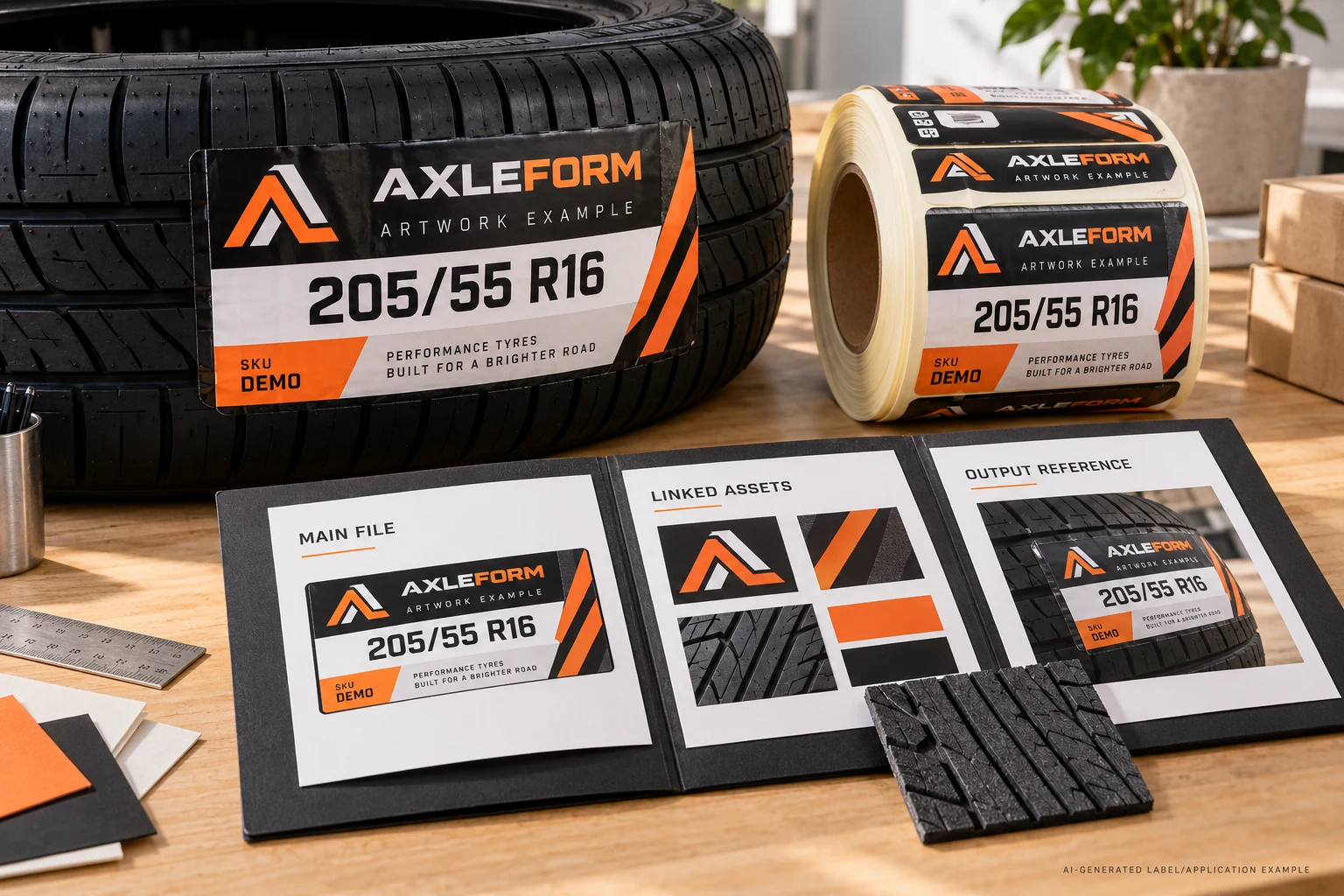
The label looks complete on the designer's computer. The buyer sends the main artwork file, and the recipient asks where the linked photograph went. Sending the same attachment again does not resolve that question.
The practical approval question is whether the recipient can reproduce the intended artwork using the files actually delivered. A correct local view can depend on a folder, font or linked asset that never left the sender's machine.
Before treating this as a printing problem, agree the file workflow and make the handoff portable. Then review the received bundle and its output. This is a conditional procurement guide, not a report of an actual CYJ order or a promise that one file type will suit every project.
Start with the file the recipient expects to open
Ask the supplier which artifact will enter its agreed workflow: an editable document, a self-contained output, or another accepted form. Establish what edits, if any, the recipient is expected to make. Do not prepare a large native-file package simply because that sounds more professional.
An editable design and a finished output have different purposes. If the supplier must adjust a controlled variable field, editable content may matter. If the approved layout needs no editing, a suitable self-contained output may reduce dependencies. Its suitability still needs confirmation; the extension alone does not establish that all required information survived export.
The existing tire-label artwork guide covers general content and data inputs. This handoff adds a specific requirement: identify what the recipient must possess to use the chosen artifact as intended.
Inventory what the main file refers to
Ask the artwork owner to identify external assets, their delivered locations and the agreed treatment of fonts. A linked picture visible in the document may remain a separate file. A preview image can reassure the buyer while leaving that dependency unresolved.
Adobe's Illustrator packaging documentation provides one concrete example. Its package function can collect the document, linked graphics, eligible fonts and a report. The report identifies matters such as linked or embedded images and missing links or fonts. The described font collection excludes CJK fonts, and copying fonts requires attention to the applicable license.
Those are features of a particular workflow, not a claim that CYJ requires Illustrator or that packaging proves a file ready for print. The useful purchasing principle is broader: ask for a dependency inventory and review exceptions, rather than assuming that one main file carries everything visible on the author's screen.
Treat font rights as a handoff constraint
Do not resolve a missing font by asking someone to copy every font they own. Have the artwork owner establish what can lawfully be supplied and what treatment the recipient accepts. A font name in an email is not the same as an agreed reproduction method.
Alternative treatments can change editability or how text is handled. The responsible designer should explain the tradeoff and retain the approved wording in a usable reference. Procurement should not authorize silent substitution just to make the document open without a warning.
This matters particularly when a tire designation, SKU or small instruction has to remain exact. The goal is to reproduce the approved information, with any limitations explicit. It is not to pass a superficial check that the file launches.
Review a copy from the delivered bundle
Have the recipient check a copy of what was actually sent, using the agreed workflow. Ask it to report unresolved links, substitutions or other exceptions before making undocumented repairs. The sender's working folder is a useful reference, but it is not evidence that the recipient received the same dependencies.
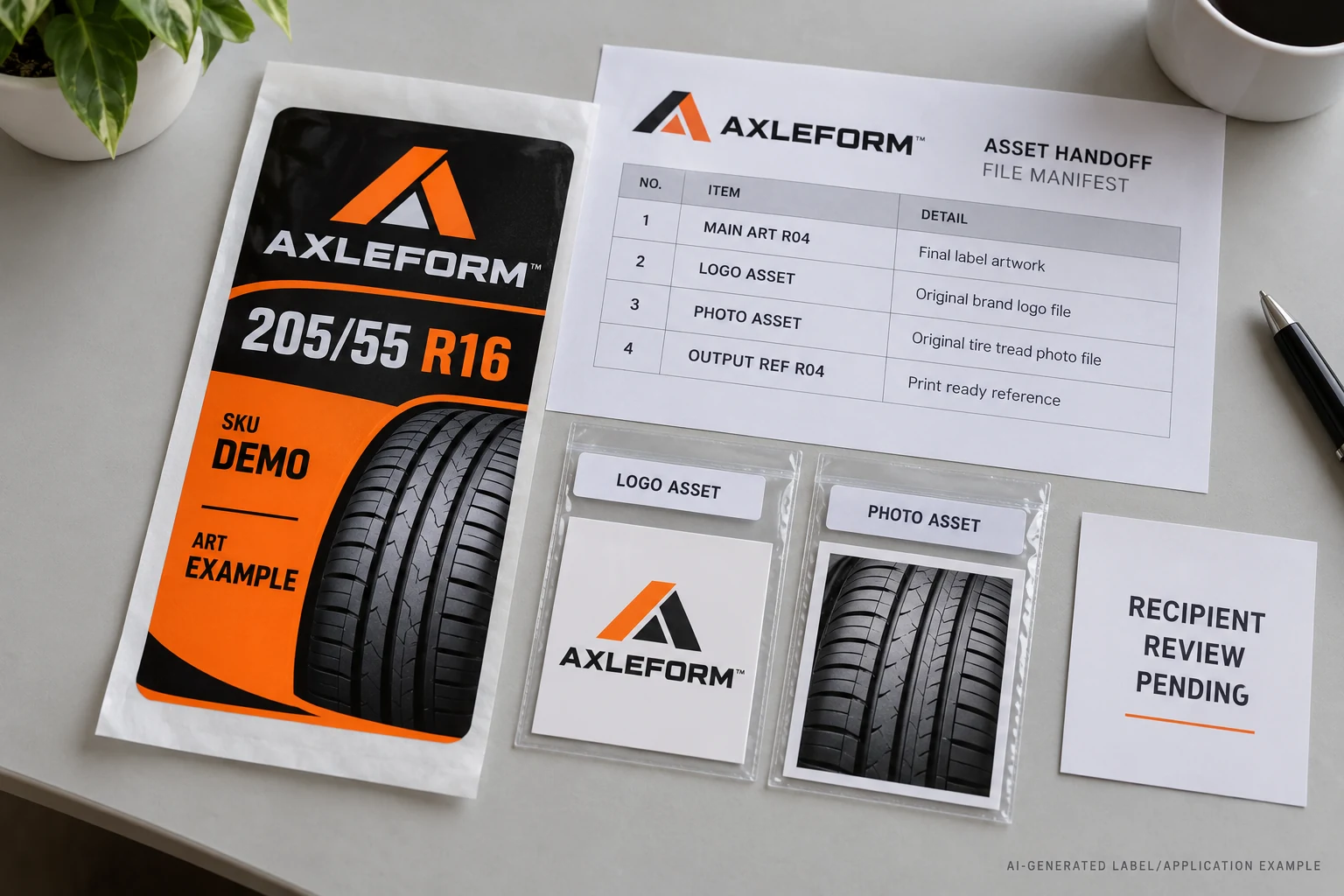
Use a small handoff manifest that can travel with the files:
| Record | What to identify |
|---|---|
| Main artifact | File name, artwork revision and intended use |
| Linked assets | Required files, delivered paths and their matching references |
| Font treatment | Agreed handling, rights constraints and any editing limitation |
| Output reference | Exact reference used to compare the received result |
| Recipient review | Who checked the delivered copy, exceptions and their disposition |
This manifest does not need to become a complex system. Its job is to stop a visible label element from depending on an unnamed file outside the delivery. If the recipient finds an exception, name it and decide who will correct it.
Separate a missing dependency from an output discrepancy
An asset can be present while the output still differs from the intended artwork. Conversely, a reassuring output reference does not make an editable delivery complete. These are related checks with different evidence.
The white-text output review guide addresses a specific discrepancy between artwork and returned output. A dependency handoff does not diagnose that issue. It establishes which files were available to produce the result before a reviewer investigates object attributes or output treatment.
Keep the approved revision attached to the bundle, too. A complete collection from the wrong revision remains the wrong handoff. Avoid adding unrelated older assets because they happen to have a similar name; the recipient needs the intended set and a clear reference, not an archive to interpret.
Choose the simpler route when it preserves the approved result
Suppose, as an illustrative comparison, that one project needs further controlled layout editing and another requires only reproduction of a released design. The first may justify an editable package with lawful dependencies. The second may be better served by a recipient-accepted self-contained output and a clear reference.
Neither choice wins automatically. An editable package with missing assets creates work. An output that cannot support the agreed changes creates a different problem. Decide from the actual next action, then review the result at finished size before releasing production.
For custom tire labels, I would close the handoff only when the received artifact, its exceptions and its approved reference are connected. That is a more useful release record than “the file looked fine here.”
Preparing a supplier handoff? Prepare an artwork requirements brief with the main file, linked-asset inventory, agreed font treatment, output reference, tire SKUs, finished dimensions and quantity per version. Organize the requirements on the contact page, then send supporting files through the existing email or WhatsApp path for a project-specific discussion.