Changing Tire-Label Printer Resolution? Recheck the Physical Output
Published
The replacement printer is installed, the old job opens, and the tire label comes out with familiar text in unfamiliar places. Before moving every object by eye, check whether the template and print path still interpret dimensions the same way.
A resolution change can affect a label format built around printer dots. Preserve the approved product data and physical layout requirements, then validate how the new printer produces them. A sharper printhead does not, by itself, approve a migrated template.
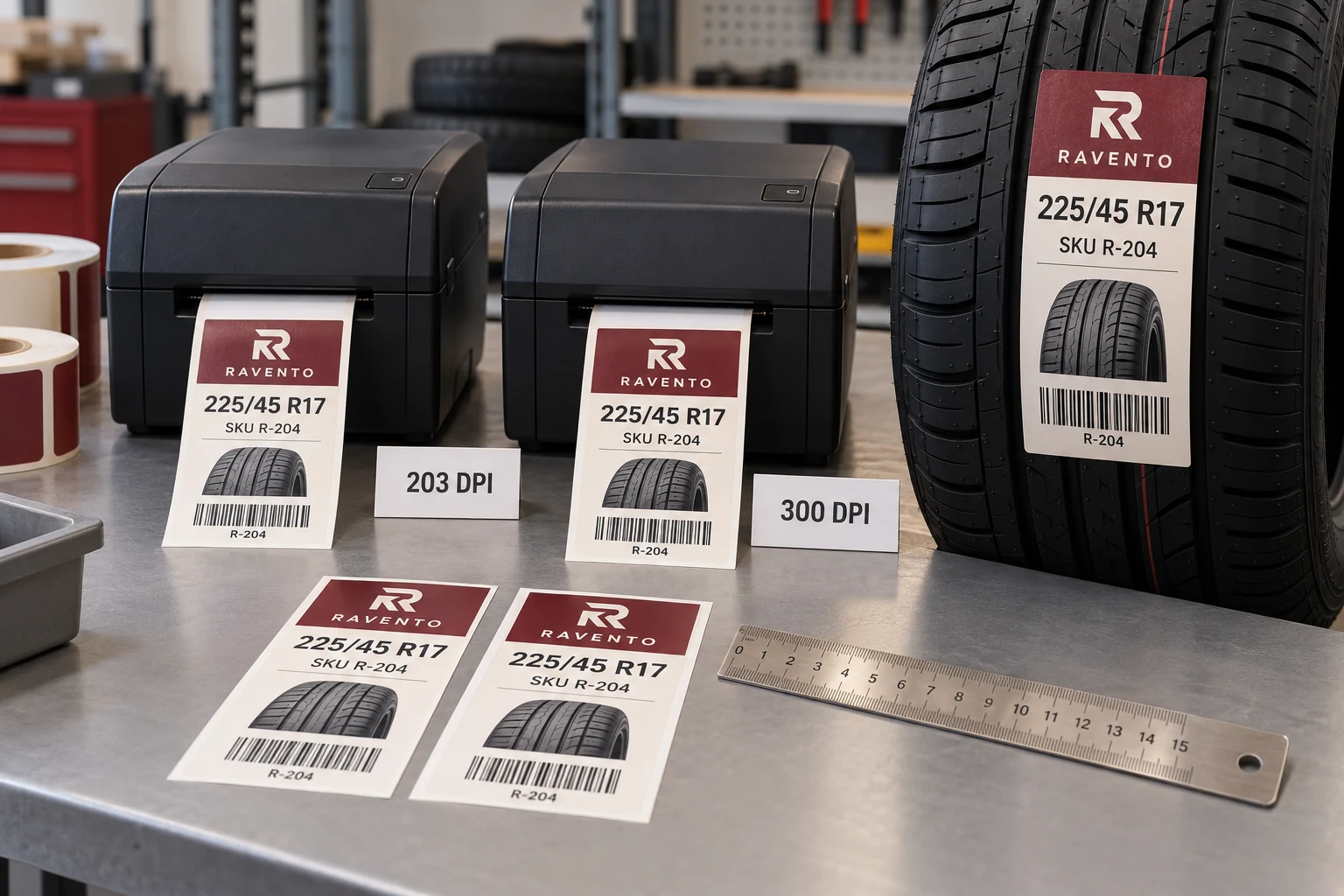
Separate the file from the dimensions it represents
Some label workflows define physical sizes through software and a driver. Others send printer-language commands containing dot-based coordinates. The same-looking file extension does not tell purchasing which method is in use. Have the print-system owner identify the actual path from data and template to device.
Zebra's ZE511/ZE521 documentation provides a concrete model-specific example: print width is specified in dots, and the supported width values depend on printhead resolution. That is a reason to check the intended device documentation, not a universal conversion recipe for every printer.
Keep a physical target drawing independent of the old printer configuration. It should identify the finished label, usable print area, key text positions and required code area. Without that target, a technician may reproduce the old file's numbers while changing the actual printed geometry.
Do not solve a device change by changing the tire data
The tire size, product identifier and other owner-approved values should survive a printer migration unchanged. If a barcode no longer fits, shortening its payload without approval changes the business information. If a long model name clips, deleting a word is a content decision, not a calibration step.
Use the same approved witness records on both setups where practical. Include long text, leading zeros and the relevant barcode content. Compare rendered output with the source data as well as with the old print. An older sample can contain an unnoticed defect; it is a reference, not automatic authority.
For a preprinted construction, retain the fixed design and its position reference. The overprint-window guide covers how the fixed and variable layers meet. A migrated printer must still produce the variable layer inside the approved physical area.
Build a before-and-after output sheet
Give the print owner a small, explicit comparison rather than a request to make the new label look right.
| Item | Record on the previous setup | Confirm on the proposed setup |
|---|---|---|
| Device | Model and resolution | Model and resolution |
| Print path | Template, driver or command reference | Corresponding released versions |
| Physical geometry | Approved label and field dimensions | Measured output at those dimensions |
| Data | Witness-file revision | Same approved values rendered correctly |
| Code result | Required payload and quality checks | Results from representative new output |
| Release | Existing approval scope | New owner-approved scope |
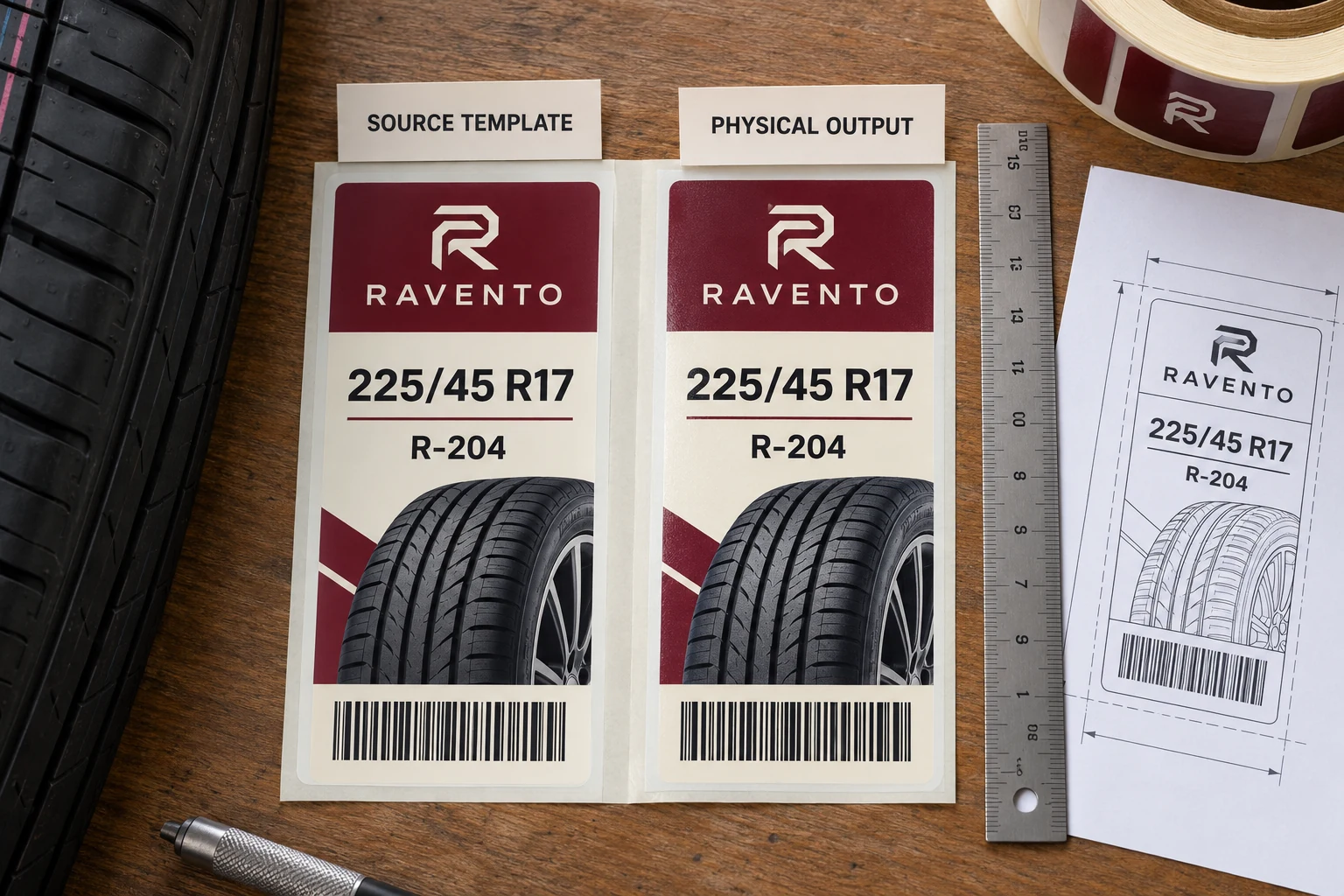
Do not invent a tolerance for the comparison. Use the buyer's drawing, equipment requirements and applicable code specification. If no acceptance requirement exists, obtain one before calling a dimensional difference acceptable.
Measure output before adjusting individual objects
Print a controlled sample using the intended label stock and print path. Confirm the media dimensions and check whether the whole layout changed scale, only certain elements moved, or the print origin shifted. Those observations lead to different investigations.
A general scale change suggests reviewing unit interpretation or migration settings. A single graphic behaving differently suggests reviewing that asset and its rendering path. An offset that affects the whole label may involve origin or positioning settings. These are diagnostic distinctions, not a claim that a particular symptom proves one cause.
Let the equipment owner make configuration changes. Preserve the original files, document each controlled revision, and avoid a series of undocumented object nudges. Otherwise the corrected label may work on one machine while becoming unusable on the previous station.
Check codes at their final size
After the layout is dimensionally correct, decode representative printed codes and compare their values with the approved records. Review the actual scan point on the tire. If the project specifies formal symbol verification, perform the agreed verification on the new output rather than inheriting a result from the old printer.
Do not assume increasing resolution guarantees acceptable bars or modules. The generated symbol, printing settings, stock and final dimensions still form the actual output. Equally, a lower-resolution device is not automatically unsuitable if the intended application and required checks support it.
Keep the distinction between a screen preview, a paper geometry check and a finished construction. Each answers a different question. A desktop paper print can help locate a scale problem, but it cannot establish the final label's application or scan performance.
When retaining the old setup is the better option
If the current printer remains supported and meets the requirement, a rushed migration may offer little immediate benefit. A planned parallel qualification can be more useful than changing the live station during an active tire-label order.
Where replacement is unavoidable, restrict release to the combinations actually reviewed. Do not infer that one approved tire label qualifies every template, code type or preprinted window. Maintain a migration list and make unreviewed jobs visible to the person scheduling production.
For custom tire labels, prepare a printer-change brief with old and new device details, the physical drawing, template references, witness data, actual output photos, construction, roll format and quantity. The contact page helps organize the requirements; supporting files can then be sent by its email or WhatsApp route. Approve the result in millimeters and correct data, not merely the fact that the old job opens.