Tire Labels in the Printer, but a Media-Out Error on Screen
Published
The roll is plainly visible. The printer says it has no media. Purchasing is asked to replace the labels, while the operator wants a roll that will feed before the next tire batch reaches the station. Ordering another construction immediately may leave both people with the same unresolved problem.
Treat the message as a detection problem to investigate, not a verdict on the supplied adhesive label. Establish what the particular printer is trying to detect, what passes its sensor and what configuration is active. Change the supply only when that review identifies a media requirement the current roll does not meet.
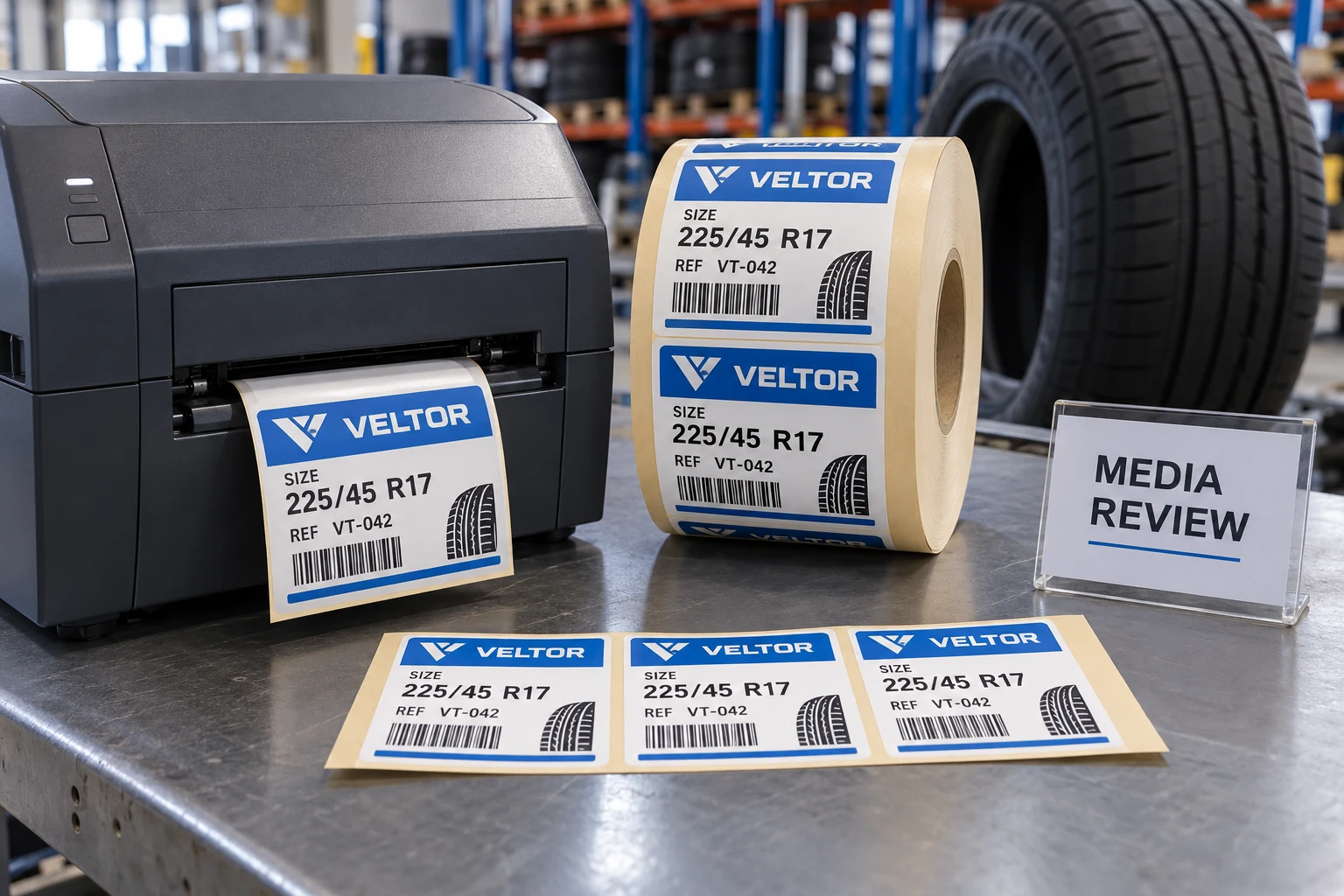
Record the message before changing the roll
Start with the device model, exact message, loaded media reference and the moment the problem occurs. An error at loading, a stop after several labels and a stop at a particular roll position are different observations. Preserve the approved job and the visible state before an authorized operator changes settings.
Ask whether the same job previously ran on this printer with this construction. Record what changed: media, driver, application template, printer configuration or loading method. A familiar brand name on the roll does not prove that the liner, sensing marks or finished geometry are unchanged.
Do not use an article as a substitute for the machine's access and maintenance instructions. The equipment owner should control opening, cleaning, loading and diagnostic work. Purchasing's useful contribution is a clear comparison record and the supplier's agreed media specification, not an improvised repair procedure.
A full roll can still be invisible to the sensing setup
Zebra's ZD620 media-out guidance lists several possible causes, including sensor alignment and dirty sensors as well as absent media. That is documentation for a particular device family. It demonstrates why the message alone does not identify the cause; it does not establish which explanation applies to another printer.
The automatic tire-label roll guide covers specifying the web and machine requirements before ordering. Here the decision comes later: a supplied roll is present, and the buyer must decide whether to retain it, change its specification or refer the equipment for further investigation.
Locate the intended registration feature on the approved drawing. It may be a gap, notch or printed mark. Then confirm which feature the device is configured to use and where its sensor expects that feature. A mark on the opposite face or outside the readable path cannot be evaluated by looking only at the label's front artwork.
Use one controlled comparison, not a sequence of guesses
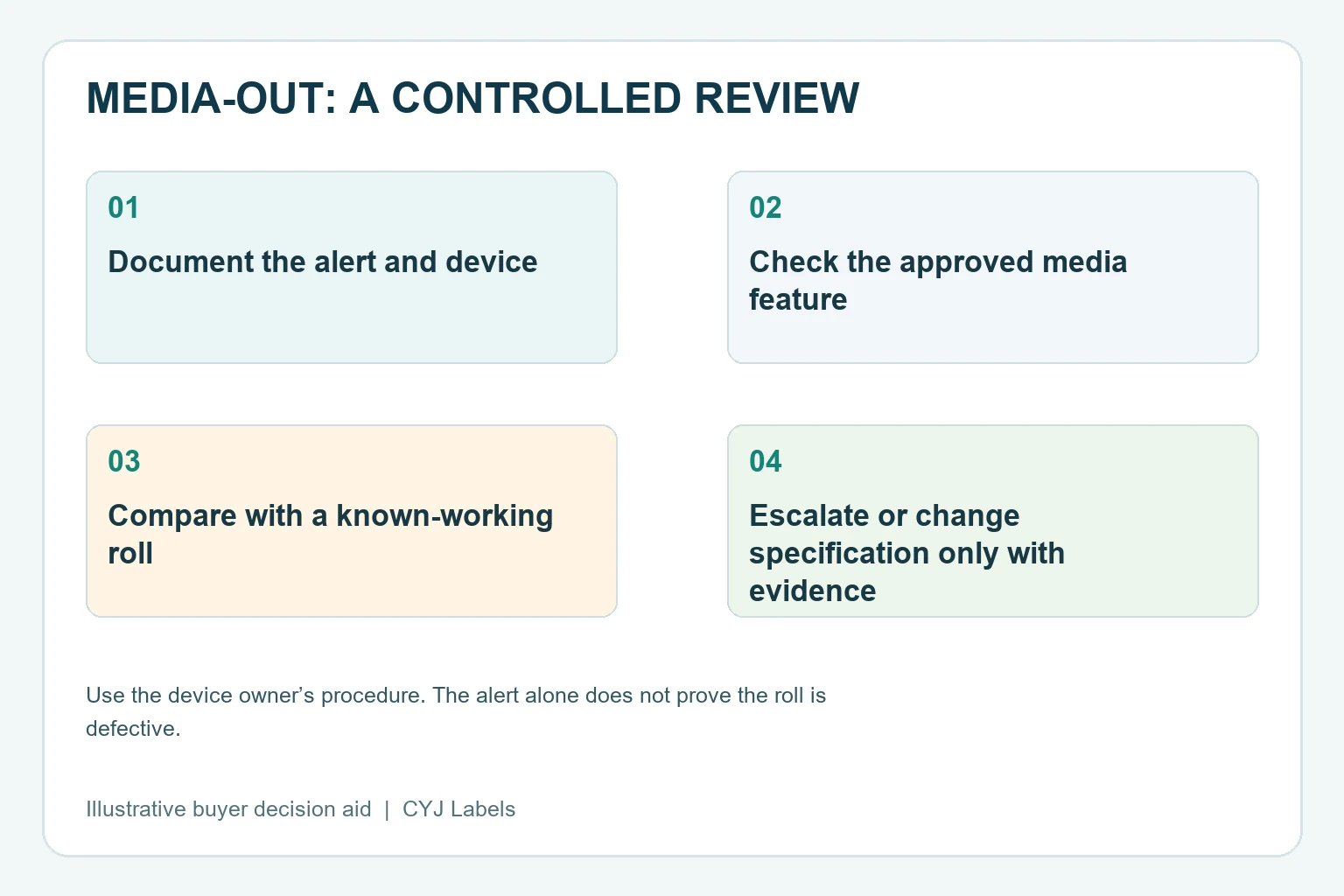
If the equipment owner has a known-working approved reference roll, retain its identity and configuration. Compare it with the questioned roll under an authorized procedure. Keep the job and other relevant settings stable where possible. Document any differences rather than changing the roll, template and sensor settings together.
A working reference can help narrow the investigation. It does not prove that every roll in the questioned shipment is defective. Similarly, a questioned roll feeding after a configuration correction does not automatically qualify its print quality, barcode data or adhesion on rubber. Those remain separate acceptance tasks.
Use a compact record like this proposed worksheet:
| Review point | Evidence to retain | Decision it supports |
|---|---|---|
| Device and message | Model, exact alert and job stage | Select the correct manufacturer procedure |
| Media identity | Roll reference, drawing and construction | Compare the actual supplied item |
| Registration feature | Gap, notch or mark and readable face | Check compatibility with the configured method |
| Sensor path | Owner's documented position and observation | Identify a possible feature-path mismatch |
| Reference comparison | Known-working roll and unchanged settings | Narrow the variables under review |
| Disposition | Configuration correction, media change or service referral | Assign the next action and approver |
Keep preprint and registration artwork separate
A branded tire label needs clear commercial information, but the printer also needs a usable registration path. Ask the equipment owner whether the proposed preprint, liner printing or special shape affects the device's sensing method. Obtain the model-specific answer before adding a black rectangle simply because another printer uses one.
The label supplier needs a dimensioned media reference, the intended sensing face and the owner's confirmed equipment requirements. A photograph showing only the finished label face leaves out precisely the information needed for this question. Include a backing view with direction and position identified.
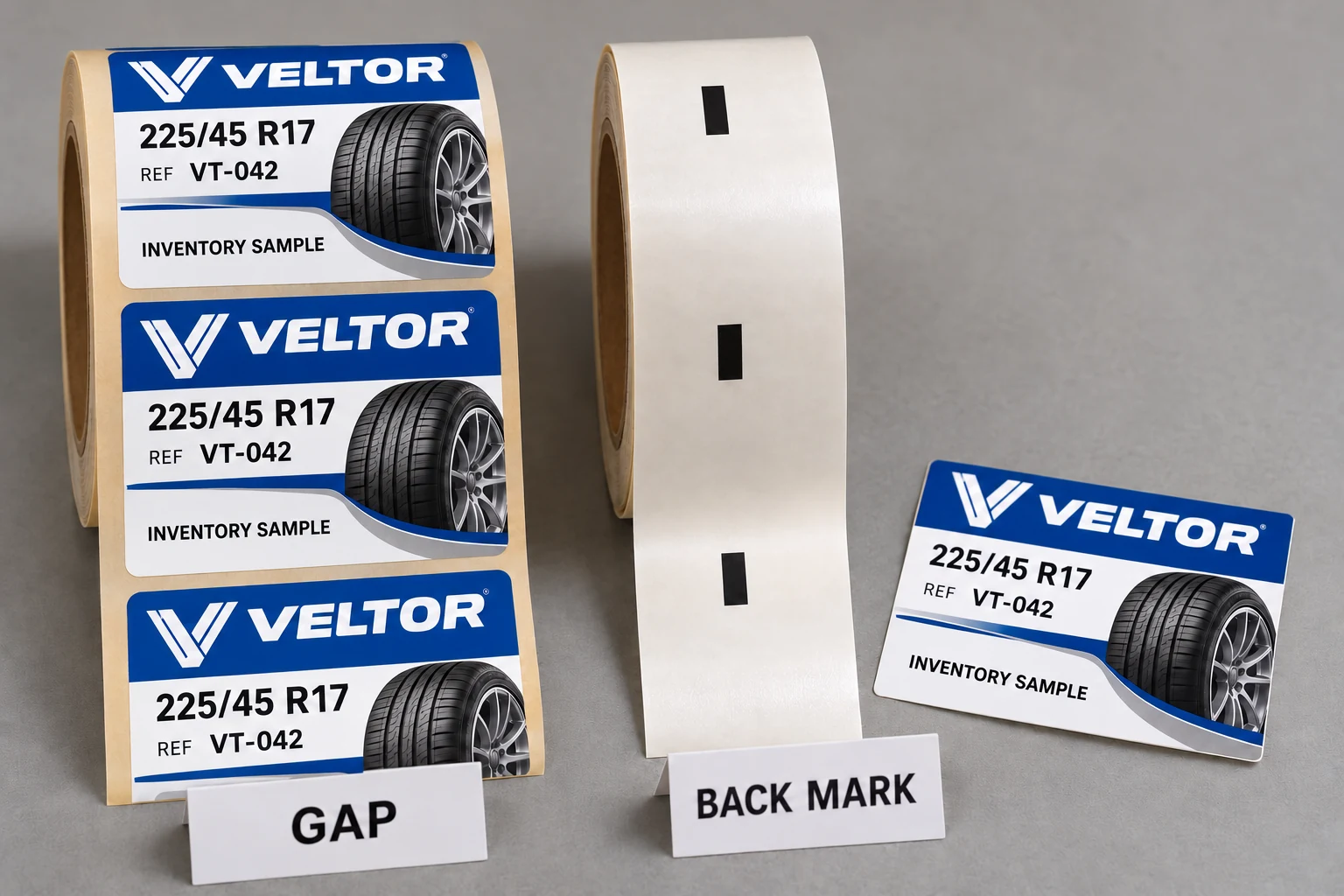
If a revised sensing arrangement is proposed, preserve the existing approved file and document the revision. The supplier should not silently add marks or alter spacing across every SKU based on a single informal message. The change may affect another printer or a downstream applicator using the same stock.
When retaining the labels is the better purchase
Where the media matches the approved device requirements and the owner resolves a configuration or loading issue, keeping the existing stock can be the sensible outcome. Reprinting would add work without addressing the source of the alert. Record the corrected configuration so the next shift does not repeat the same uncertainty.
Where the actual roll lacks the required detectable feature or has incompatible geometry, a controlled media revision may be justified. Confirm the complete drawing and review a representative finished sample. A manually peeled label that sticks to a tire cannot demonstrate that the roll feeds correctly through the intended print path.
Where the evidence remains inconsistent, keep the issue with the equipment owner and supplier rather than treating a temporary successful feed as final approval. The disposition should name the rolls and configurations covered. It should also identify what remains untested, including application and code checks if these have not yet occurred.
For custom tire labels, prepare a media-detection brief with the printer model, exact alert, approved media drawing, face-and-backing photos, roll reference, job changes and quantities by SKU. Organize the requirements on the contact page, then send supporting files through its email or WhatsApp route. The useful request is a defined compatibility review, not simply another roll that looks the same.