Conflicting Tire-Label Proof Comments: Release One Complete Version
Published
Marketing approves the logo in one email. Product management corrects the tire size in another. Purchasing replies that production can proceed, while the designer is still working from the previous attachment. Every person may have answered a reasonable question; nobody has approved the same complete label.
Resolve the comments into one identifiable proof and release that complete version. Keep each comment's disposition, its owner and the final artwork reference together. Approval fragments should inform the final decision, not replace it.
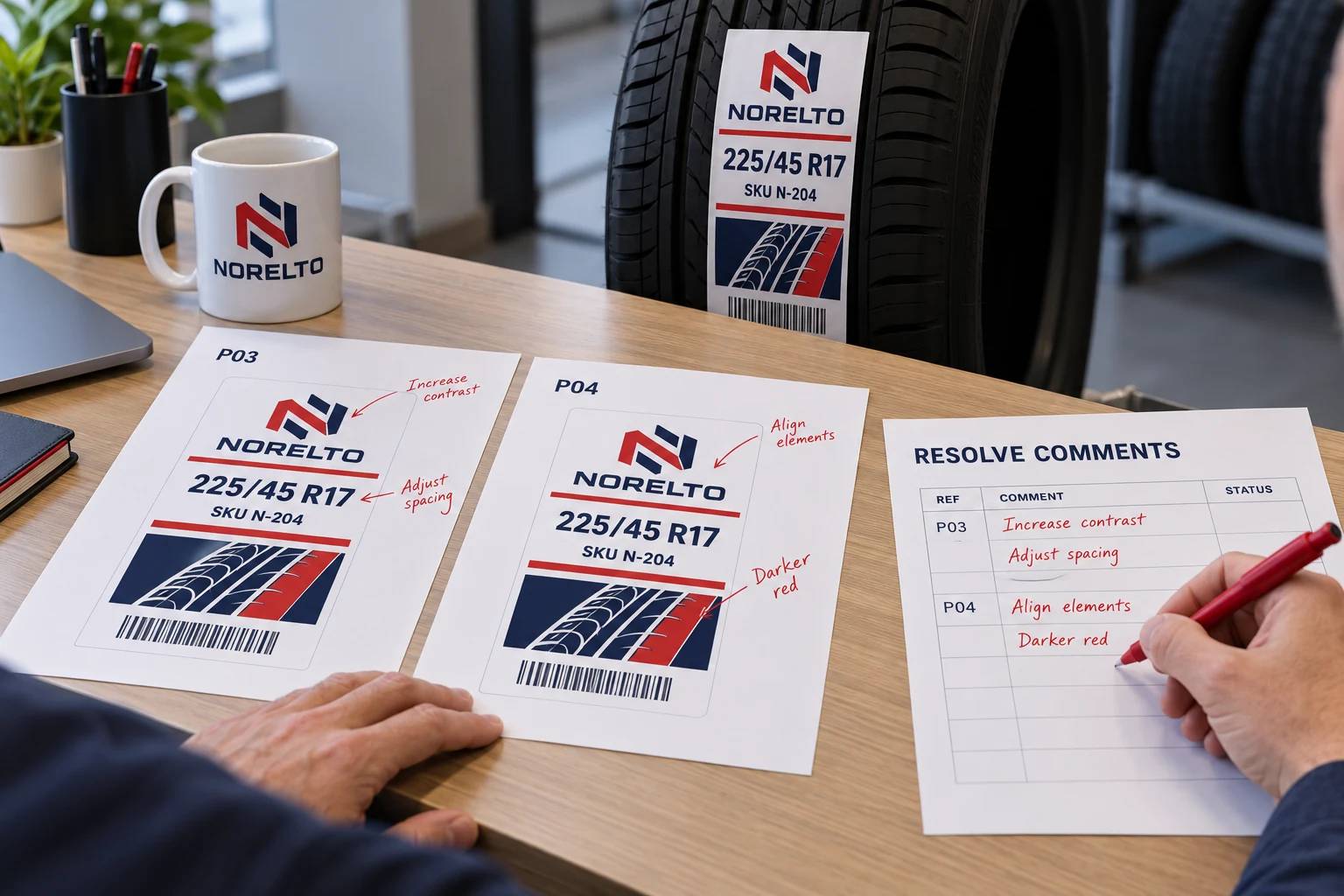
Give comments different jobs
A suggestion, a required correction and a final approval are different actions. Mark them accordingly. A comment asking whether a brand panel could be larger should not carry the same production authority as a product owner correcting an identifier.
Assign the owner of each decision. Brand presentation, tire product data, destination requirements and print construction may belong to different people. Purchasing can coordinate their responses, but it should not silently adjudicate a technical disagreement merely because the order date is approaching.
Where one person is authorized to approve the whole design, record that scope. A complicated approval chain is not automatically better. The purpose is to make the authority clear enough that the print partner knows which complete file is released.
Stop collecting approvals against different attachments
Start a comment round with one proof reference. Include its revision and a stable file name or other controlled identifier. If a replacement proof is issued during the round, make the change visible and state whether earlier comments remain applicable.
Avoid copying corrections from screenshots without locating them in the source proof. A cropped image can show a word clearly while hiding the SKU, market version or neighboring field that makes the comment meaningful. Preserve the original context and identify the affected area.
The artwork handoff guide covers missing fonts and linked assets. This review concerns decision authority after the files are available: which proposed changes were accepted, rejected or left unresolved, and which complete output incorporates those decisions.
Use a comment-resolution record
For an illustrative tire-label project, the record can remain short enough to read beside the proof.
| Comment | Decision owner | Disposition | Evidence in final proof |
|---|---|---|---|
| Correct product-size field | Product-data owner | Accepted after source check | Correct field on revision P04 |
| Enlarge brand panel | Brand owner and layout reviewer | Accepted within agreed area | Revised panel, other fields preserved |
| Change encoded value | Data owner | Pending | Production held for affected version |
| Retain current construction | Application approver | Confirmed within existing scope | Construction reference unchanged |
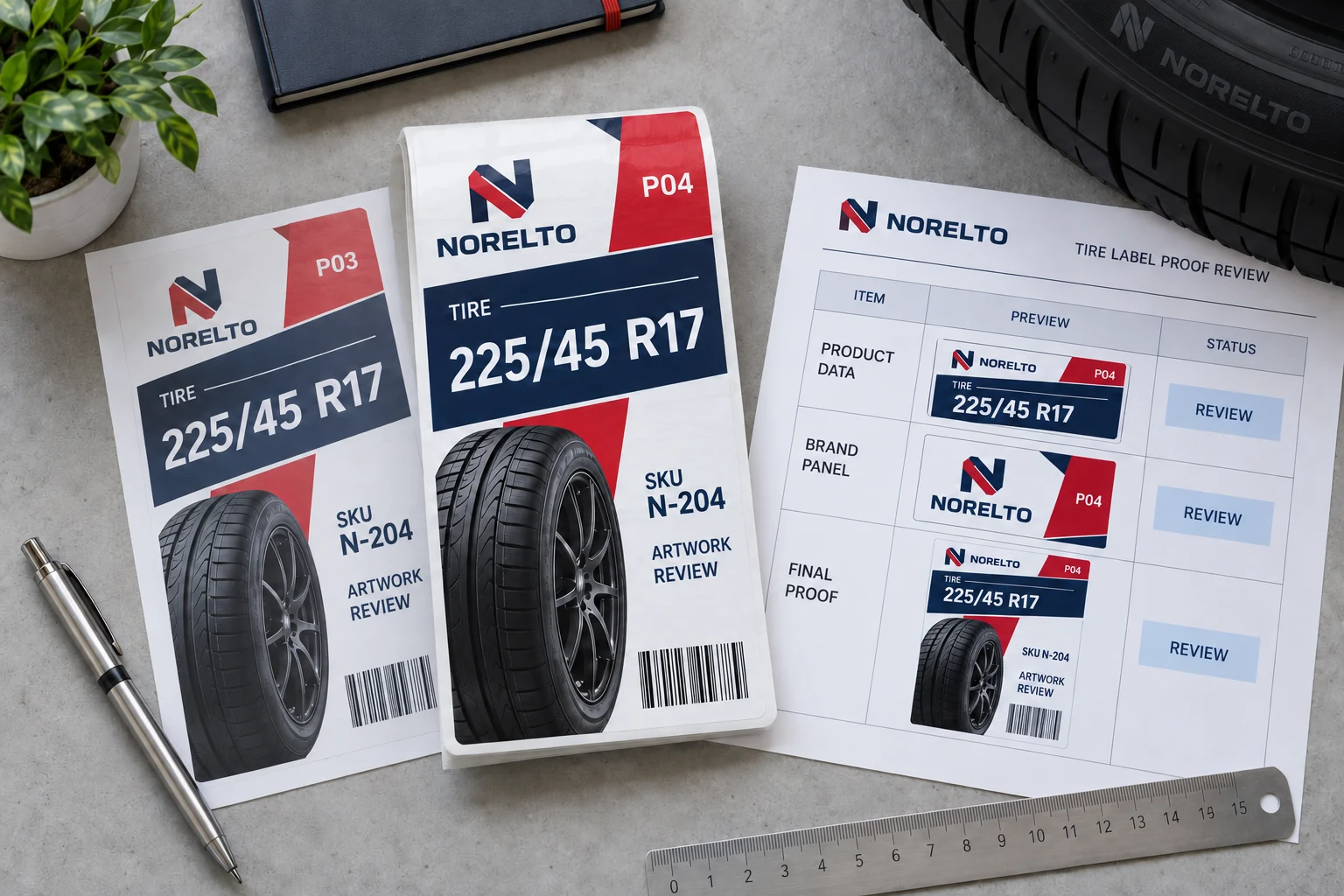
These are hypothetical dispositions, not an actual approval log. Use the real owner names and source references privately in your project record. A generic accepted stamp is not enough if nobody can identify what was accepted.
Keep rejected suggestions in the record where they may recur. A designer joining later should not reintroduce an old proposal because its absence looks accidental. Short reasons such as conflicts with approved product data or outside available panel area can prevent another circular review.
Read the whole proof after the last correction
After comments are resolved, generate the complete final proof from the intended production artwork. Recheck the corrected area and the surrounding label. A larger heading can push a code or small field into a different position; a content correction can alter line wrapping.
Compare the proof with the approved product record and the requested version. Check the readable identifier and encoded data using the agreed method. Do not presume that a correction to one visible field updates a separately populated code automatically.
The final approver should identify the complete proof reference and any remaining limits. A digital artwork approval does not establish tire adhesion, application performance or an unperformed physical test. Keep those approvals separate when the project requires them.
Decide what happens when one owner is unavailable
An absent approver does not make a pending field correct. The buyer can use an established delegation route, defer the affected version, or proceed only with a separately approved scope that does not depend on the missing decision. The right option depends on the business's actual authority rules.
If the current approved label remains suitable, retaining it may be preferable to rushing an incomplete redesign. That option is valid only when product data, market requirements and use remain unchanged and the responsible owner confirms continued use.
For a genuine mandatory correction, an old approval cannot solve the new problem. Hold the affected production instruction until the necessary decision is available. This is a scope decision, not a recommendation to stop every unrelated label order.
Make the release message easy to act on
The release should identify the exact final artwork and proof, applicable SKUs, quantities or order reference, and authorized construction and format. State whether previous proof versions are superseded. Avoid a message that says approved while attaching several files named final.
Ask the print partner to acknowledge the same reference in the production handoff. If it must regenerate the proof because of a production adjustment, review the returned change under the agreed process. A supplier-generated replacement file should not inherit approval merely because its file name resembles the released version.
Keep the final proof and resolution record together for reorders. That history helps distinguish a deliberate layout choice from an accidental omission and makes later revisions less dependent on remembering an email conversation.
For custom tire labels, prepare one resolved proof brief containing the complete artwork, comment log, approved product data, dimensions, quantity by version and roll or sheet requirements. Organize the requirements on the contact page and send the files through email or WhatsApp. The useful approval is the one another person can reproduce from the record.