Avery Dennison: Point-of-Purchase Tire Label Overview
Manufacturer example of a tire display construction; evaluate the selected project material separately.
View detailsResource Guide
A showroom sticker has to answer a shopper question quickly. A stock ID has to survive a sale, a price change and a move between racks. One label can support both jobs, but the data owners should not be confused.
Published 2026-10-06
Digital proof before production. Material and adhesive options are discussed according to your application requirements.
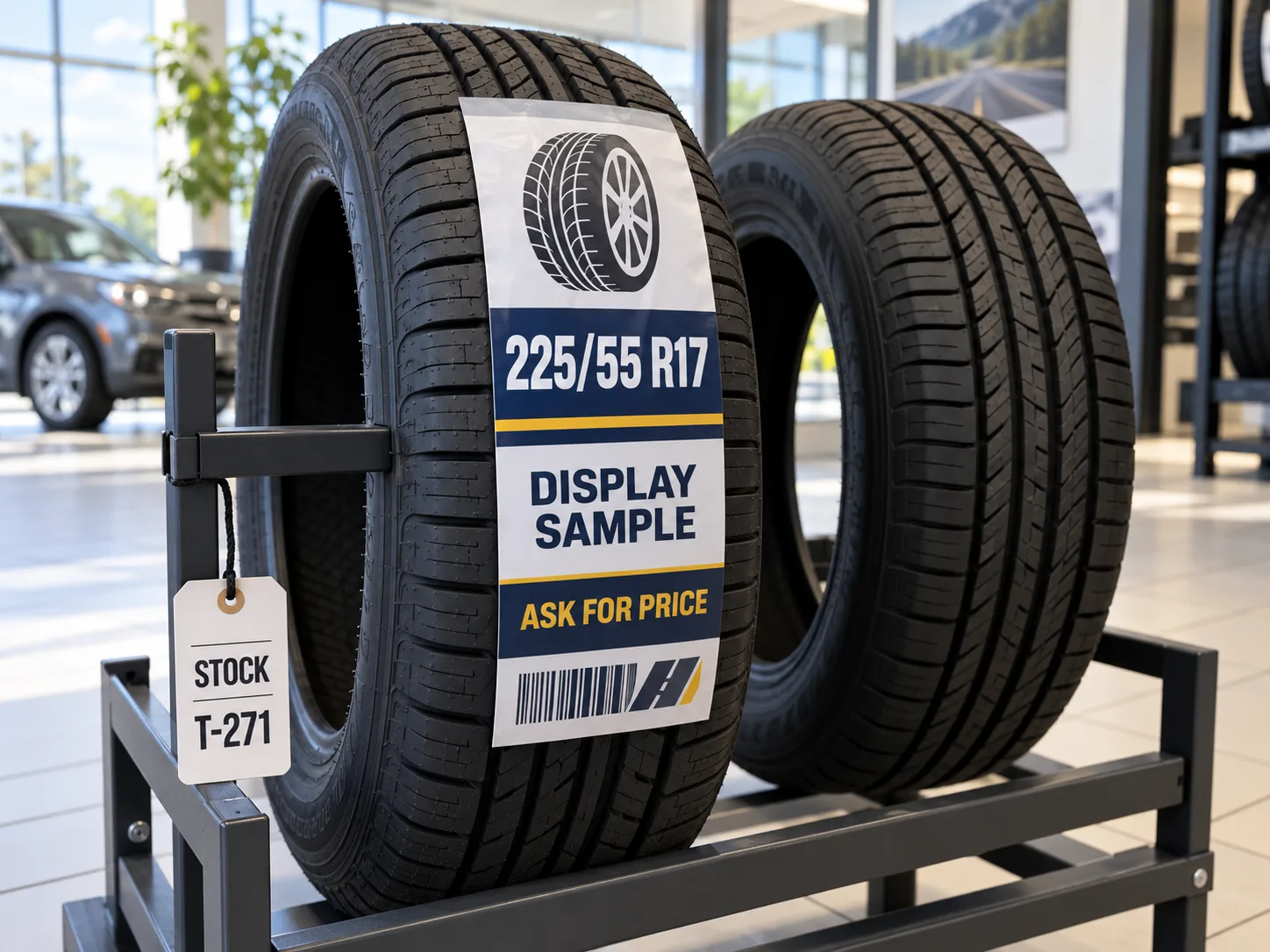
Show the buyer-approved size and useful product information at a readable distance. Keep a stable SKU or stock ID on a separate tag or in a clearly controlled field. Price and promotion text can change faster than the tire or its stock record, so decide how those fields will be replaced before printing a large batch. A display label is not a technical certification or a substitute for the tire manufacturer markings.
Imagine a dealer preparing a row of display tires before opening. One size appears in two inventory lots, and a promotional price changes after the window cards are printed. This is a composite example, not a customer case. If the large tread sticker carries both the offer and the only stock number, replacing the offer may also remove the clerk lookup key. A separate stock record and a controlled display layer let staff change the selling message without inventing a new product identity.
A shopper views the face from several steps away; receiving scans a code at close range. Size and descriptive text need a hierarchy that works for the display, while the machine-readable field needs its own clear area and approved payload. Decide whether the sticker is removed before fitting, stays with the tire through dispatch or is only applied to a display sample. Avery Dennison publishes a point-of-purchase tire label material overview, but its construction-specific description is not a guarantee for another label. Request an applied sample on the actual tire and check the buyer removal method.
Manufacturer example of a tire display construction; evaluate the selected project material separately.
View detailsProvide a fixed product/SKU matrix and a separate list of fields that may change by location or campaign. If the buyer wants a price on the label, specify currency, approval owner and revision date; do not let a design sample become an unapproved public price. Show how the display artwork, small stock tag and inventory record map to one another. Print a finished-size proof with fictional example IDs and have both merchandising and warehouse staff read it.
Send a tire photograph, label dimensions, quantity by artwork version, proposed print fields, color requirements, scan workflow, display duration and removal expectations. Ask separately about a large POP sticker and a smaller stock tag if the roles differ. The quote should describe the exact construction to be tested, not promise universal adhesion or residue-free removal from a catalog picture.
FAQ
Only if the retailer owns a process for approving, updating and removing that price. A stable SKU should not depend on a temporary offer.
It can carry a stock field if the scan and replacement workflow are controlled, but the inventory record must remain identifiable when display artwork changes.