Asset Labels for a CMMS Migration: What Actually Needs Reprinting?
Published
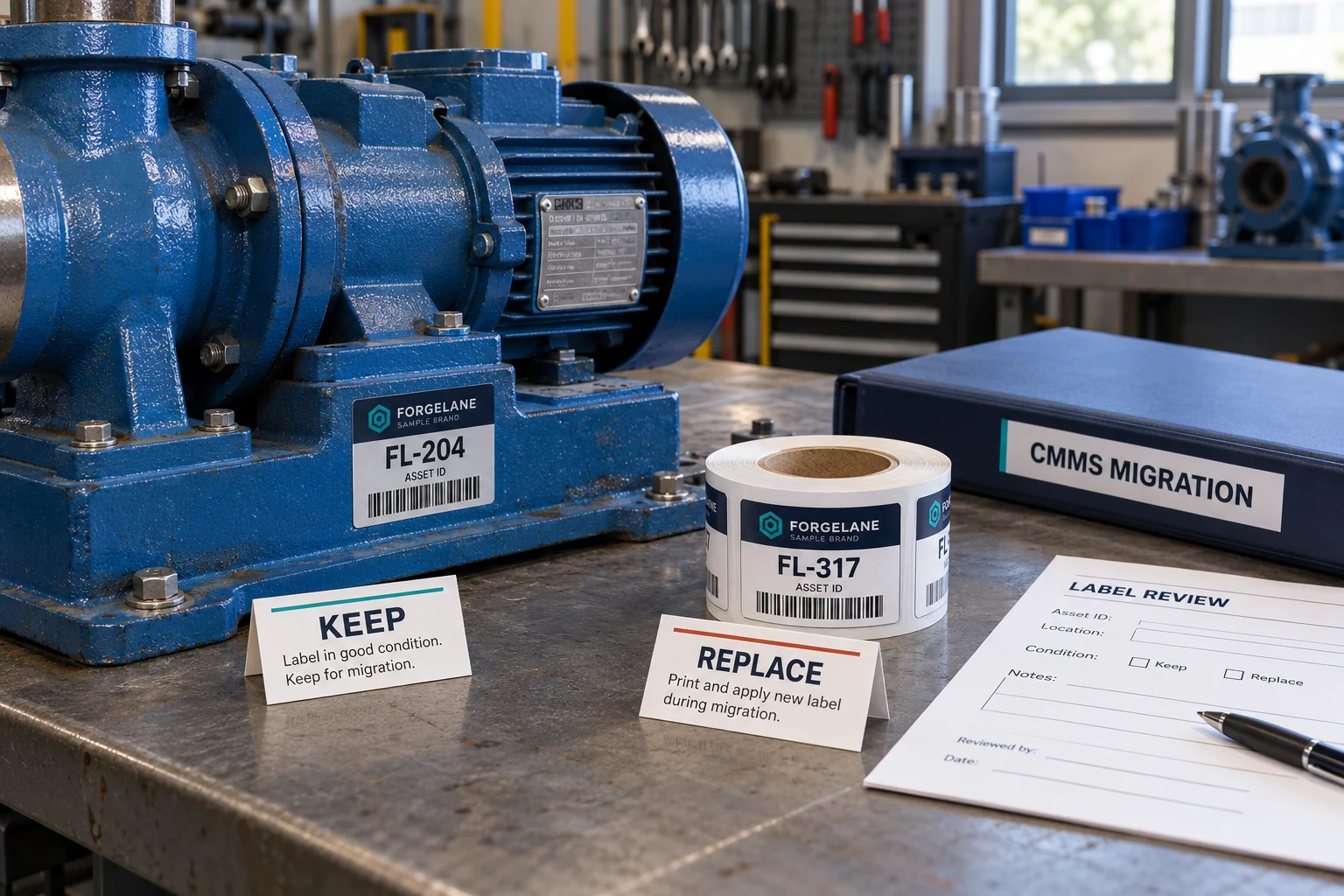
The new maintenance system has a launch date. The label order has a quantity. The awkward question is whether those two decisions were ever checked against each other.
Imagine, as an illustrative example, a maintenance planner reviewing a request to replace every asset label in a workshop. Some labels are damaged. Others are perfectly readable. The migration team wants a clean start; the planner wants technicians to find the correct machine on Monday morning. Both have reasonable priorities. Printing the whole register again may satisfy one without solving the other.
Before ordering asset labels for a CMMS migration, separate three decisions: which physical labels remain usable, which codes the new workflow can recognize, and which asset records those codes must retrieve. CMMS means computerized maintenance management system. A new system does not, by itself, establish a need for a new physical identifier.
Start with a lookup check, not a replacement quantity
Take an existing label from a representative machine. Record its readable ID and decoded payload separately. Then check how that value is associated with the intended record in the target system.
The printed asset number, manufacturer serial number, barcode value and software record key may serve different purposes. Ask the system owner which field receives each one. Do not ask the print supplier to guess from a screenshot of the old register.
Fiix’s official barcode FAQ says existing barcodes can be retained when compatible. That is a useful counterexample to the idea that every software implementation requires new tags. It is a statement about that platform, not a promise that every CMMS supports every existing symbol or workflow.
For your project, obtain the target platform’s requirements and test the actual operator route. A code that works in an administrator’s lookup may behave differently in another scanning interface. The purchase decision needs the intended workflow, not simply a successful demonstration on somebody’s phone.
Build three lists before asking for a print price
A physical stocktake and a data review belong on the same worksheet. Otherwise purchasing receives a tidy quantity that conceals several unresolved problems.
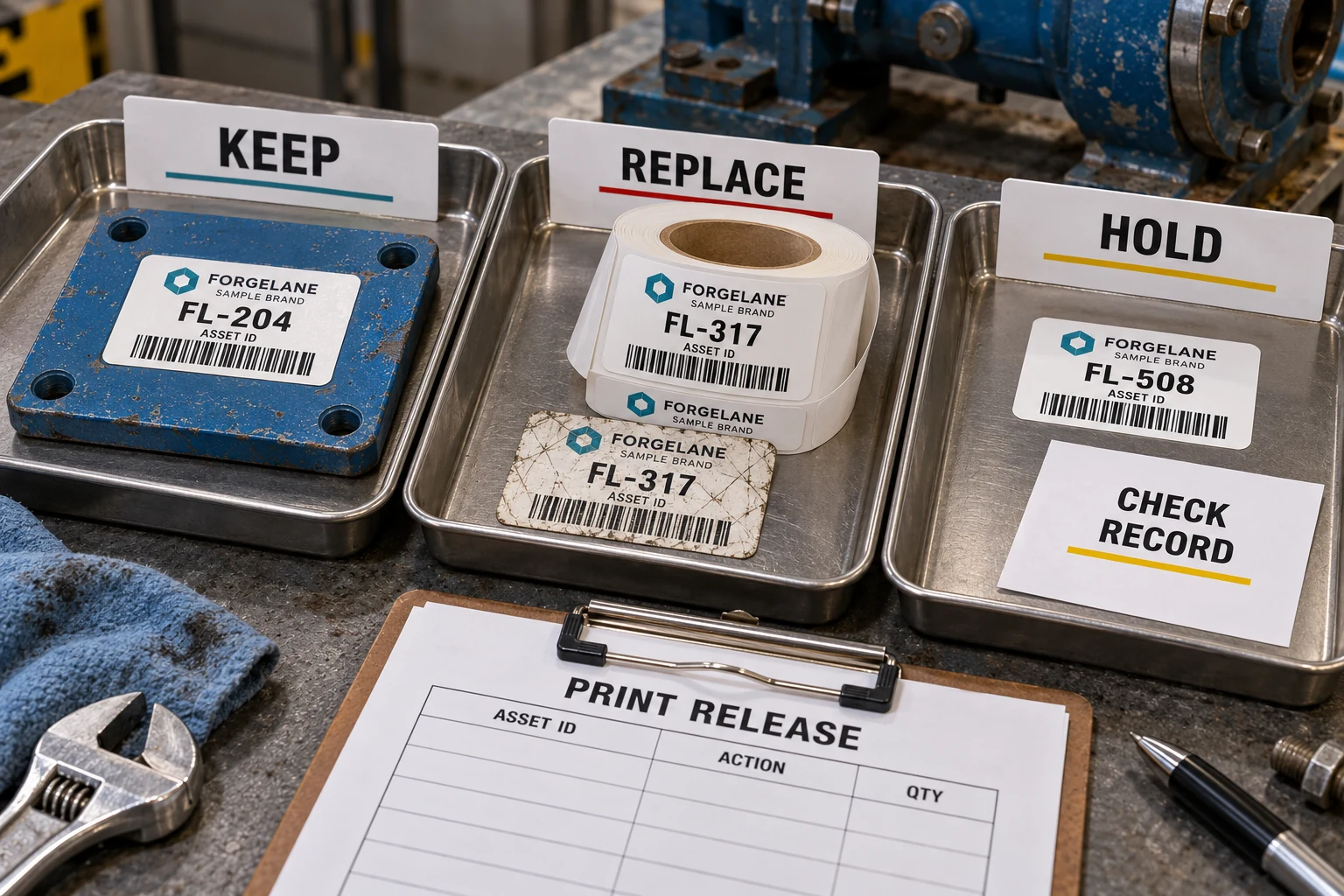
| Decision | Evidence to collect | Effect on the label order |
|---|---|---|
| Keep | Label readable, still suitable for the application, identity unambiguous and lookup accepted in the target workflow | No replacement solely because software changed |
| Replace | Label missing, damaged, unsuitable for the intended use, or carrying a payload that the approved workflow cannot retain | Add a specifically authorized replacement row |
| Hold | Uncertain machine identity, conflicting records, duplicate values or unresolved platform compatibility | Exclude from production release until the owner decides |
These are proposed purchasing controls, not universal CMMS rules. An asset can move from hold to keep after a mapping correction, or from hold to replace after a confirmed identifier change. Keep the reason with the row so a revised spreadsheet does not quietly turn uncertainty into a print instruction.
I would rather quote a smaller, approved replacement file than a larger file that still contains competing versions of the same machine.
A migration spreadsheet is not automatically a print file
In Fiix’s asset-import documentation, source columns must be matched to system fields. The guide also warns about import formatting and recommends a small test import. Those details are platform-specific, but the purchasing implication is broader: a spreadsheet that looks complete can still put the right-looking value in the wrong place.
Have the asset-data owner reconcile the migrated record before releasing its label. Preserve meaningful leading zeros, prefixes and site context according to the approved scheme. If two sites use the same short number, resolve how the target workflow distinguishes them before ordering new barcodes.
Do not export every software field onto the label. Select the approved readable ID, encoded payload and genuinely useful fixed text. Keep internal database details and access credentials out of the artwork. A label supplier needs a controlled print input, not unrestricted access to the maintenance system.
The existing asset and serial number labels page covers the physical identification brief. For replacement industrial barcode labels, supply the approved payload and intended reading conditions. The migration team still owns the relationship between that identification and its records.
Check URL-based labels separately
An existing barcode that encodes a fixed identifier and a QR code containing an old software URL create different migration questions.
For a URL, establish whether the organization can maintain the address or an approved route to the new destination. If it cannot, a replacement may be necessary even when the printed symbol is undamaged. If the address remains under reliable control, changing the destination may avoid unnecessary physical work.
That decision also involves permissions and ongoing ownership. Our guide to asset QR link ownership covers those responsibilities. Here, record the result as keep, replace or hold rather than expanding a link-management question into an automatic order for new labels.
Two plants can reasonably buy different quantities
Consider a second illustrative situation: one site has intact labels, approved identifiers and a target system that accepts them. Its main work may be data mapping and workflow checks. An exception-only label order could fit that project.
Another site has worn labels and an owner-approved identification scheme that genuinely changes. A wider replacement program may be justified. It needs a controlled relationship between old and new IDs, a physical application plan and a way to confirm each newly labelled machine against its record.
The first site should not be pushed into a full relabel merely to make the purchase look substantial. The second should not keep failing labels simply because reusing them sounds economical. Include the technician’s identification and application work in the decision, not only the printed unit price.
If a short overlap period is needed, agree how old and new identifiers remain distinguishable and how obsolete labels are handled. Do not cover rating plates or safety information. A printer cannot authorize changes to the equipment owner’s identity records.
Release an exception file that someone can install
The final order should list only authorized production rows. For each, provide the current ID reference, final readable ID, encoded value, artwork revision, copies required and installation grouping. Put unresolved rows in a separate hold register; mark reference-only old values so they cannot become the printed payload by mistake.
Include dimensions, surface photos, cleaning and exposure conditions, placement, intended reader and roll or sheet requirements. Where compatibility is unresolved, request a sample or proof discussion before bulk release. Agree material suitability separately from digital lookup acceptance.
Before replacement, verify the machine against the approved record. Afterwards, check both readable identification and lookup through the intended workflow. Reconcile applied, unused and rejected labels so the same job is not sent for printing again during the next migration review.
Preparing a migration-related asset-label order? Send the approved replacement requirements with a small non-sensitive data example, the keep/replace/hold totals, authorized print fields, surface photos, label dimensions and quantities. Use the contact page to prepare the inquiry, then attach files in your chosen email or WhatsApp conversation. Keep passwords and private maintenance records out of the print brief.