GS1: Serialisation and Unique Identification
Primary explanation of serial data and unique instances.
View detailsResource Guide
A barcode can scan perfectly and still be the wrong identity. Preventing duplicates starts before print and continues through reprints and dispatch.
Published 2026-09-28
Digital proof before production. Material and adhesive options are discussed according to your application requirements.
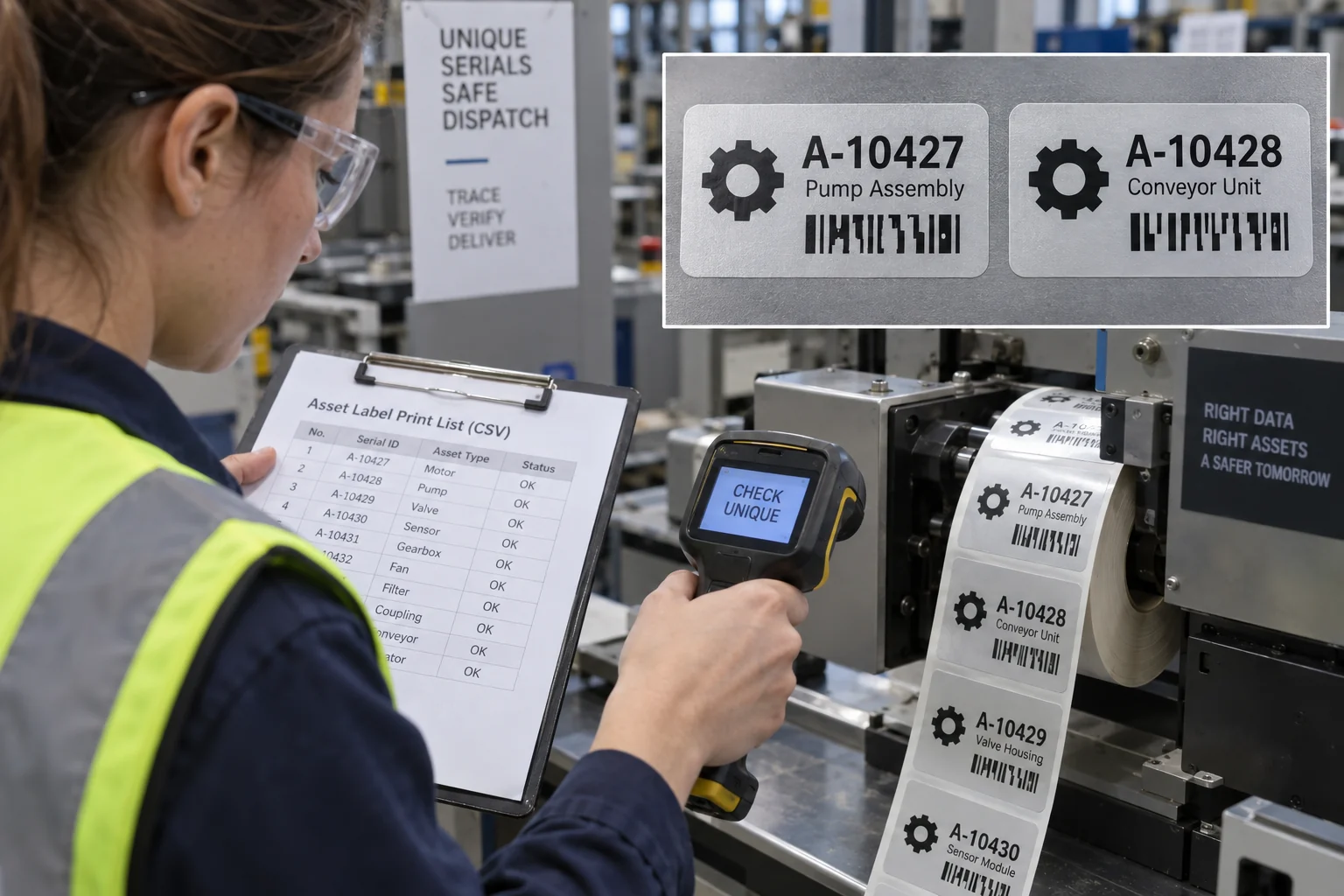
Define what makes one label unique in your system: an asset ID, a serial string or a product identifier plus serial number. GS1 explains that a serial number can identify an individual instance in combination with its base product identifier. For private internal asset IDs, document your own scope and assignment rules. A printing partner should not infer uniqueness from a visually increasing sequence if the same range was printed for another order.
Imagine a production run that stops after a damaged roll. The buyer sends the original CSV again and asks for the missing labels. If the operator restarts at row one, the first half of the sequence is duplicated. This is a hypothetical workflow, not a reported incident. The practical question is exactly which IDs were accepted, scrapped, already applied and still needed. A reprint authorization should list those IDs explicitly rather than asking for another full roll.
Import variable data as structured rows. Normalize obvious whitespace and case rules only with the buyer approval; do not silently alter meaningful characters such as leading zeros. Check empty values, duplicates, out-of-range values and expected row count. Lock the approved source file and version. Put a human-readable ID beside the code so a person can compare the printed label with the order record. If using GS1 syntax, obtain the proper identifier assignment and data format from the owner.
First, can the reader decode the printed symbol under actual lighting and distance? Second, does the decoded value match the authorized data row? Passing the first test does not answer the second. For critical runs, plan an independent comparison between output and approved file, along with a documented way to isolate suspect rolls. A generic image-generation barcode or sample graphic is not a production data carrier; the photograph on this page is illustrative only.
Send the field definition, code symbology, variable-data file, label dimensions, quantity, printer or scanner constraints and acceptable reprint process. Ask how the supplier handles sequence breaks, rejected labels, roll splits and file revisions. Agree who owns the final unique-ID ledger. If the system changes after labels are applied, preserve a human-readable fallback so maintenance teams can still identify the item without relying solely on a scanner.
FAQ
No. The decoded value must be compared with the owner approved identifier ledger and the printed-run record.
Only with an approved list of IDs to replace and controls to prevent duplication of already accepted or applied labels.