Equipment QR Labels Offline: What Must Still Be Readable?
Published
The phone recognizes the QR code, then the page fails to load. The technician is beside the right machine but cannot retrieve its record. Making the code larger may improve capture; it will not restore the missing network or service.
Separate identifying the equipment from retrieving its online information. Keep a readable, owner-approved asset ID on the label and define what staff can do when the linked record is unavailable. If cached information is part of the solution, its age and permitted use need explicit control.
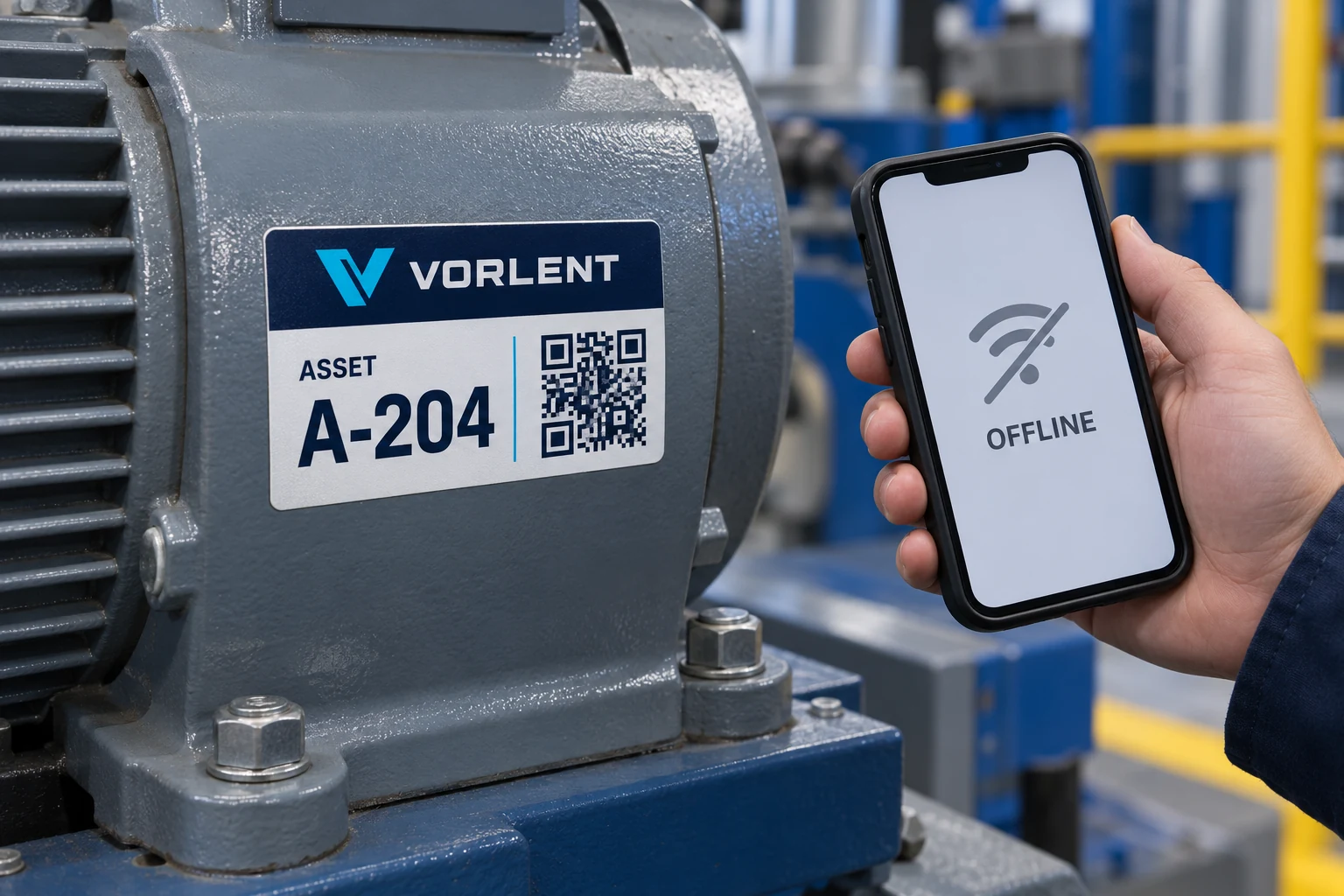
A decoded link is only the first step
A QR symbol can carry a locator that a device reads without first opening the destination. Accessing the linked page is a separate event involving the device, network, service and any authentication requirements. Record which event failed before changing the printed label.
The QR link-ownership guide addresses who maintains the destination over time. Offline fallback adds a different operational question: how the person at the equipment establishes identity and follows an authorized route when that destination cannot currently be reached.
Do not call a label offline-ready merely because a camera recognizes its symbol. The practical requirement depends on the task. Reading an asset number, opening a recent maintenance record and authorizing a safety-critical procedure are not equivalent capabilities.
Print the minimum useful identity
Choose a readable identifier that the equipment owner can use to find the correct record through another approved route. Keep it distinct from a model number that may be shared by many machines. If location information is printed, make clear whether it is a stable attribute or a changeable assignment.
The label should not become a compressed maintenance manual. Crowding it with instructions can reduce the visibility of the identity it must preserve. Decide which small amount of information remains useful when digital access fails, then protect that hierarchy in the layout.
For an illustrative machine A-204, the printed asset ID could allow staff to contact the responsible internal support point or consult an approved local register. That is a proposed workflow, not a claim that CYJ provides a database, mobile application or maintenance service.
Define the fallback by task
Ask the equipment owner to list the tasks that normally begin with a scan. For each, specify whether offline identification is enough, whether an approved local record is required, or whether the task must wait for current information.
| Task | Possible fallback to approve | Limit to make visible |
|---|---|---|
| Identify the machine | Read the printed asset ID | Does not establish current maintenance status |
| Report an observation | Record ID and time for later entry | Avoid duplicate or misassigned submissions |
| Retrieve a document | Use an authorized local copy if permitted | Version and currency must be known |
| Confirm current status | Reach the responsible owner or system | A stale cache may not answer the question |
| Perform restricted work | Follow the owner's approved procedure | A readable label is not authorization |
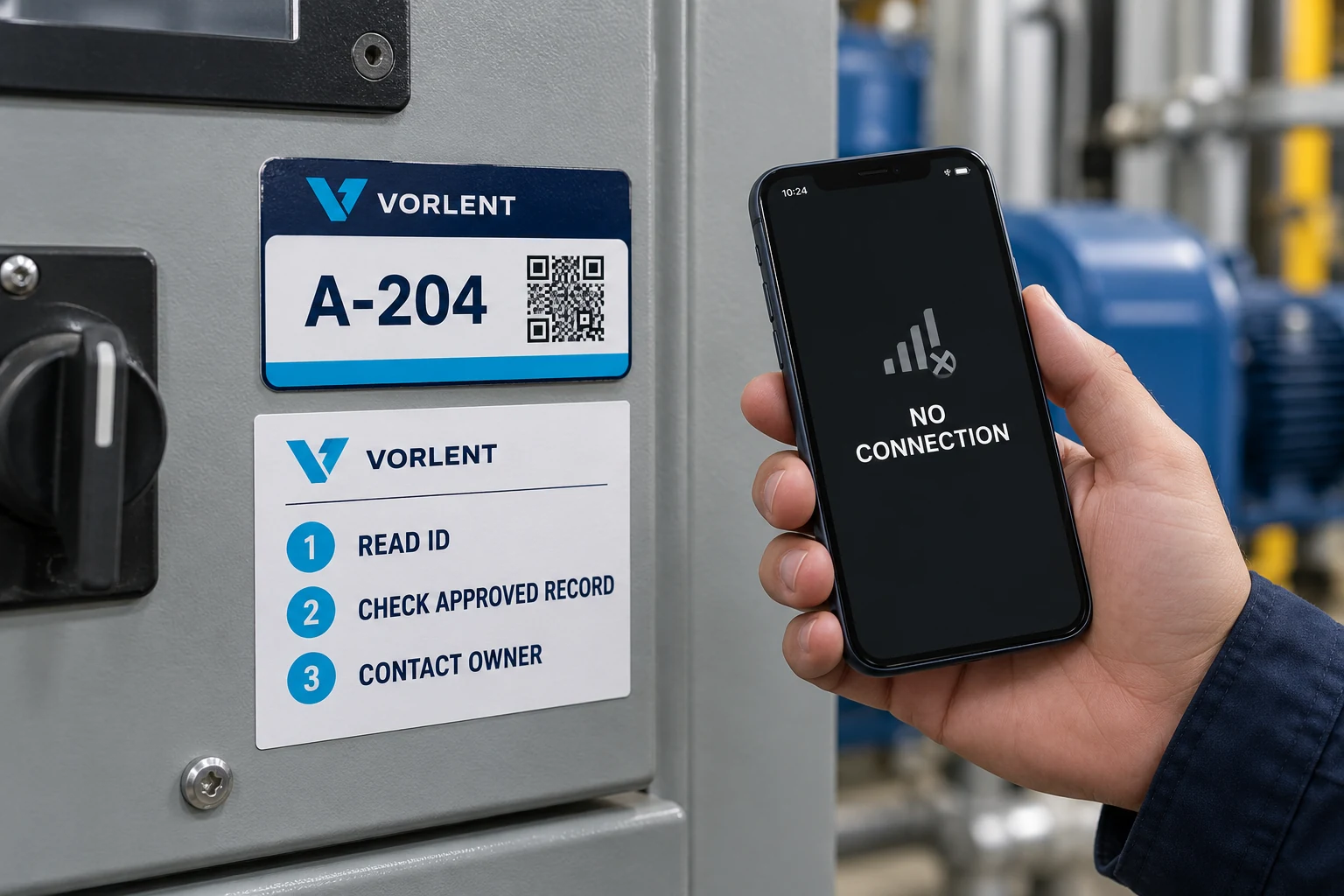
The table is a planning framework. The owner must set the actual permissions and limits for its equipment and process. Do not infer that offline access makes a document suitable for every operational decision.
Test the failure route deliberately
Use a safe, controlled test with the intended device and workflow. Confirm that the code decodes, then observe what happens when its destination is unavailable. Record the message the user sees, the readable identity available on the label and the next authorized action.
If the application supports cached records, inspect what it actually retains and how it identifies age or version. Do not assume a previously opened page will always remain available. Have the system owner verify the behavior for the actual configuration.
Include an asset that is easy to confuse with a neighboring unit. The printed fallback should let the reviewer distinguish the units without relying on memory or a photograph taken from a different angle. Review readability at the intended viewing position, not only while holding a loose label at a desk.
Sometimes the network needs attention, not the label
If the existing label already provides a clear asset ID and the code points to the correct maintained destination, a connectivity or service problem may require no reprint. Preserving the label while the system owner corrects access can avoid unnecessary replacement work.
If the label contains only a web symbol with no readable identity, a layout revision may be justified. Review whether a supplemental identity label is acceptable or whether replacing the original gives a clearer result. The equipment owner should decide how the change avoids contradictory identifiers.
A dedicated offline application may suit some operations, but it is a system decision with synchronization, access and maintenance obligations. This guide does not claim that printing a different code supplies those capabilities. The label should reflect the approved system design rather than promise one.
Keep the fallback alive after the first installation
Record the label artwork, asset-ID rule, destination owner and approved offline route together. When the application or support process changes, review the fallback instructions. A contact route that no longer exists can leave the printed identity technically correct but operationally awkward.
Recheck representative labels after changes to equipment location or enclosure access. The fallback depends on being able to read the identifier when the digital route is least useful. It should not be hidden behind the very panel staff need authorization to open.
For asset and serial labels, prepare an offline-identification brief with the approved ID rule, locator, fallback task table, equipment photos, dimensions, reading position and quantity. Organize the requirements on the contact page and send supporting files through email or WhatsApp. Start with what a person must still know when the page does not load.