Two Labels for One Asset: Order Matched Sets Without Creating Two Assets
Published
An equipment project needs one label on the front and another at the rear service point. Both should identify the same asset. A duplicate-value check flags the order, while an unchecked print run could produce an extra copy that later finds its way onto another machine.
Define authorized copies as members of one asset-label set. Keep the asset identity unchanged, specify where each copy belongs, and reconcile supplied, applied and replaced members. The useful control is not a blanket ban on duplicate printed values; it is a clear distinction between repeated labels and repeated asset assignment.
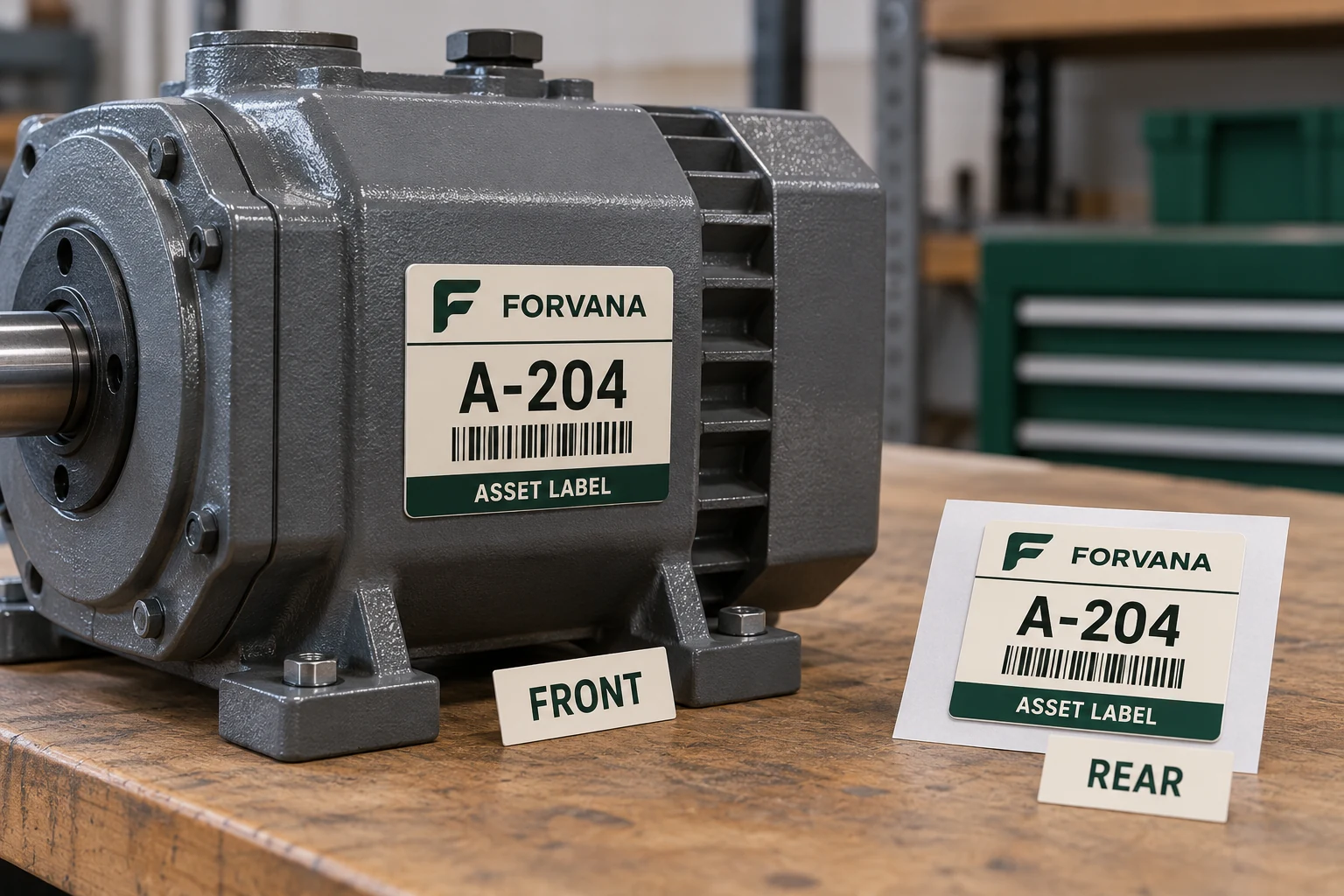
Decide why the second copy exists
Two viewing positions can justify two labels when staff cannot readily reach one from the other. A commissioning record may also require a matching reference copy. Identify each purpose before ordering equal quantities of repeated numbers.
If the second label only compensates for a poor primary placement, moving the first label may be simpler. Review access, surface and operational constraints before increasing the number of copies that must be controlled. Do not place an asset identity on a removable component unless the ownership and replacement relationship is understood.
The removable-guard guide addresses that placement problem. This set-control guide assumes the owner has already decided which physical locations legitimately refer to the same asset.
Separate identity from set membership
Use the approved asset ID as the common identity. If the workflow needs member references such as Front and Rear, keep their meaning explicit. Do not append uncontrolled characters to the machine-readable asset value merely to make each printed label look unique.
The data owner should decide whether member information is printed, encoded separately or retained only in the issue record. The receiving application must still resolve the intended asset. A member suffix that accidentally creates a new asset record defeats the purpose of the pair.
For an illustrative asset A-204, two physical labels can legitimately repeat A-204 while the installation record distinguishes Front and Rear. That example is not a recommended numbering scheme. Use the buyer's actual assignment rule and application requirements.
Order sets, but count physical labels too
A purchase instruction saying 500 assets can be interpreted differently from 500 labels. State both the number of asset sets and the required members per set. Identify any reference copies, approved spares or packaging labels separately.
| Record field | Illustrative requirement | What it prevents |
|---|---|---|
| Asset identity | A-204 | Guessing which asset owns the set |
| Set members | Front and Rear | Treating two copies as two assets |
| Physical count | Two approved labels | Ambiguous order quantity |
| Presentation | Matched pair with visible set reference | Accidental separation during issue |
| Placement record | Front applied; Rear applied or held | Assuming both copies were installed |
| Replacement | Named member and disposition | Uncontrolled extra copies |
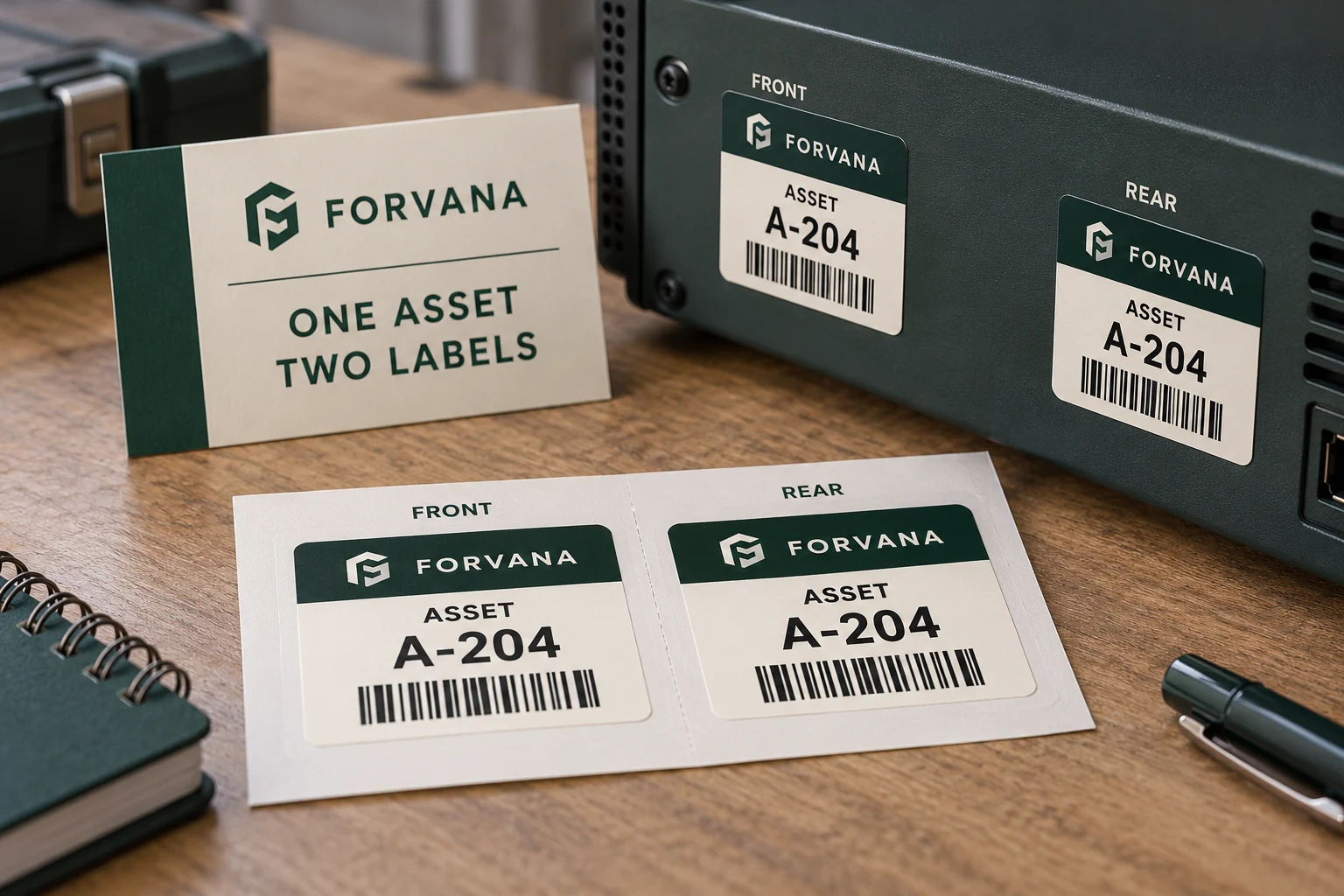
Keep the table connected to the approved data file. If different assets need different member counts, represent those differences explicitly rather than adding a percentage of unidentified extras to every number.
Approve how the pair arrives at the bench
The supplier can propose a presentation that fits the actual application method. Adjacent labels, paired sheets or separately identified packs may each be appropriate in different workflows. The buyer should review how a worker selects, applies and accounts for the complete set.
If paired labels are supplied on separate rolls, the installation process must preserve their relationship. Matching two long sequences by eye is a different task from peeling adjacent members from a clearly identified sheet. Do not assume equal roll quantities prove the corresponding values remain aligned.
Ask for a representative finished set and its packing identification. Compare both members with the approved asset record and confirm the intended encoded value. A visual match between two labels proves little if both repeat the wrong source row.
Reconcile missing and damaged members precisely
If the rear label is damaged during installation, authorize replacement of that member for that asset. Record what happened to the original copy and who may issue the replacement. Avoid requesting another complete range merely because the first order was supplied as sets.
The duplicate-serial guide covers uncontrolled repeated identities. Intentional paired copies need an additional distinction: a repeated value can be correct while an unaccounted-for physical copy is still a problem.
The owner should define how unused members are held, returned or disposed of. A spare label carrying a valid asset number is not ordinary blank stock. Its later use needs the same assignment control as the original set.
Keep a single-copy option available
Matched sets add handling and reconciliation work. If one accessible, durable label meets the operational requirement, a single copy may be the better purchase. The decision should follow actual reading locations and maintenance access, not the appeal of a more elaborate kit.
When multiple copies are justified, keep the system record singular and the physical-member record explicit. That gives installers a practical way to report partial completion without creating duplicate assets or pretending every label in a delivered set has already been applied.
For asset and serial number labels, prepare a matched-set brief with the approved asset file, members per asset, placement photos, label dimensions, encoded-data rule, presentation preference and total physical quantity. Send supporting files through the contact page's email or WhatsApp route after organizing the requirements. The order should make it easy to count copies while keeping one asset identity intact.