Thermal Transfer Label Voids: What to Check Before Reordering Supplies
Published
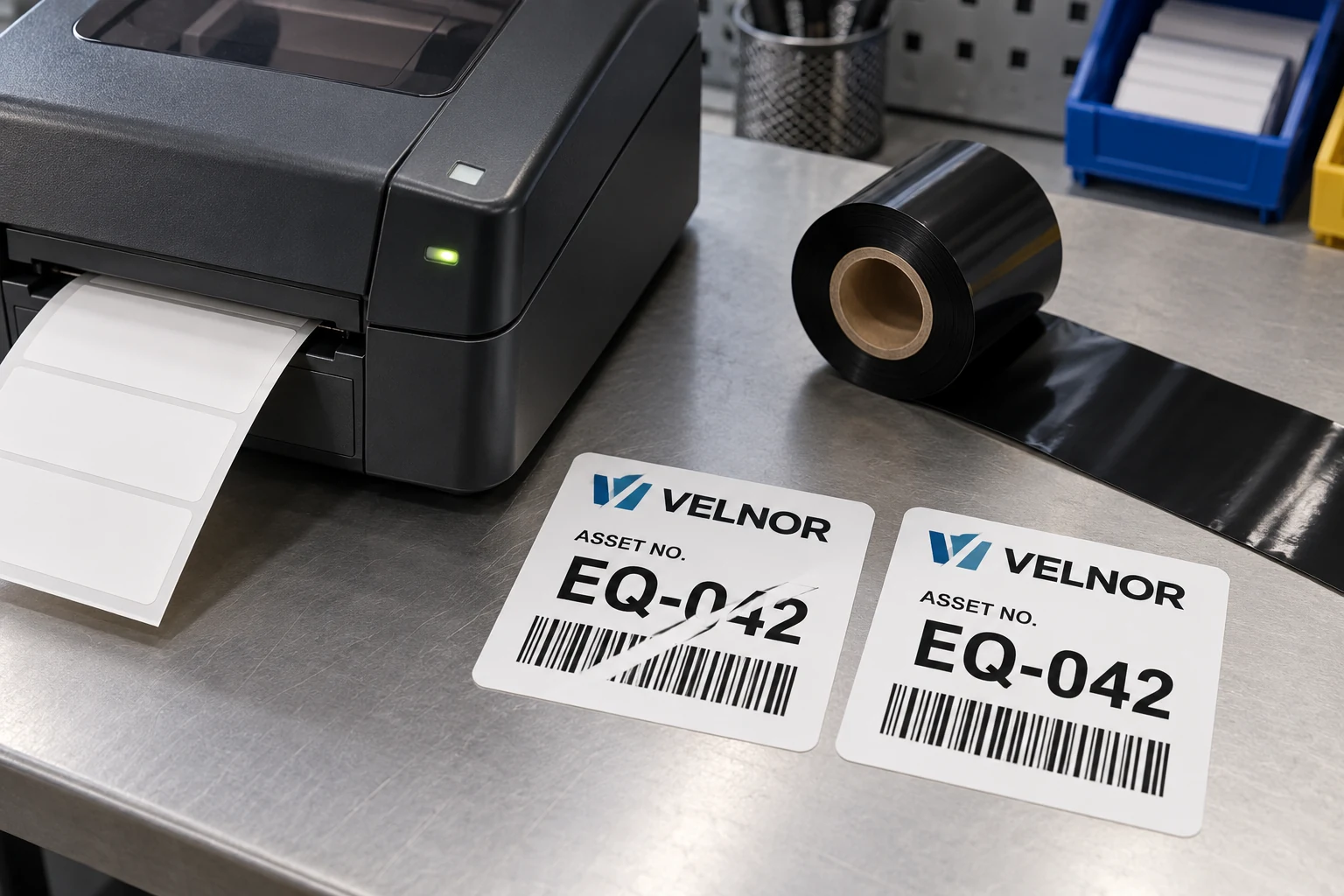
The equipment labels are coming out of the printer, but a pale diagonal band cuts through part of the ID. A second label looks normal. Purchasing is asked for a different ribbon; the operator wants to keep the line moving. Both decisions are premature until someone identifies which output is affected and what changed.
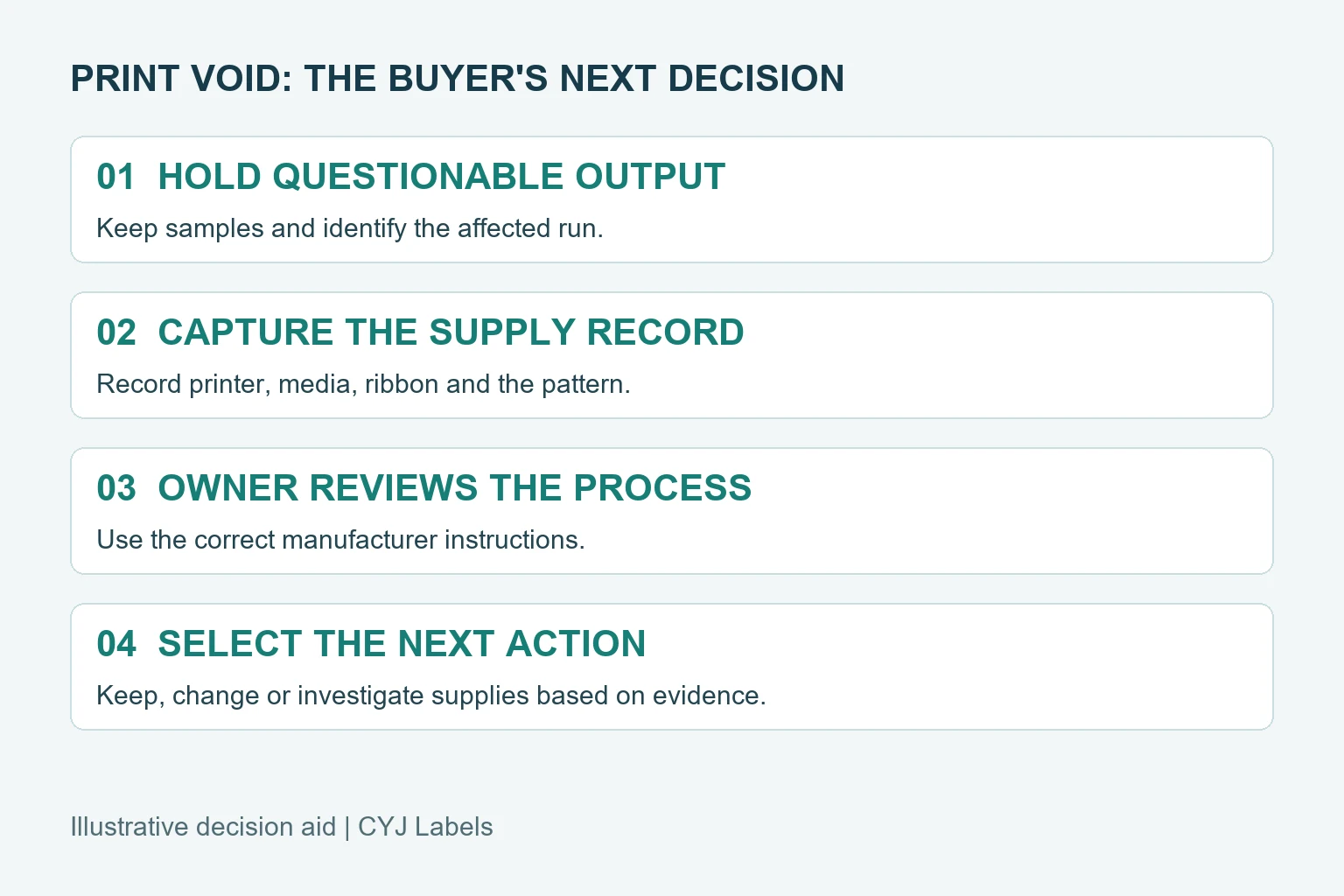
Hold the questionable labels for the site's review process, keep a representative sample, and give the equipment owner the printer model, media and ribbon references, and a description of the pattern. A void can have more than one cause. A new roll may help in a particular case, but the defect alone does not prove that the label stock or ribbon was supplied incorrectly.
Protect the identification record first
If a missing patch crosses a serial number or barcode, the immediate question is whether affected labels can be used under the site's acceptance process. A readable-looking number is not enough when the corresponding code carries different information; a successful scan on one phone is not necessarily the required barcode quality assessment. The quality owner should specify what checks are required and what happens to uncertain labels.
Record the job identifier, print time or label sequence, machine, and where affected labels might have gone. Do not assume that every item printed on the shift is defective, but do not assume a visibly good first label clears the whole roll either. Keep physical samples where the organization permits. If samples include sensitive customer data, follow the site's handling rules.
One useful distinction is whether the gap repeats in a similar location on every label, appears intermittently, or grows over a run. Those observations help frame the investigation; none is a diagnosis by itself.
Separate an output problem from an ordering problem
The existing ribbon coated-side guide addresses a supply-order compatibility decision. The ribbon selection guide compares formulation families against the intended label and use. Here, the purchasing question arises after printing has started: is there sufficient evidence to change the order, or should the existing approved combination remain in place while the equipment owner investigates?
For example, if the same approved supplies and a stable setup previously produced acceptable output, then a repeatable fault in the current run calls for an equipment-and-process investigation. A different brand of ribbon is not automatically the next experiment. Conversely, if the label stock or ribbon reference changed just before the fault appeared, compare the exact references and approved pairing. A change in timing is evidence to examine, not proof of causation.
Make a useful sample record
Keep this record with the actual output rather than relying on a description such as “bad print.” The values below are prompts for the responsible team, not a standardized diagnostic test.
| Record | What to capture | Why it helps |
|---|---|---|
| Printer | Model, configuration and location | The owner can consult instructions for the right device |
| Supplies | Label and ribbon item, lot or reference where available | The proposed order can be matched to what ran |
| Output | Representative good and affected labels, marked in sequence | Reviewers can compare the visible pattern |
| Timing | First observed point and any known changes | Helps narrow the review without assuming the cause |
| Information | Text or code affected and intended acceptance checks | Quality can decide what output is usable |
| Actions | Who changed what, when and with which result | Avoids losing the evidence during troubleshooting |
If a retained sample cannot be sent externally, photographs of the affected area and supply packaging may still help an initial discussion. A photograph cannot establish that a symbol will scan or that printed information meets a formal grade.
Give the machine owner a controlled comparison
Zebra's ZT200 ribbon troubleshooting guidance lists several possible contributors to ribbon wrinkles for specific printer models, including media wandering, ribbon tension and an unsuitable media-and-ribbon combination. That is a model-specific source, not proof that a diagonal mark in another facility was caused by a wrinkle. It also illustrates why changing several variables simultaneously makes the outcome harder to interpret.
The equipment owner should decide which manufacturer procedure applies and which actions are permitted. Avoid treating this article as authorization to adjust printhead pressure, tension or machine settings. If a controlled comparison is appropriate, document the reference supplies, the job and the settings before and after any authorized change. Retain the result whether it supports or contradicts the original suspicion.
A known-working reference roll can be useful, but it needs its own identity. An unmarked roll from a shelf is not a reliable reference simply because it printed once. If there is no traceable reference, mark that gap and ask what comparison the responsible owner can safely perform.
Choose a response that matches the evidence
Three outcomes can lead to different purchasing actions:
1. An equipment or setup issue is identified. Keep the approved supplies if the responsible team confirms that the corrected process produces acceptable output. Record the approved setup for subsequent shifts. 2. A supply mismatch is established. Resolve the exact stock, ribbon and equipment requirements with the responsible supplier and machine owner before approving an alternative. A broader formulation name alone does not establish equivalence. 3. The evidence is inconclusive. Continue containment and request the specific missing information. Buying a replacement immediately may be necessary under a site's contingency plan, but it should not be recorded as a confirmed root-cause fix without evidence.
Where variable IDs are not required at the point of use, a fully preprinted supply may be a practical alternative to local thermal-transfer printing. It changes the workflow and should be evaluated against data control, lead time and identification needs. It does not address a printer that remains necessary for other jobs.
Close the loop on the labels, not just the machine
When an authorized change is complete, the quality owner should decide how to review the affected interval, reconcile unused or rejected identifiers, and approve a restart. The printer may appear to operate normally while previously produced labels still need attention. Preserve the decision and sample references with the job record so a repeat event can be compared with this one.
For a label-supply discussion, prepare the printer model, label and ribbon references, finished label size, affected output photo, intended variable data and quantity. Use the contact and requirements page to organize those details, then send supporting information through the listed email or WhatsApp route. For the label application, see industrial barcode and QR labels.