Changing a Tire Case Quantity? Review the Case GTIN Before Reprinting
Published

The tire size stays the same. The standard case quantity changes. Someone updates the large quantity field on the case label and leaves the old barcode in place because the tires themselves have not changed.
That needs a packaging-identity review before artwork release. A predefined case can have an identity distinct from the individual product and from a particular shipment. Its approved contents and quantity must remain connected to the identifier printed for that packaging level.
Have the responsible identifier owner approve the changed configuration and resulting data. Do not treat the change as a graphic correction, and do not ask the label printer to invent a replacement GTIN. This guide concerns a defined case trade item in an applicable identification workflow, not every loose group of tires.
Establish which object changed
Record the individual product, the defined case configuration and the logistics unit separately. A tire product can remain unchanged while the case containing it changes. A particular shipment can also change without becoming a new predefined trade-item case.
The tire-versus-carton label guide explains those object and scan-point distinctions. This decision comes after that map: the buyer already knows which case is identified, and must decide what a change to its approved contents means for its data.
Ask whether the changed grouping is priced, ordered or managed as a defined case in the buyer's actual scheme. Obtain the trading-partner requirements and the identifier owner's classification. A familiar carton shape does not establish the business identity of its contents.
Give the identifier owner the old and new configurations
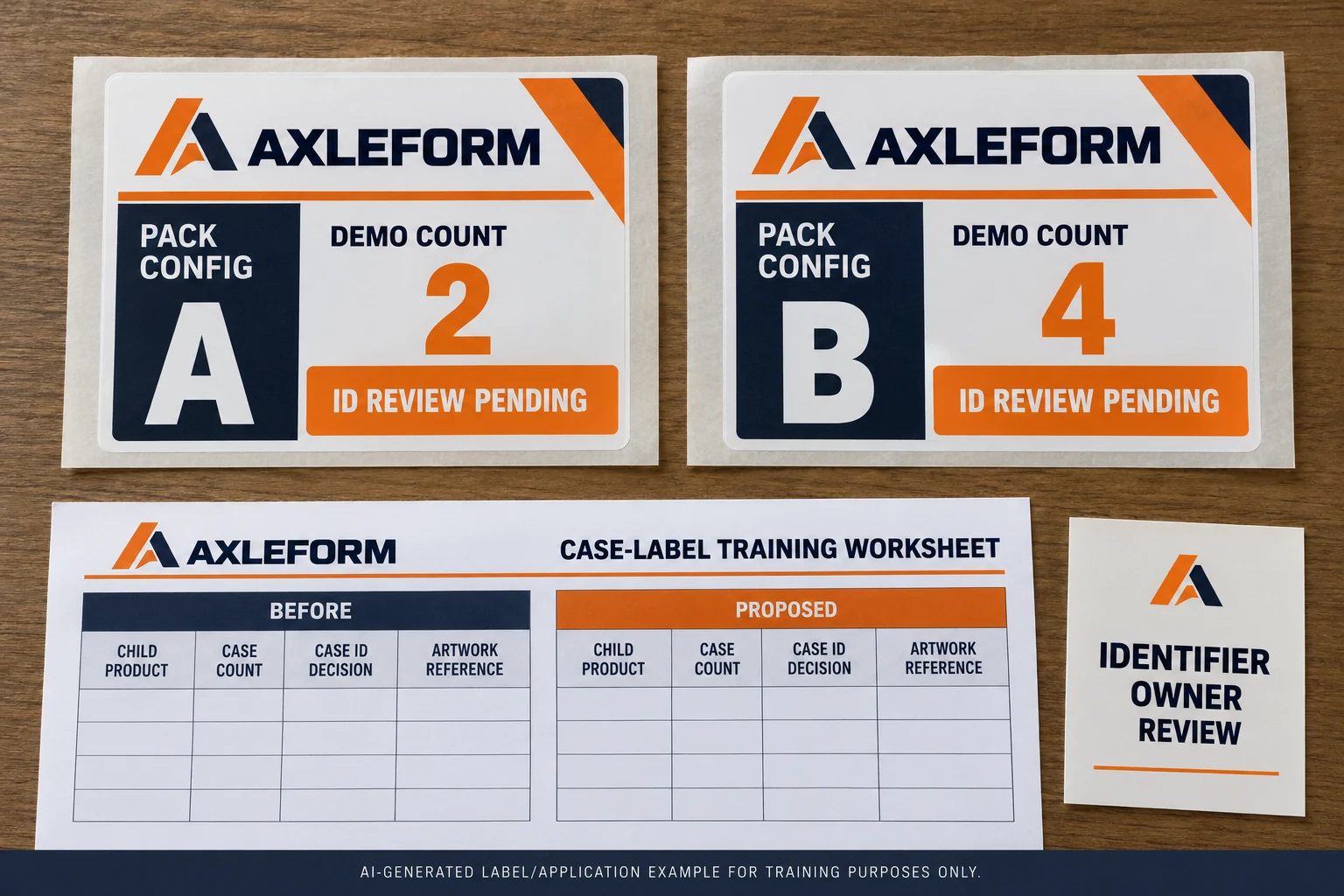
Use a before-and-after record rather than an instruction to change the printed quantity. Include the child product reference, quantity, packaging level and current case identifier. State what remains unchanged and who requested the new configuration.
GS1 US's shipping-case workflow links a case to its product contents and quantity. It explains that once the case is In Use, a later change to its product or quantity requires a new case and GTIN. That is specific support for reviewing the defined case record, not permission to alter an identifier from its visible digits.
Keep the owner's approved disposition with the artwork request. This article does not generate GTINs, prescribe an arbitrary new number or say that the individual tire GTIN changes merely because its higher-level case quantity changes.
Keep the comparison small enough to audit
A practical configuration record should let a reviewer trace the old case, the proposed case and the two approved references without interpreting a long email chain:
| Record | Before the change | Proposed configuration |
|---|---|---|
| Child product | Approved tire/product reference | Confirm retained or changed |
| Defined quantity | Current approved case count | New requested case count |
| Case identity | Current owner-controlled reference | Owner's approved disposition |
| Label and data | Released case artwork and record | Matching approved replacement references |
| Transition | Existing stock and records affected | Owner-approved implementation plan |
If the child product changes too, identify that separately. A record saying only new case quantity can hide more than one decision. The owner should not have to infer the scope from a photograph of a sealed carton.
The table contains no universal packing quantity or recommendation for physically packing tires. The actual package and handling arrangement must suit the product and be approved through the buyer's process.
Update the business record as well as the picture
Once the owner approves the resulting case identity, connect it to the corresponding product and quantity in the receiving workflow. The designer needs the approved data, required carrier and readable text. The trading partner needs the correct case record through its agreed process.
Review a final-size printed sample against that source. Check the readable quantity, case identity and decoded payload with the responsible system owner. A successful decode does not prove that the receiving application interprets the contents correctly.
Do not keep an old barcode merely because it is already a clean graphic. Conversely, do not regenerate the symbol from a new number proposed by a designer. Assignment and rendering are separate tasks, and the accountable data owner should control the first.
Distinguish a changed case from a changed shipment
A one-off mixed load is a different question from changing a predefined case configuration. The mixed tire pallet guide covers logistics identity and contents linkage. Do not solve that workflow by borrowing one case GTIN and pretending that it describes any combination placed under wrap.
Likewise, sending fewer unchanged cases does not, by itself, say that each case's defined product quantity changed. Identify the level at which the change occurred. Keep the number of shipment units separate from the number of tires defined within one case.
This distinction can prevent unnecessary reprinting as well as incorrect reuse. If the approved case configuration remains the same, the owner can evaluate the actual shipment change without inventing an unrelated case-content revision. The article does not decide that outcome from order quantity alone.
Plan the transition while old labels still exist
Identify old case labels, completed packages and records that may remain in circulation. Have the responsible owner decide their permitted use or other disposition and how the new configuration will be distinguished. A new artwork file does not automatically remove older physical stock.
Keep quantities by label version in the purchase brief. Receiving and packing should be able to identify the intended case configuration without comparing tiny artwork details. State which versions are covered by the approval and which remain on hold.
For tire barcode labels, I would attach the owner-approved case configuration to the artwork release. That makes the quantity change a defined data decision instead of an isolated edit to a large numeral.
Changing a predefined case? Prepare a case-label change brief with the old and proposed contents records, approved identifier disposition, required readable and encoded fields, artwork revisions, package photos, dimensions and label quantities by version. Organize the requirements on the contact page, then send supporting references through the existing email or WhatsApp path for a project-specific discussion.