Tire Label CSV Imports: Keep Commas Inside the Right Record
Published
The spreadsheet looks right. The model is ROAD, TOUR, the size is in its own column, and purchasing has approved the quantity. Then the print supplier imports the CSV and the comma becomes a field separator. The file still opens. The resulting label may even look tidy. It is simply showing the wrong information in the right-looking boxes.
For a tire label order, approve the parsed records in the actual import workflow, followed by representative printed labels. A screenshot of the source spreadsheet cannot establish how the recipient reads its exported file. If the agreed importer cannot preserve a model name or an intentional line break, settle a supported transfer format before releasing the run.
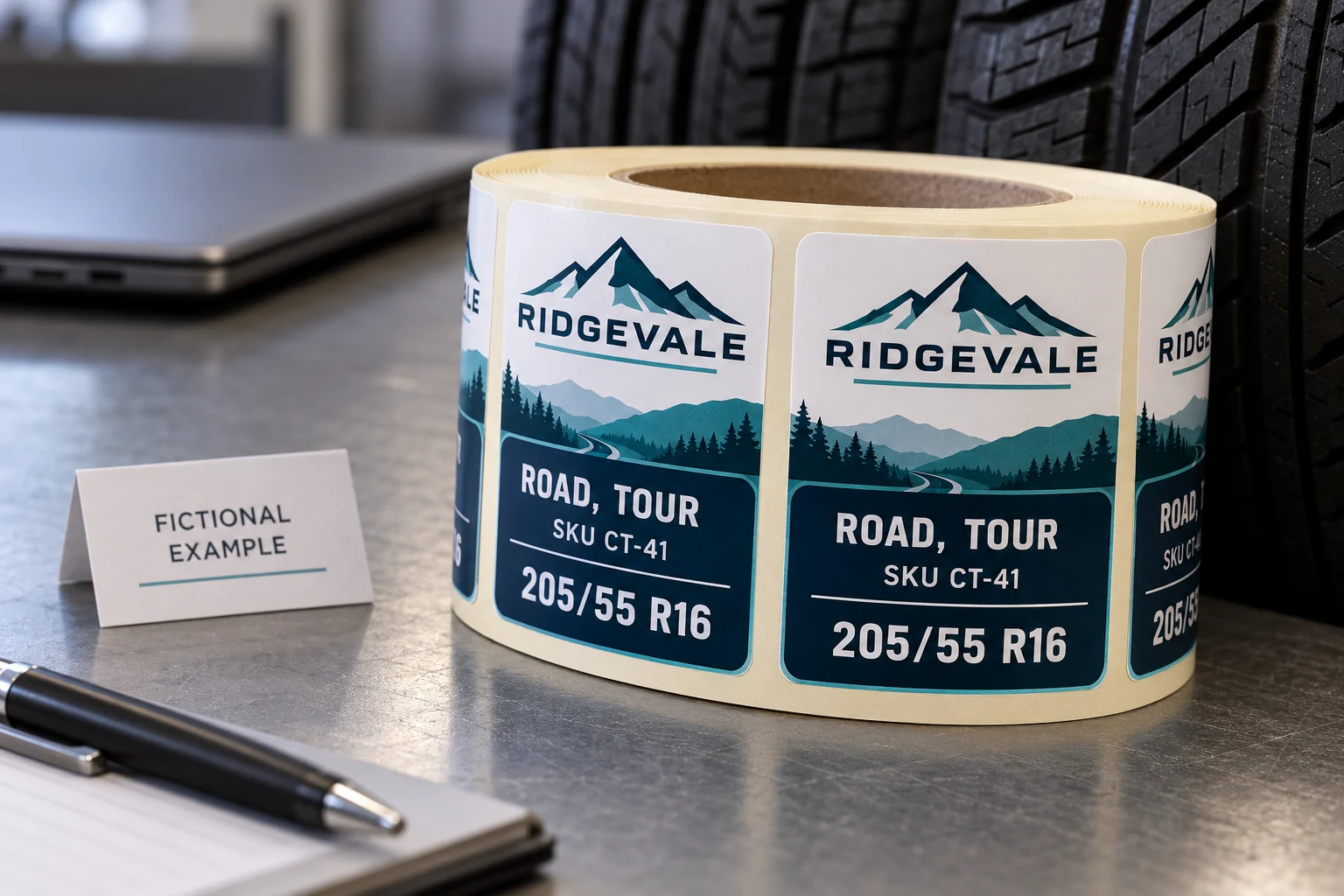
A comma in a model name is data
CSV uses separators to distinguish fields, but a separator can also be part of a field's content. A product description might contain a comma. A note might include quotation marks. An intentionally multiline description might occupy several physical text lines while still belonging to one logical record. Counting visible lines in a text editor therefore does not necessarily count labels, SKUs or import records.
RFC 4180 describes a common CSV representation, including quoting fields containing commas or line breaks and doubling a quotation mark within a quoted field. It is an informational document, and implementations differ. Treat that description as a useful starting point for an agreement with the recipient, rather than proof that every label application imports every CSV identically.
The practical question is narrow: after this file passes through this importer, which characters are in each named field? Ask prepress to show field names alongside values. An unlabeled preview can conceal a shift, especially when two neighboring fields both contain plausible short codes.
This check is separate from preserving a leading zero or choosing which program generates the labels. Those problems also matter, but they do not tell you whether a comma split a description into two fields.
Build the exception set before a full order
Use a small, approved set of representative records from the intended layout. Include the awkward values that the order genuinely contains, rather than testing only the neatest SKU. Where actual data is not ready, mark the test set as illustrative and replace it with approved production values before release.
The following is a fictional acceptance record. It shows expected parsed values, not a universal CSV file or a software configuration.
| Check | Expected result in the importer | What the owner reviews |
|---|---|---|
| Model containing a comma | ROAD, TOUR remains one MODEL value | No extra column appears; SIZE stays 205/55 R16 |
| Description containing quotation marks | The approved marks remain part of the description | No missing text or stray quoting characters |
| Approved multiline text | One logical record with the intended text content | No additional SKU or unintended label record |
| Plain record next to an exception | Its fields remain unchanged | A fix for one row has not shifted following rows |
| Blank optional description | The intended field is blank | Later values do not slide into its position |
Keep the record identifier visible in both the source and review output. A reviewer should be able to say that CT-41 was checked against CT-41, rather than comparing two similar-looking pictures from different rows. Do not add extra production copies just to exercise the parser; the test set and order quantities need separate approval.
Compare parsed records, then print
Ask the recipient to import the delivered file using the workflow intended for the job. Record the separator, quotation handling, header mapping and treatment of embedded line breaks. Do not prescribe a menu path from unrelated software: the receiving operator should identify the settings actually available in that application.
Review the parsed table first. Confirm that every expected column is present and that the exception records remain distinct. Then compare the actual label preview with the same records. Finally, inspect a representative physical proof at the approved dimensions. A correct parsed field can still be truncated by a text box, wrapped into an unsuitable position, or obscured by another design element.
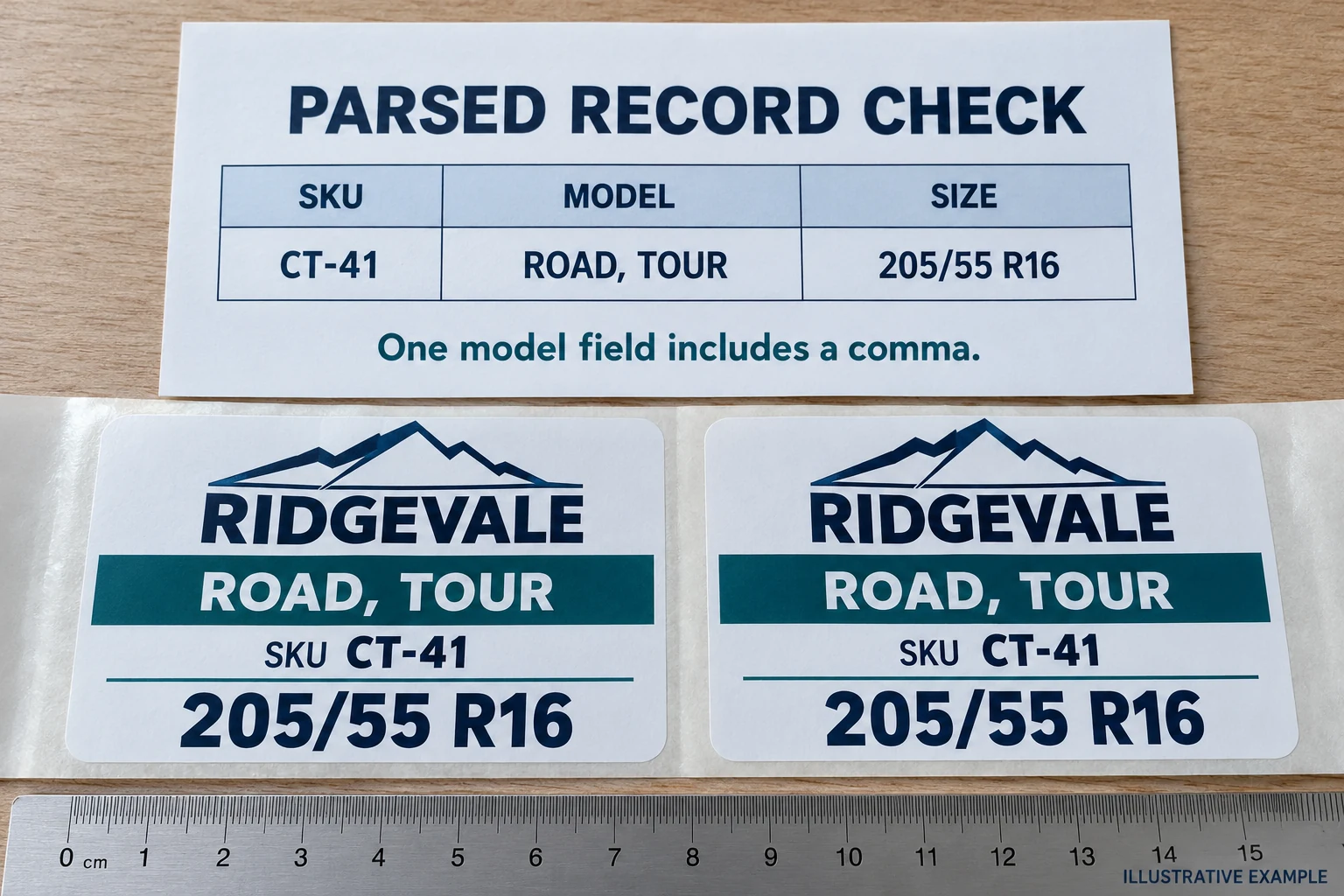
The data owner approves the intended values. The print operator confirms the import and layout behavior. Purchasing releases the defined file and proof revision after those checks. Combining these decisions into a single “looks fine” reply makes later discrepancies harder to resolve.
When the problem is a value losing its original form, use the separate CSV leading-zero review. When the file is intact but responsibility between systems is unclear, the tire label data-file versus software guide addresses that handoff. Neither check replaces examining the exception records here.
When another file format wins
A CSV is useful when both parties agree on its interpretation and can inspect the imported result. It becomes a poor economy when the recipient's importer silently drops required multiline content or cannot keep quoted fields intact. Repeatedly editing the model name to make the file appear simpler can change approved product information without resolving the transfer problem.
In that situation, an agreed structured workbook or another supported exchange format may be the better choice. Confirm which sheet, columns and values the supplier will consume, and repeat the same exception-record comparison. A different extension does not make the proof unnecessary. Where a line break has no approved meaning, the content owner may instead authorize a single-line description; the operator should not make that editorial decision alone.
A correction to the export or import settings can also be sufficient. There is no reason to redesign the physical label if the construction and layout are already suitable and only the data handoff is wrong.
Release the importer settings with the proof
Keep the delivered file, approved exception set, mapping output and physical proof reference together. Identify the exact revisions used. If the supplier changes the import workflow or the buyer adds a new type of field content, reopen the relevant checks rather than assuming a previous plain-text example covers the change.
For a custom tire label enquiry, prepare the label dimensions, approved artwork, a representative data sample including troublesome characters, the intended field mapping, quantity per SKU and roll requirements. Use Prepare My Requirements on the contact page and its email or WhatsApp path to discuss that brief. The useful deliverable is an agreed import-and-proof check that both sides can reproduce.