Microsoft: Keeping Leading Zeros and Large Numbers
Official guidance on Excel automatic conversion and importing identifier columns as text.
View detailsResource Guide
An ID such as AS-0042 is not the number 42 wearing decoration. It is a string that may need to match a database, a printed tag and a scanner response character for character. That difference becomes expensive when a CSV is reopened as numbers.
Published 2026-10-08
Digital proof before production. Material and adhesive options are discussed according to your application requirements.
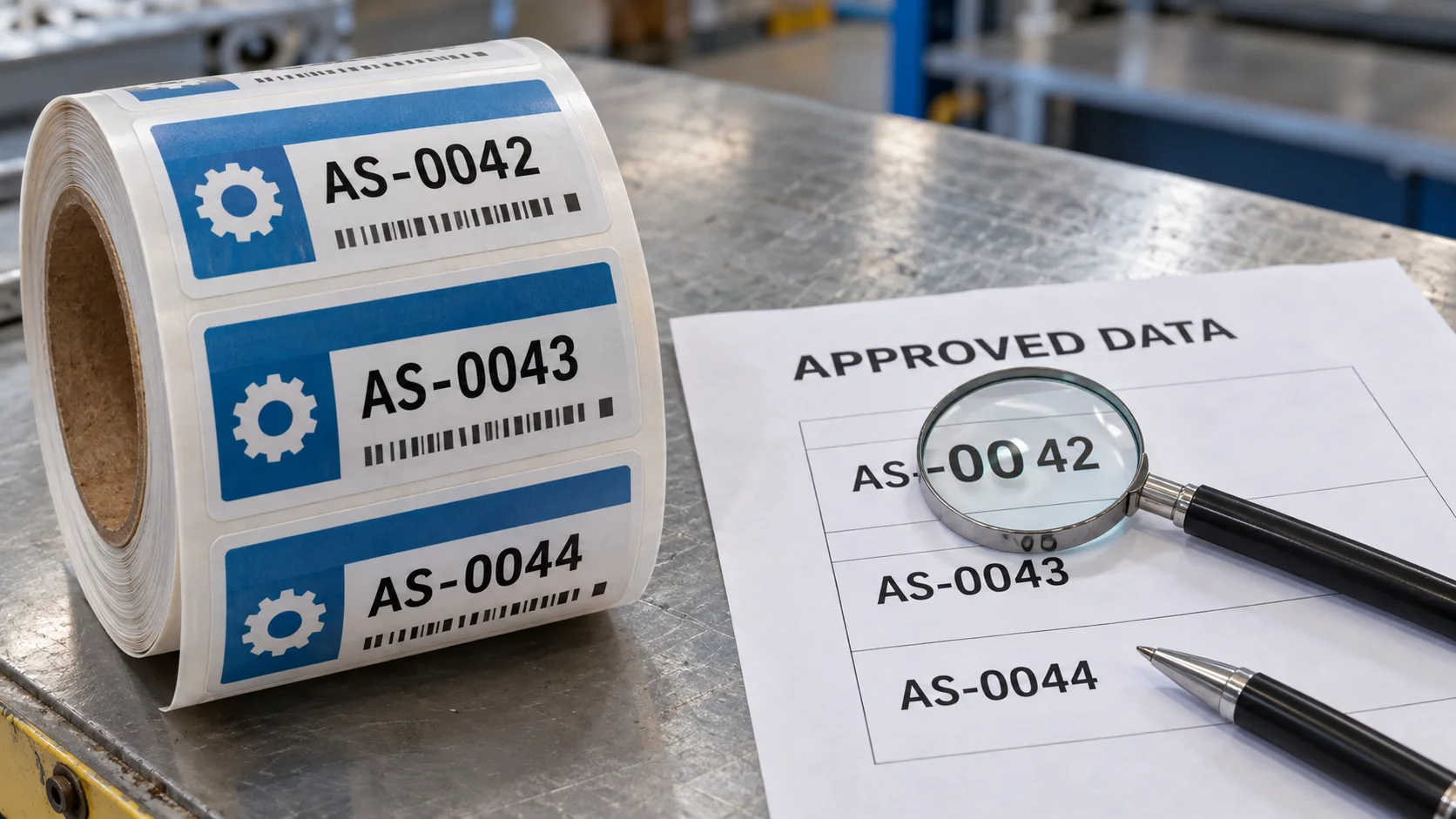
Define the approved serial field as a text value and preserve its width, prefix, separators and leading zeros from source system to print file. Microsoft documents that Excel can remove leading zeros during automatic numerical conversion; it recommends text import controls when the original characters must be retained. This is a data-handling issue, not an adhesive or printer-quality issue.
Official guidance on Excel automatic conversion and importing identifier columns as text.
View detailsPicture a fictional maintenance team reserving AS-0042 through AS-0044. A colleague opens the CSV in a spreadsheet, sees 42, 43 and 44 in a column, then saves the file. The artwork preview may still show a prefixed AS-, but the print rule no longer knows the agreed four-digit width. This is an illustrative example, not a real CYJ print incident. If the warehouse system expects AS-0042 and receives AS-42, a tag can be perfectly printed and still fail the lookup.
A spreadsheet cell format can make 42 look like 0042 on screen while the underlying value remains 42. That may be fine for a controlled export rule, but it is not proof that the CSV sent to a printer contains four characters. Inspect the raw exported file as text, agree whether the prefix is part of the data or artwork, and compare the full encoded value with the human-readable line. The buyer must approve the exact field contract; printers should not silently pad, trim or reinterpret it.
Before releasing production, request a sample of the first, middle and last approved IDs, plus a row with any nonstandard prefix or separator. Verify total record count, uniqueness rule and whether any reserved or void IDs are excluded. Inspect the printed human text and scan result against the original source, not just against the intermediary spreadsheet. A successful scan proves only that a symbol decodes; it does not prove the ID exists in the right asset register.
An internal asset ID is not automatically a GS1 GTIN. GS1 data formats can have their own exact-length and leading-zero rules, which differ by carrier and exchange syntax. If a buyer requires GS1 or a customer-specific standard, provide that specification rather than applying the generic AS-0042 example. The important purchase decision is to name the data standard and its owner before asking a supplier to generate symbols.
Primary reference showing that leading-zero handling depends on the specified GS1 format.
View detailsSupply the raw UTF-8 CSV or approved export, field names, exact sample IDs, number width, prefix rules, encoded-value rule, duplicate and void policy, count per roll, artwork, material and application surface. Ask the supplier to return a proof with visible first, middle and last values and to state what file was actually used. That gives procurement a checkable deliverable rather than a promise that the software will “keep the zeros.”
FAQ
Only if an approved rule explicitly defines the width and source value. Do not infer missing characters from a converted spreadsheet.
No. Compare the decoded string and printed text with the approved source ID and receiving-system lookup.