Tire Label Sheets: Why the First Row Fits and the Last Does Not
Published
The first tire label on the sheet looks right. By the last row, the variable print is crossing the cut line. Moving the whole design upward improves the bottom and spoils the top. The buyer keeps requesting artwork adjustments, but nobody has established whether the problem is the starting position, the repeated spacing or the way the sheet travels.
Review the complete printed array against the actual die-cut sheet. A constant offset can be corrected differently from an error that accumulates by row. Before changing individual labels, confirm page scale, sheet identity and the repeated horizontal and vertical spacing. One acceptable corner is not approval of the sheet.
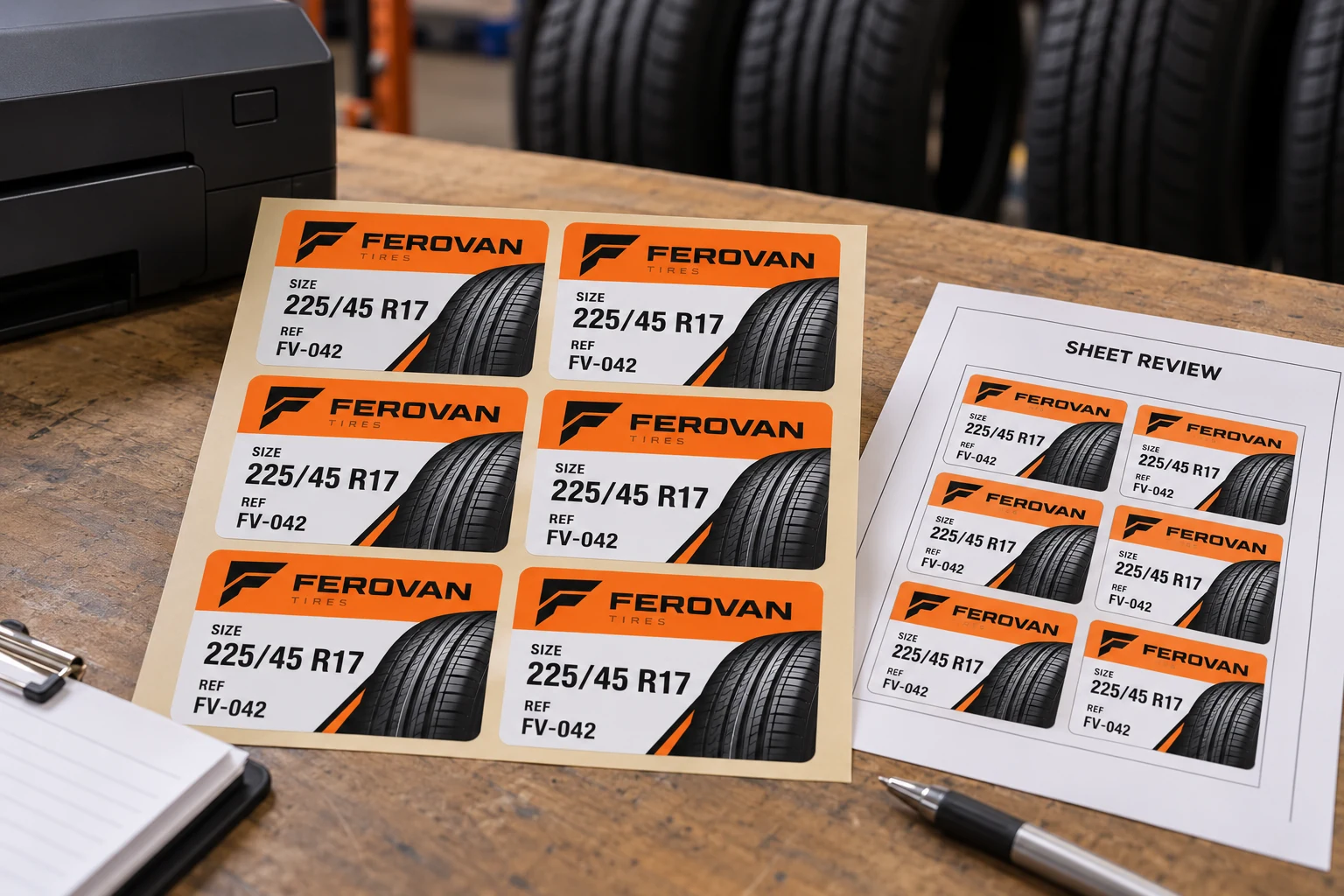
Identify the sheet before selecting a template
Two sheets can have the same label width and height yet use different margins, gaps or row counts. A template described only as six labels per page is incomplete. Request the actual sheet drawing or a template explicitly linked to the supplied sheet item and revision.
Record sheet dimensions, label dimensions, top and side margins, horizontal and vertical pitch, and the number of positions. Pitch means the distance from one corresponding label position to the next, not simply the open gap. Keep the feed edge visible on the drawing so the reviewer does not rotate an apparently symmetrical sheet without noticing.
The roll-versus-sheet guide helps choose a handling format. This check applies after a sheet has been selected for a compatible on-site printing process. It does not establish that any tire-label construction can pass through an office printer.
Rule out page scaling without stopping at page scaling
Avery's printing guidance recommends checking page settings and a plain-paper alignment proof for its own products. Its UK page discusses A4, which must not be copied as a universal instruction for a US Letter or custom sheet. The relevant principle is to match the actual product, template and print setup.
The actual-size proof guide explains why automatic fit-to-page output can mislead a dimensional review. Complete that check first. Then inspect the repeated positions: correct overall scale does not prove that a custom template has the correct pitch or margins.
Use a plain-paper witness with identifiable row and column positions. Compare it with the die-cut sheet through a suitable non-destructive viewing method. This is a geometry check, not an adhesion or media-processing approval. Use the printer and media supplier's instructions before feeding the final stock.
Read the pattern of the error
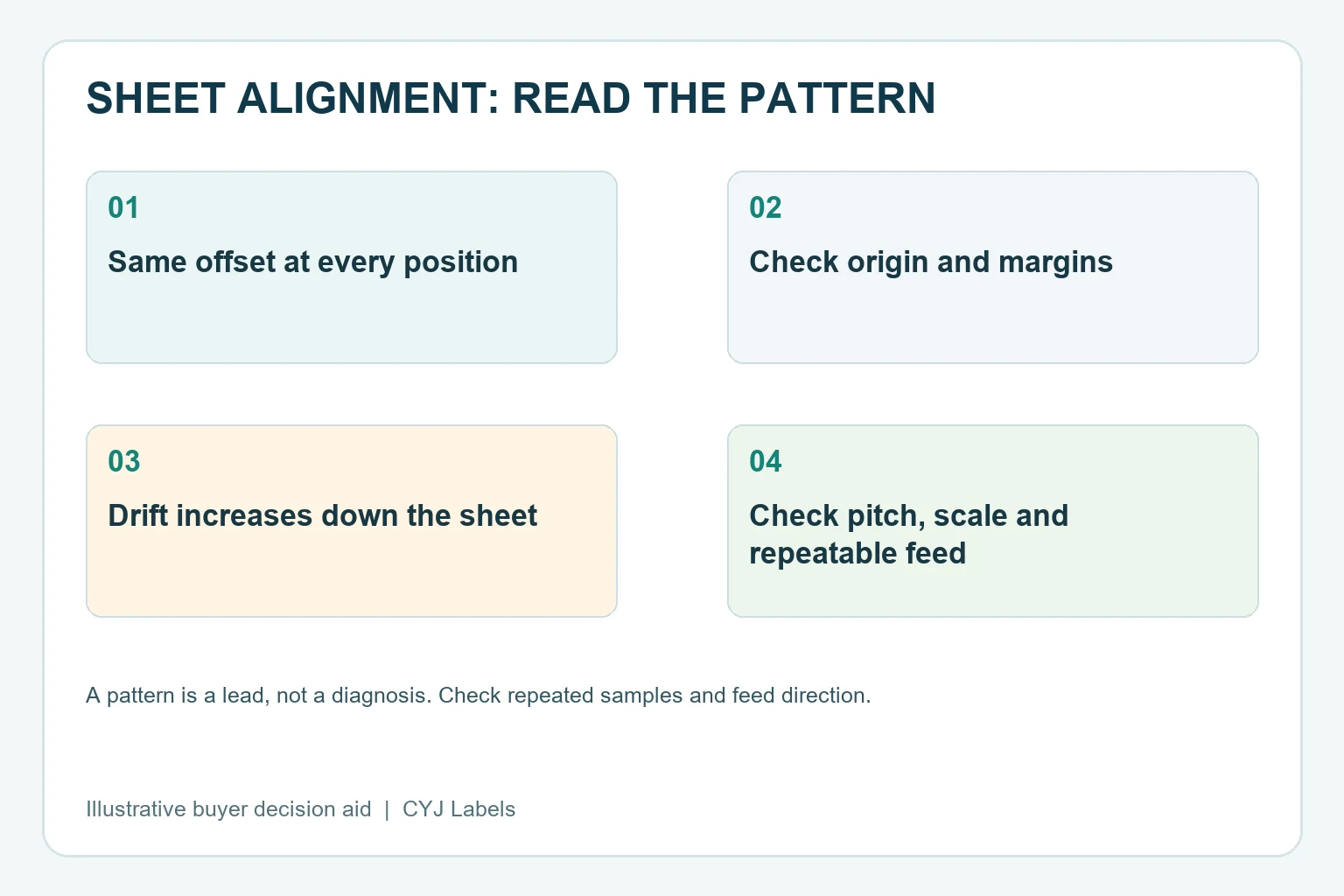
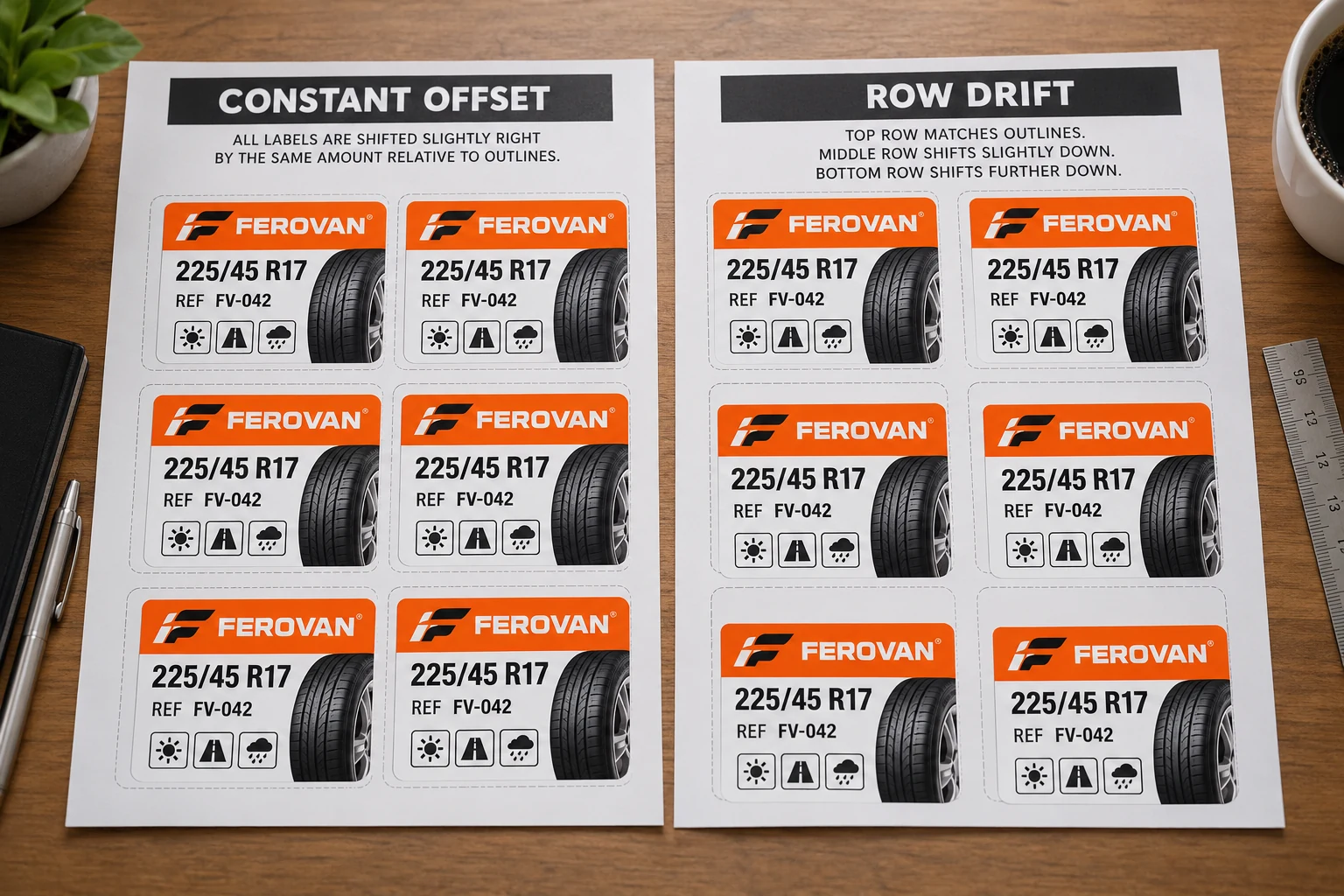
If every position is displaced by roughly the same amount and direction, investigate the common origin or margin. If displacement grows progressively down the sheet, investigate vertical pitch, scaling and repeatable feed effects. If a whole sheet appears angled, investigate orientation and feeding with the device owner.
These are diagnostic leads, not automatic root-cause conclusions. For example, a pattern that looks like pitch drift on one print may vary on the next because the feed behavior is inconsistent. Keep more than one witness when repeatability is part of the unresolved question.
Do not compensate by nudging every lower label independently before understanding the mechanism. That can create a template which happens to suit one output sample but fails on the next sheet or another printer. A stable correction should have an identifiable reason and remain connected to the approved geometry.
| Position | Horizontal displacement | Vertical displacement | Observation |
|---|---|---|---|
| Top left, center, right | Record against the same reference | Record against the same reference | Starting alignment across the sheet |
| Middle left, center, right | Record measured direction and amount | Record measured direction and amount | Growth or skew becoming visible |
| Bottom left, center, right | Record measured direction and amount | Record measured direction and amount | Final extent of the pattern |
| Repeat witness | Use the same method | Use the same method | Does the pattern repeat? |
The table is a proposed nine-position review, not a universal inspection standard. If the sheet has fewer positions, use the available extremes and intermediate locations. The drawing owner must define the acceptance criteria; this article does not invent a tolerance.
Protect the information inside each position
Once the array is aligned, check the longest approved model name, required tire information and any code at the extreme sheet positions. An empty rectangular outline is useful for geometry, but the real content may have less clearance than that outline suggests.
Use approved witness data and preserve the source revision. Confirm which row supplies each printed position and how the intended software fills the sheet. A geometrically correct array can still contain the wrong tire SKU or an unexpected copy count. Keep those data observations distinct from the registration measurements.
Do not use an AI illustration's code as a print test. For final codes, use the approved generated symbol and the actual reading workflow. If formal verification is required by the project, retain that requirement after any template adjustment rather than treating visual alignment as a substitute.
Compare the practical alternatives
If the template is wrong and the supplied sheet is consistent with its approved drawing, correct the template under revision control. Buying a different sheet merely to match an accidental layout can make reorders harder to manage.
If the intended device cannot handle the required sheet or maintain the necessary registration, preprinted supply may be preferable. A qualified roll-printing route is another option where it suits the job. Compare the actual workflow and changing-data needs rather than assuming that using an existing office printer must be cheaper.
For custom tire labels, prepare a sheet-registration brief with the sheet drawing, feed edge, template revision, printer details, full-sheet witness photos, required data and quantities by SKU. Use the contact page to organize the information and send files through email or WhatsApp. Keep the first and last rows in the same photograph: that difference is the reason for the review.