Asset Label Data Handoff: Send the Print Fields, Not the Whole Register
Published
The asset register already has every machine on the order, so sending the workbook seems convenient. The print columns are visible; purchase costs, internal notes and other working information are hidden. But hiding a column changes the view, not necessarily the contents of the file the supplier receives.
For a label order, approve a separate print export containing the fields the supplier actually needs. Inspect that delivered file as well as the printed proof. The register remains the internal source; the export becomes an identified, limited production input. Where real identifiers are not yet approved for release, start the layout discussion with clearly marked synthetic examples.
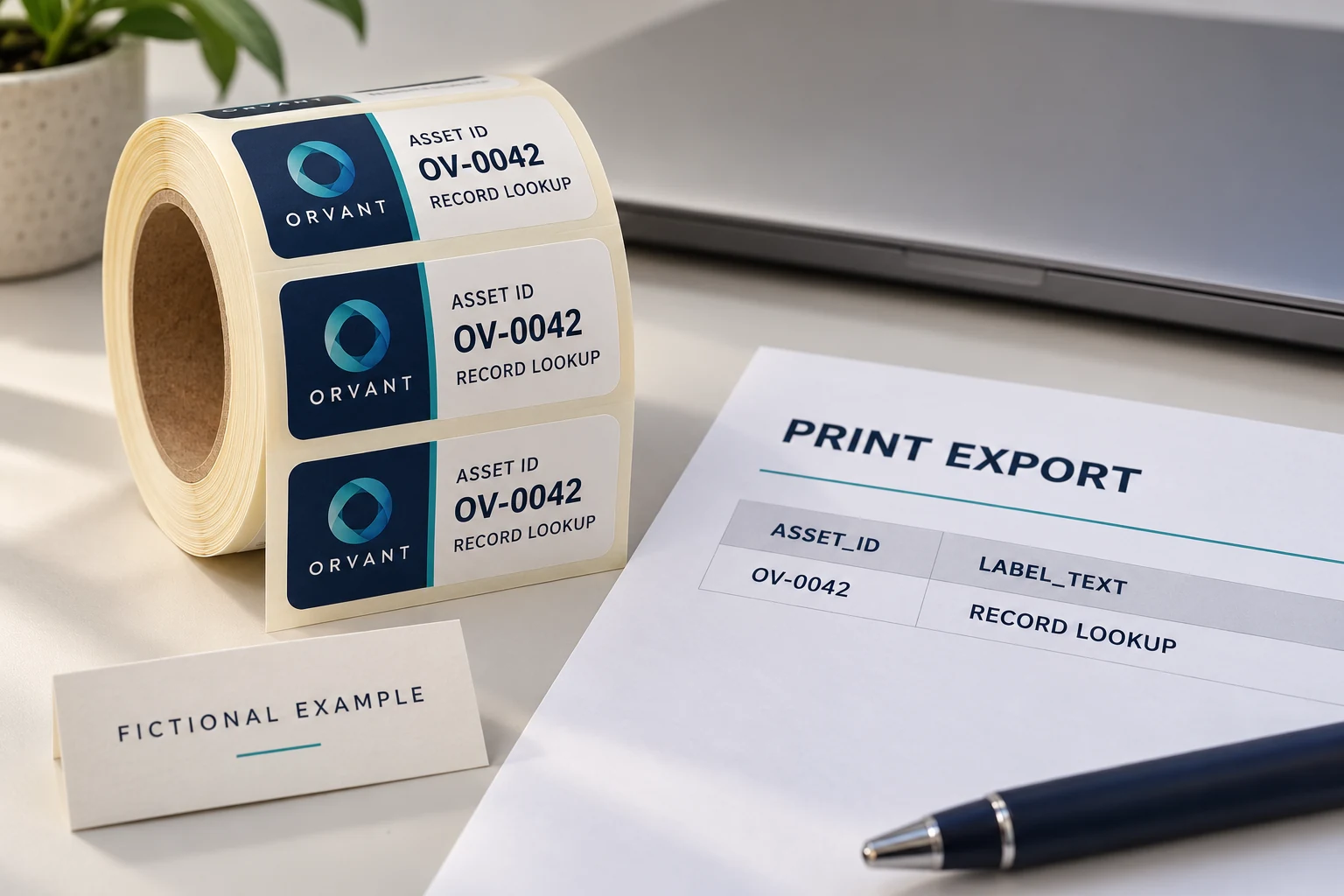
Name every field the printer needs
Begin with the label specification. Which values appear as readable text? Which values, if any, are encoded? Which field selects the artwork version, quantity or pack sequence? These are legitimate print inputs when the agreed workflow needs them. A field that does not appear on the label may still be necessary for production control, but its purpose should be explicit.
Then compare those needs with the working register. Internal maintenance comments, financial values, staff details and unrelated attachments should not accompany a print job merely because they share a workbook with asset IDs. The register owner decides what may be released. The supplier confirms whether the proposed fields are sufficient to reproduce the approved label and organize the order.
The following is an illustrative field review. It is a starting point for discussion, not a universal asset-data schema or an instruction to remove fields from the live register.
| Proposed field | Print purpose | Release question |
|---|---|---|
| ASSET_ID | Approved visible identifier | Does the exact text match the owner-approved source? |
| LABEL_TEXT | Approved readable description | Is this information intended to appear on the item? |
| ENCODED_VALUE, if used | Approved barcode or QR payload | Is the value approved for print and supplier handling? |
| ARTWORK_REF | Select the correct layout | Is the reference clear without sending unrelated files? |
| COPY_COUNT, if used | Define repeated copies | Is the quantity rule separate from the identifier? |
| Internal register fields | No agreed print purpose | Can they remain entirely in the internal source? |
Do not make the supplier infer the print specification from every column that happens to be available. A short field map is easier to approve than a large file containing several possible descriptions and old working codes.
Create an export rather than a hidden view
Work from an authorized copy or controlled export process. Keep the original register intact. Create a new file containing the approved fields and the records needed for the defined order. Do not assume that filtered-out rows, hidden sheets or a tidy opening view have been removed from a workbook.
Microsoft's document-inspection guidance explains that Office files can contain hidden content and personal information. Its Excel guidance includes hidden rows, columns and worksheets, and it describes limits to what inspection can remove. Use an appropriate copy for review: some removal actions cannot readily be reversed. An inspection result is not a general guarantee about every possible disclosure.
For the print handoff, the useful question is what is actually in the final file. If a new workbook is used, confirm its worksheets and contents rather than only its first visible tab. If CSV is agreed, inspect its actual exported values and confirm the recipient's interpretation. A simpler file still needs review.
Inspect the actual delivery file
Have the register owner or designated reviewer open the exact file intended for the supplier. Compare its columns with the approved field list and its records with the released order scope. Check that excluded internal information is absent rather than merely out of sight.
Also check that producing a smaller file has not damaged the data that remains. An identifier must retain its approved characters. The CSV leading-zero guide addresses that separate integrity check. Reducing the field set is not permission to shorten an ID, replace a value with a display format, or invent missing characters.
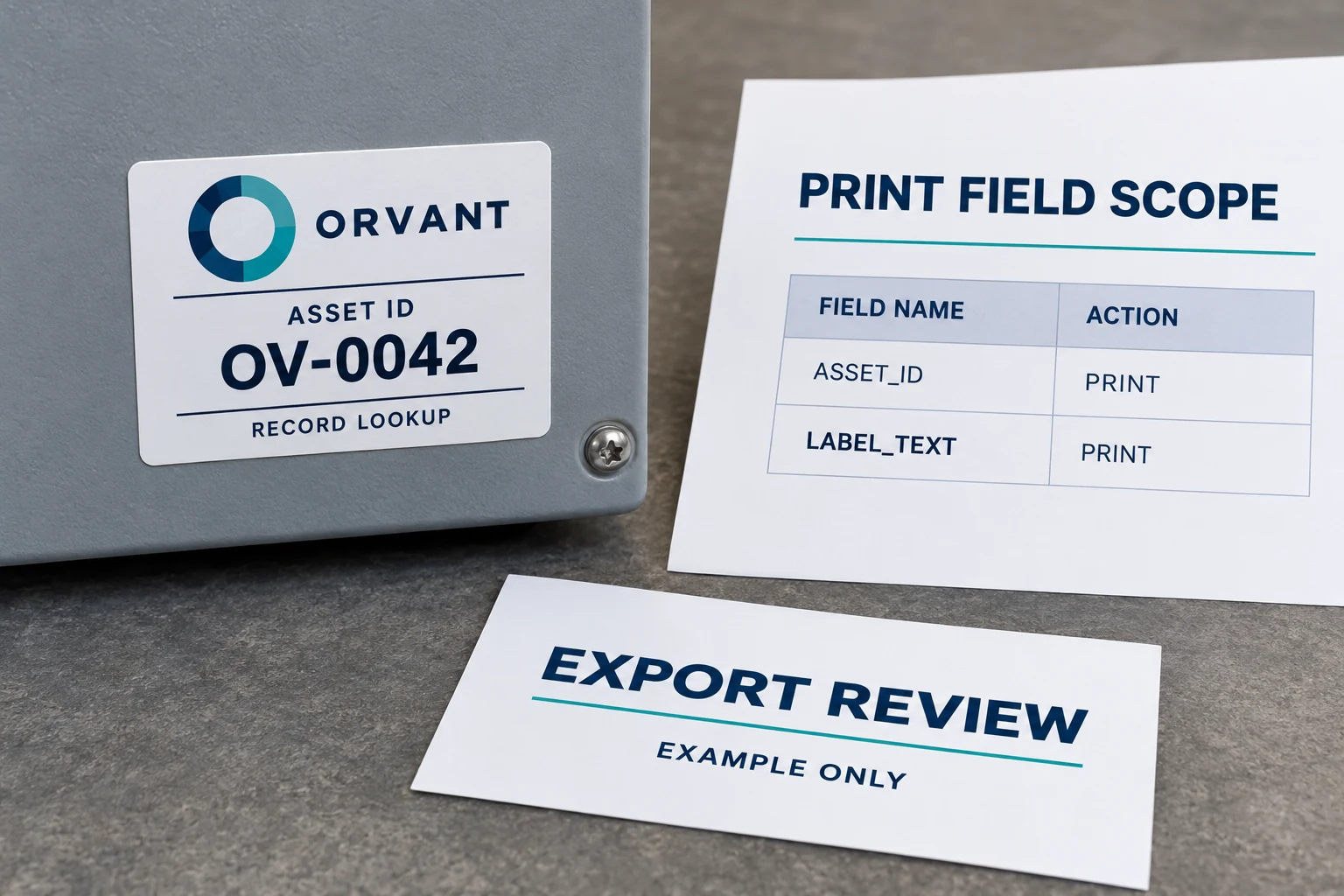
Record the reviewed file name and revision so purchasing knows which attachment is approved. A reviewer who checks an early draft has not automatically checked a later file rebuilt from the master register. If the export is regenerated, compare it again under the applicable release process.
When uncertainty concerns whether information may be shared, refer that question to the appropriate information owner. The label supplier can explain print needs; it should not decide the buyer's internal disclosure policy.
Keep the proof useful with less data
A synthetic layout file can establish the planned field positions, typical text lengths and example records before the actual production data is ready. Mark it clearly and ensure it cannot be mistaken for a production release. Select representative long and unusual values, rather than making the design look successful with only short, tidy text.
Once real production values are approved for the agreed handoff, review representative records against that approved export and the intended label. The synthetic proof does not establish that the real source values are correct. Keep the layout approval and actual data release connected but separately identifiable.
Where the organization cannot release real identifiers to an external printer, discuss an appropriate internal or controlled printing workflow with the responsible owners. That may preserve external production of fixed artwork while assigning variable printing elsewhere, if technically feasible. It is a different workflow to evaluate, not a reason to send a confidential register to make a quotation easier.
Printed access is another boundary. A short export can still contain a QR payload that exposes something unsuitable when scanned. Use the separate public QR and private-record guide for that question. Limiting the supplier's file does not determine what the finished label reveals to users.
Release one identified file
Keep the approved field list, final export reference, artwork reference and proof decision together. Agree which file the supplier will use and how a superseded revision is withdrawn from the job. Avoid sending a replacement attachment without saying whether it supersedes the earlier one.
If additional data is requested, ask which production decision requires it. Sometimes a missing artwork reference or quantity rule is genuinely needed. Sometimes a synthetic example answers the preliminary question. Review the scope of that addition instead of treating the original full register as the default response.
For an asset and serial-number label enquiry, prepare a non-sensitive example of the approved print fields, the intended readable and encoded values, label dimensions, surface photographs, quantity and delivery sequence. Use Prepare My Requirements on the contact page and its email or WhatsApp path to discuss the brief. Begin with the information needed to define the label; release actual production data through the process its owner approves.